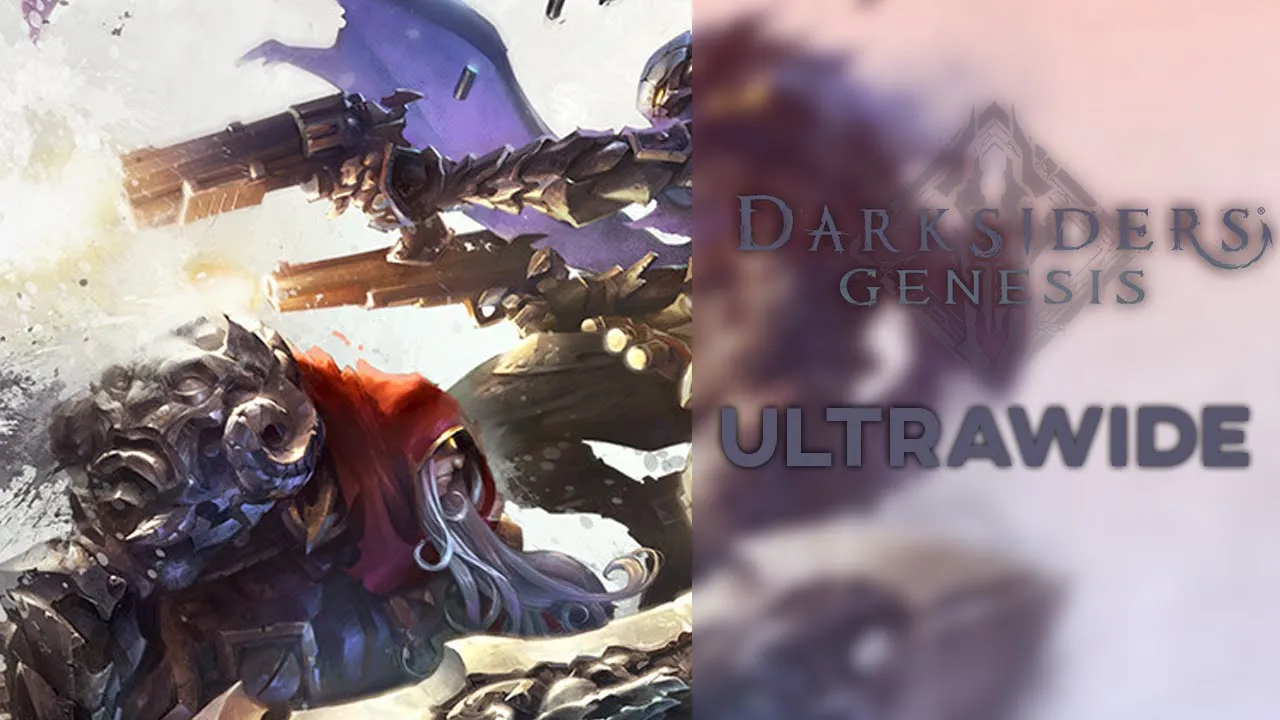
Darksiders Genesis - 32:9 Showcase | Ultrawide Fix
 Crucially Ultrawide
Jul 10, 2020 22:49
Crucially Ultrawide
Jul 10, 2020 22:49
Create an account to hide videos, mark them watched, or save them to Don't Miss.
Create an account to hide videos, mark them watched, or save them to Don't Miss.
Create an account to hide videos, mark them watched, or save them to Don't Miss.
Darksiders Genesis suffers the same issues as most other UE4 games which is an issue with the field of view being way too low as it's using horizontal field of view instead of vertical.
Luckily there's an easy fix for this which is created by Rose and can be downloaded from here: https://tinyurl.com/y9bvvdkd (PCGamingWiki)
There are two different ways of doing this, you can download the patcher and direct it to the .exe file of your game or use the trainer. I went with the patcher in this video.
💬 Discord: https://discord.gg/8jmTTyP
Thank you for watching!
Please comment, like, share and subscribe for more videos like this!👍
NOTE: Watch in 1440P or 2160P for best quality. 1080P is essentially 540P due to the video's format.
PC Specs:
🔷Core i9 9900KS @ Stock
🔷Asus ROG Strix 1080ti
🔷G.Skill Trident Z 2x8 @ 3600Mhz
🔷Samsung Evo Plus M.2 SSD 1TB
🔷Asus Maximus Hero X
Monitor is a Samsung CRG9 which is a 120hz 5120x1440 G-Sync Compatible ( Freesync 2 ) monitor with HDR support (1000 nits)
Gaming
#darksiders
#genesis
#darksiders genesis
#darksiders genesis gameplay
#darksiders genesis ultrawide
#darksiders genesis ultrawide fix
#darksiders genesis ultrawide gameplay
#darksiders ultrawide
#darksiders ultrawide fix
#darksiders genesis gameplay ultrawide
#genesis ultrawide fix
#genesis ultrawide gameplay
#crg9
#crucially ultrawide
#dakrsiders ultra wide
#ultrawide
#ultra wide
#super ultrawide
#32:9
#darksiders ultrawide gameplay
#darksiders gameplay ultrawide
#video game