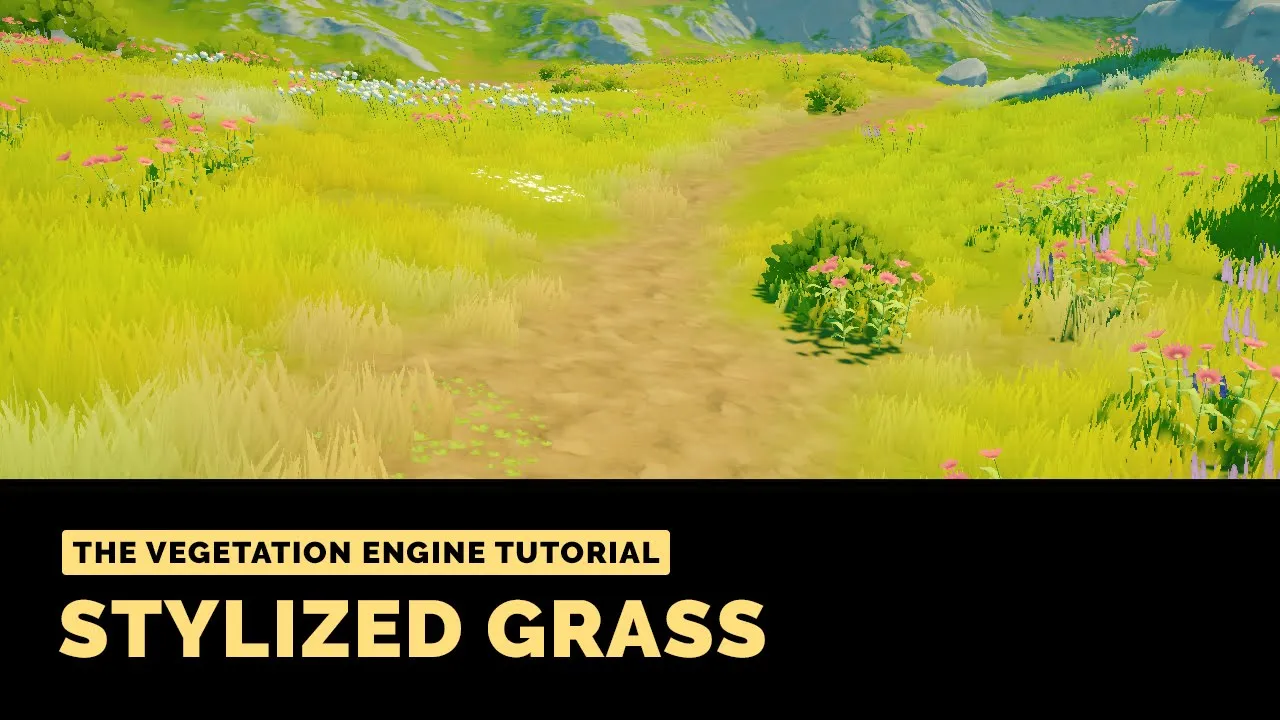
The Vegetation Engine Tutorial | Stylized Grass and Terrain Blending (using Staggart Stylized Grass)
 BOXOPHOBIC
Sep 20, 2021 14:14
BOXOPHOBIC
Sep 20, 2021 14:14
Create an account to hide videos, mark them watched, or save them to Don't Miss.
Create an account to hide videos, mark them watched, or save them to Don't Miss.
Create an account to hide videos, mark them watched, or save them to Don't Miss.
Chapters
The Vegetation Engine: http://u3d.as/1H9u
Discord: https://discord.gg/znxuXET
Website: https://boxophobic.com/
OVERVIEW
In the following tutorial, we will take at Staggart's Stylized Grass, how we can achieve something similar using the Vegetation Engine 4.4.0+, and some tips and tricks when it comes to grass rendering.
TIMELINE
THE VEGETATION ENGINE
The Vegetation Engine is a set of highly optimized vegetation shaders and tools designed to unify any vegetation asset from the Unity Asset Store, Megascans, Speedtree, Tree Creator, and more, or custom vegetation made by your team.
Enable high-quality wind motion, interaction, local wind, seasons, wetness, subsurface, gradient and noise tint, perspective correction, camera distance fade, glancing angle fade, crossfade, size fade, height blending, and more, for all vegetation assets and props with Standard, Universal, or HD Render Pipeline!
STAGGART STYLIZED GRASS
A shader focused on delivering stunning visual and tactile grass for the Universal Render Pipeline.
https://assetstore.unity.com/packages/vfx/shaders/stylized-grass-shader-143830
Gaming