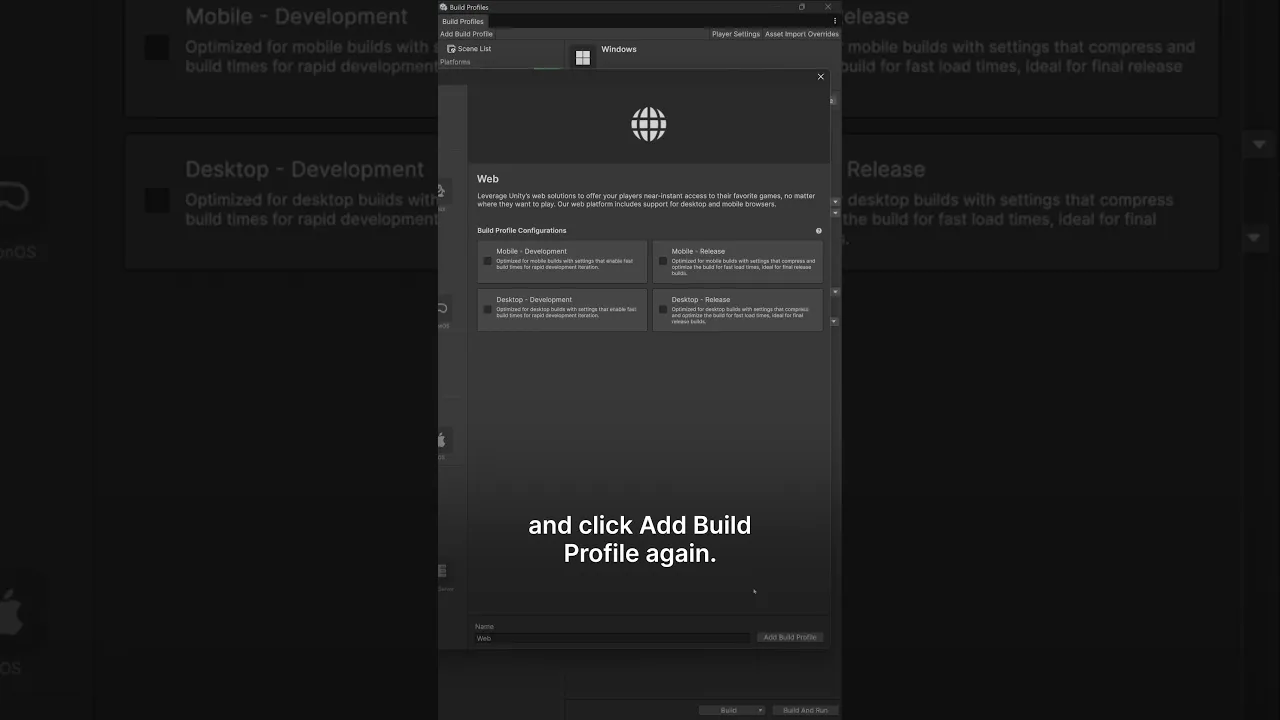
Build profiles to override settings
 Unity
Sep 8, 2026 13:44
Unity
Sep 8, 2026 13:44
Create an account to hide videos, mark them watched, or save them to Don't Miss.
Create an account to hide videos, mark them watched, or save them to Don't Miss.
Create an account to hide videos, mark them watched, or save them to Don't Miss.
This Unity 6 tip shows you how to use Build Profiles to override settings for each targeted platform.
Create a profile for each target, then override the global Scene List so your web build ships a smaller set of scenes while your PC build includes everything: no more adding and removing scenes manually.
You can also add custom Scripting Defines to a profile and use conditional compilation to control feature access, such as shipping your web build as a free demo while keeping the full game unlocked on PC, all from the same project.
#Unity3D #GameDev #UnityTips #UnityLearn
Gaming
#Unity3d
#Unity
#Unity Technologies
#Games
#Game Development
#Game Dev
#Game Engine