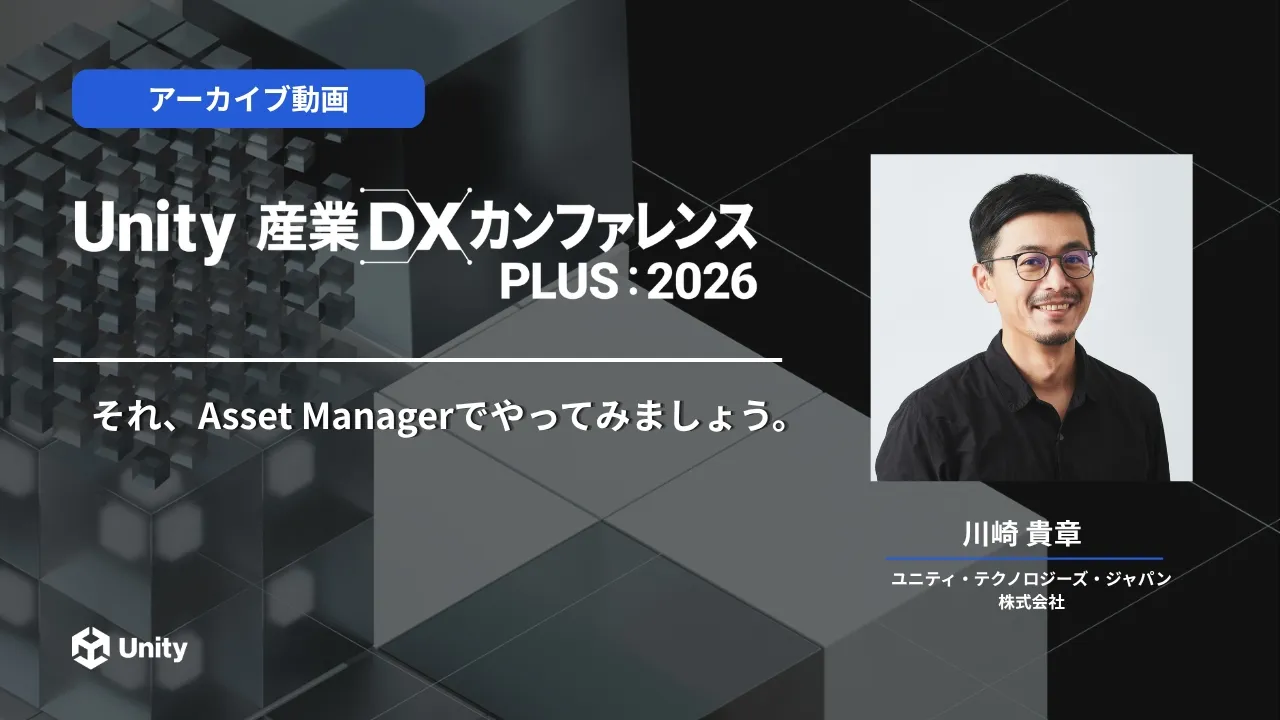
それ、Asset Managerでやってみましょう。
 Unity Japan
Sep 2, 2026 06:56
Unity Japan
Sep 2, 2026 06:56
Create an account to hide videos, mark them watched, or save them to Don't Miss.
Create an account to hide videos, mark them watched, or save them to Don't Miss.
Create an account to hide videos, mark them watched, or save them to Don't Miss.
【講演タイトル】
それ、Asset Managerでやってみましょう。
【講演内容】
Unity Pipeline Automationを使ってパイプラインを組むことで、個人が行っている変更や設定をサーバーにやってもらいましょう。
それらのデータはUnity Asset Managerに登録されるので、皆さんが正しいデータを使えるようになります。
【こんな人におすすめ】
・Unity Asset Transformerを使う人
・手元のPCは作業で使いたい人
・プロジェクトを効率的に進めたい人
【受講者が得られる知見】
・Unity Pipeline Automationの知識と使い方
・Unity Asset Managerの使い方
【スピーカー】
川崎 貴章
【会社名】
ユニティ・テクノロジーズ・ジャパン株式会社
ーーーーーーーーーーーーーーーーーーーー
ユニティ・テクノロジーズ・ジャパン
・Webサイト:https://unity3d.jp/
・公式 X: / unity_japan
ーーーーーーーーーーーーーーーーーーーー
Science & Technology
#unity3d
#unity