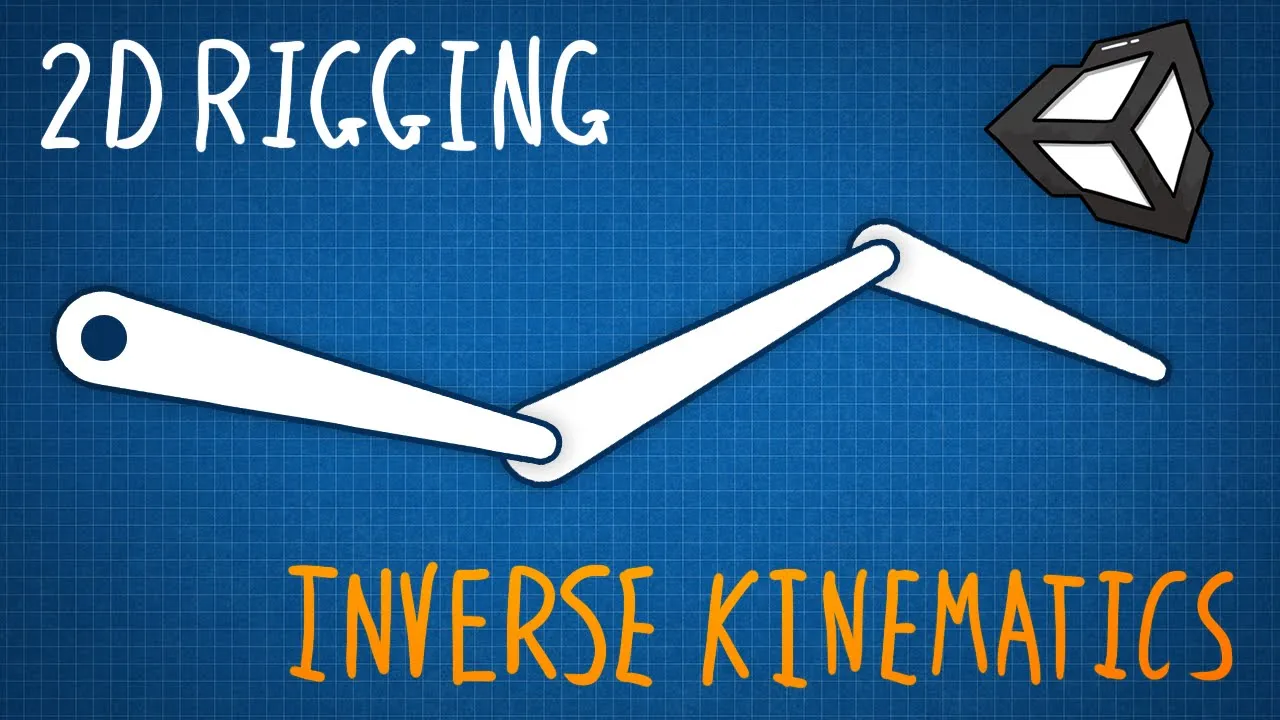
Inverse Kinematics & 2D Character Rigging in Unity
 Tarodev
Mar 19, 2021 22:59
Tarodev
Mar 19, 2021 22:59
Create an account to hide videos, mark them watched, or save them to Don't Miss.
Create an account to hide videos, mark them watched, or save them to Don't Miss.
Create an account to hide videos, mark them watched, or save them to Don't Miss.
Chapters
Use inverse kinematics to move your character limbs with ease!
Rig up your 2D character in Unity using Unity's 2D animation library (creating a skeleton). Next, I'll show you how to hook up IK (inverse kinematics) to your character to perform realistic joint movements. Finally, I'll show you how to use all of this together to create great-looking animations.
Note: The photoshop steps can be completely replaced by your software of choice. Instead of using PSD Importer, simply import a sprite with the components laid out side by side.
PSB file: https://bit.ly/3DQjrnd
Ragdoll video: https://youtu.be/gousm9DI6cg
=========
❤️ Become a Tarobro on Patreon: https://www.patreon.com/tarodev
=========
🔔 SUBSCRIBE: https://bit.ly/3eqG1Z6
🗨️ DISCORD: https://discord.gg/tarodev
✅ MORE TUTORIALS: https://www.youtube.com/tarodev
MORE TUTORIALS:
https://www.youtube.com/c/Tarodev
Education
#inverse kinematics
#inverse kinematics unity
#ik
#2d rigging
#ik manager
#unity
#rig
#tutorial
#unity3d
#2d
#2d animation
#animation
#animator
#character rig
#inverse
#Kinematics