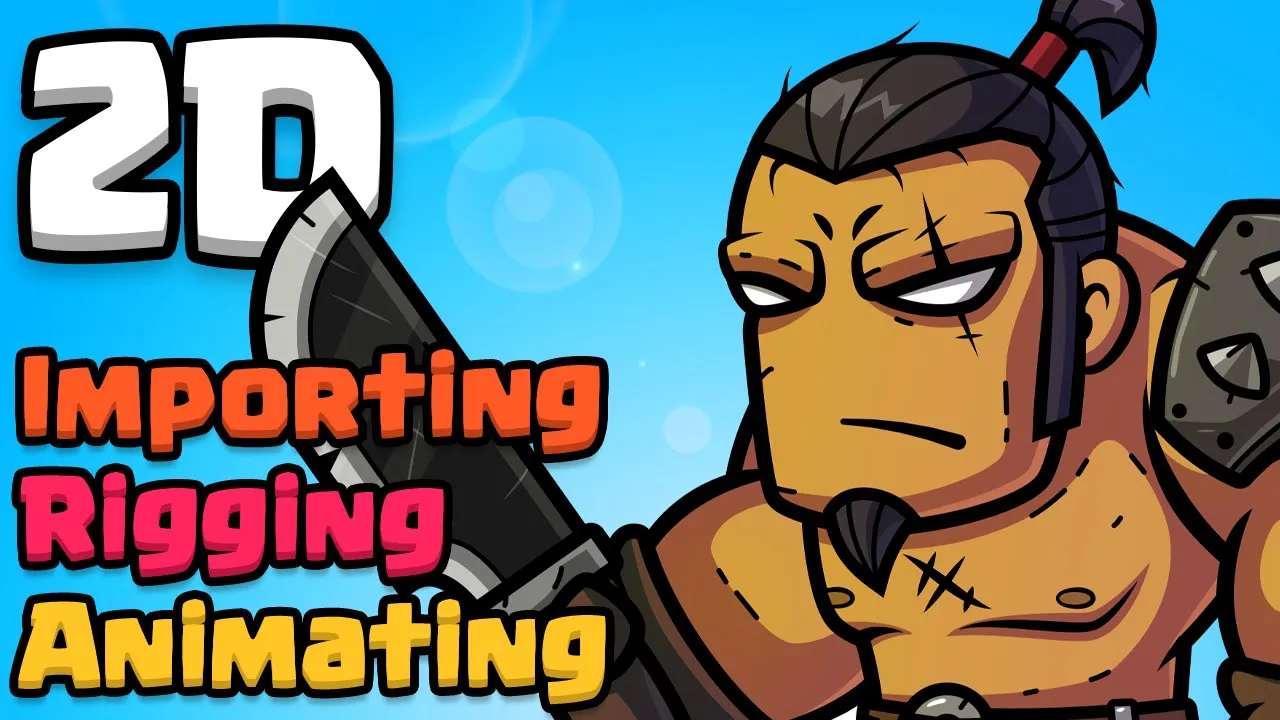
How to animate your Photoshop characters in Unity
 Tarodev
Oct 13, 2021 10:35
Tarodev
Oct 13, 2021 10:35
Create an account to hide videos, mark them watched, or save them to Don't Miss.
Create an account to hide videos, mark them watched, or save them to Don't Miss.
Create an account to hide videos, mark them watched, or save them to Don't Miss.
Using Unity's amazing 2D stack (2D animation, PSD Importer, Sprite Swap), you can streamline your 2D workflow for a huge production boost to your development. We'll use IK (inverse kinematics) to assist us creating life like animations as well as setting up an easy way to swap sprites out, like weapons and armor. Not only that, we will reuse the same skeleton and animations across multiple units!
Example PSB: https://bit.ly/3v7xH6R
PSD to PSB: https://www.imageconvert.org/psd-to-psb
Please note: Check to ensure your layers all converted properly. You may need to flatten later styles.
Part 2: https://www.youtube.com/watch?v=wBGykdKd80w
❤️ Become a Tarobro on Patreon: https://www.patreon.com/tarodev
=========
🔔 SUBSCRIBE: https://bit.ly/3eqG1Z6
🗨️ DISCORD: https://discord.gg/tarodev
✅ MORE TUTORIALS: https://www.youtube.com/tarodev
Education
#tarodev
#unity
#tutorial
#animation
#sprite swap
#sprite resolver
#2d rigging
#ik
#inverse kinematics
#2d ik
#psd importer
#psb importer
#unity bones
#game development
#unity 2d
#indie game developer tips
#animation workflow
#sprite editor
#2d game animation
#unity animation