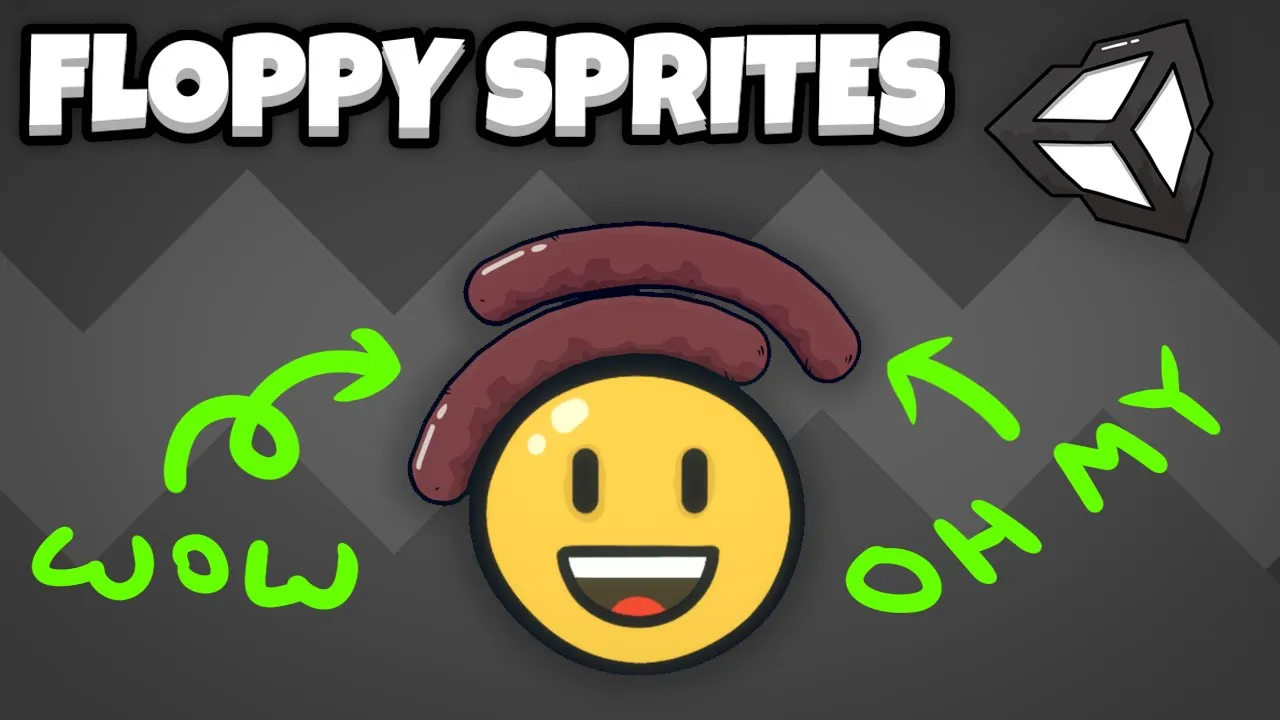
Floppy, physics-based sprites in Unity
 Tarodev
Feb 17, 2021 13:08
Tarodev
Feb 17, 2021 13:08
Create an account to hide videos, mark them watched, or save them to Don't Miss.
Create an account to hide videos, mark them watched, or save them to Don't Miss.
Create an account to hide videos, mark them watched, or save them to Don't Miss.
Create fun floppy sprites for your game in Unity. Add a bit of spice to your scene by transforming your static objects into something a bit more bouncy and reactive.
This technique makes use of hinge joints and the line renderer component.
❤️ Become a Tarobro on Patreon: https://www.patreon.com/tarodev
=========
🔔 SUBSCRIBE: https://bit.ly/3eqG1Z6
🗨️ DISCORD: https://discord.gg/tarodev
✅ MORE TUTORIALS: https://www.youtube.com/tarodev
About Tarodev:
Develop video games like a pro!
Whether you're a beginner or a seasoned game developer, you'll find lots of useful tips and tricks to boost your development career. Visit the channel: https://www.youtube.com/tarodev
Education
#Tarodev
#Unity
#floppy sprites
#bendy sprites
#line renderer
#linerenderer
#hinge joints
#hingejoint
#tutorial
#2d
#game dev
#game development
#bouncy sprites