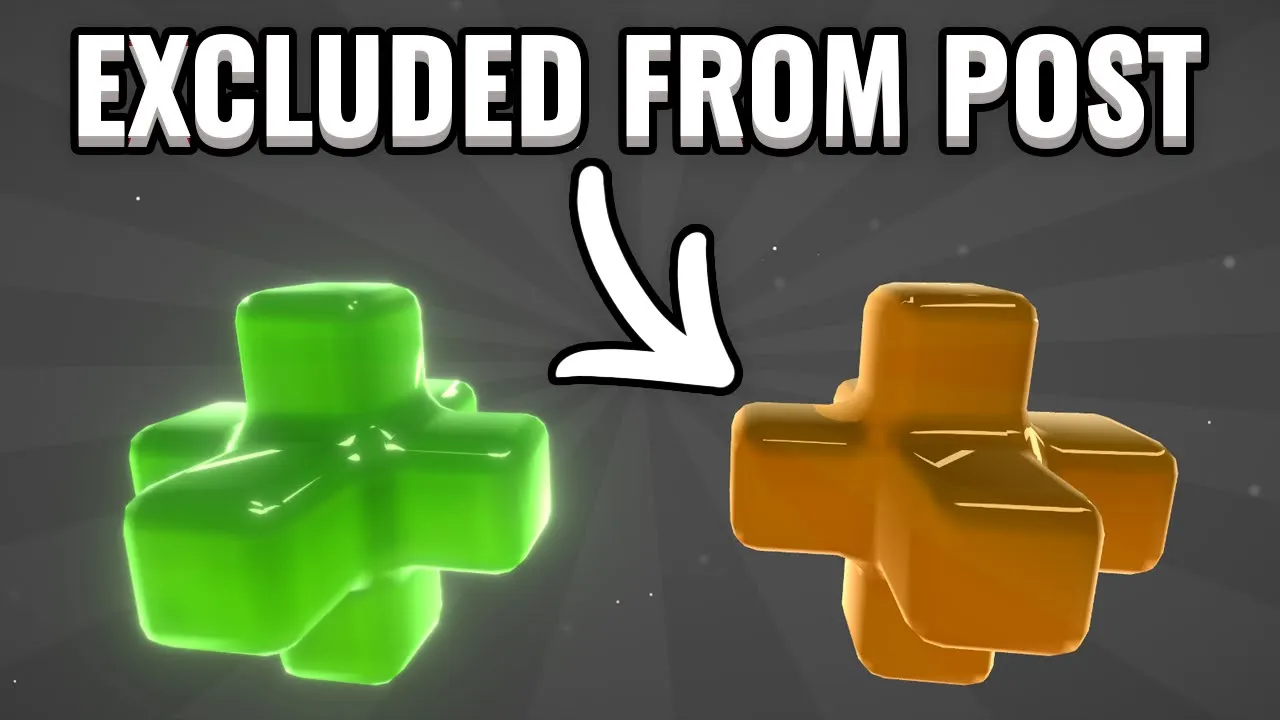
Exclude Objects From Post Processing - Unity
 Tarodev
Sep 6, 2021 11:27
Tarodev
Sep 6, 2021 11:27
Create an account to hide videos, mark them watched, or save them to Don't Miss.
Create an account to hide videos, mark them watched, or save them to Don't Miss.
Create an account to hide videos, mark them watched, or save them to Don't Miss.
Remove objects from being affected by your post processing stack by using multiple cameras and layers. Very simple, very quick.
You can create complex visuals by separating your objects into layers and applying certain effects on each layer.
❤️ Become a Tarobro on Patreon: https://www.patreon.com/tarodev
=========
🔔 SUBSCRIBE: https://bit.ly/3eqG1Z6
🗨️ DISCORD: https://discord.gg/tarodev
✅ MORE TUTORIALS: https://www.youtube.com/tarodev
Education
#Tarodev
#unity
#tutorial
#exclude objects from post processing
#Ignore Post-processing on some objects
#multiple cameras
#culling mask
#post processing
#post process
#game development
#unity post processing
#remove from post processing