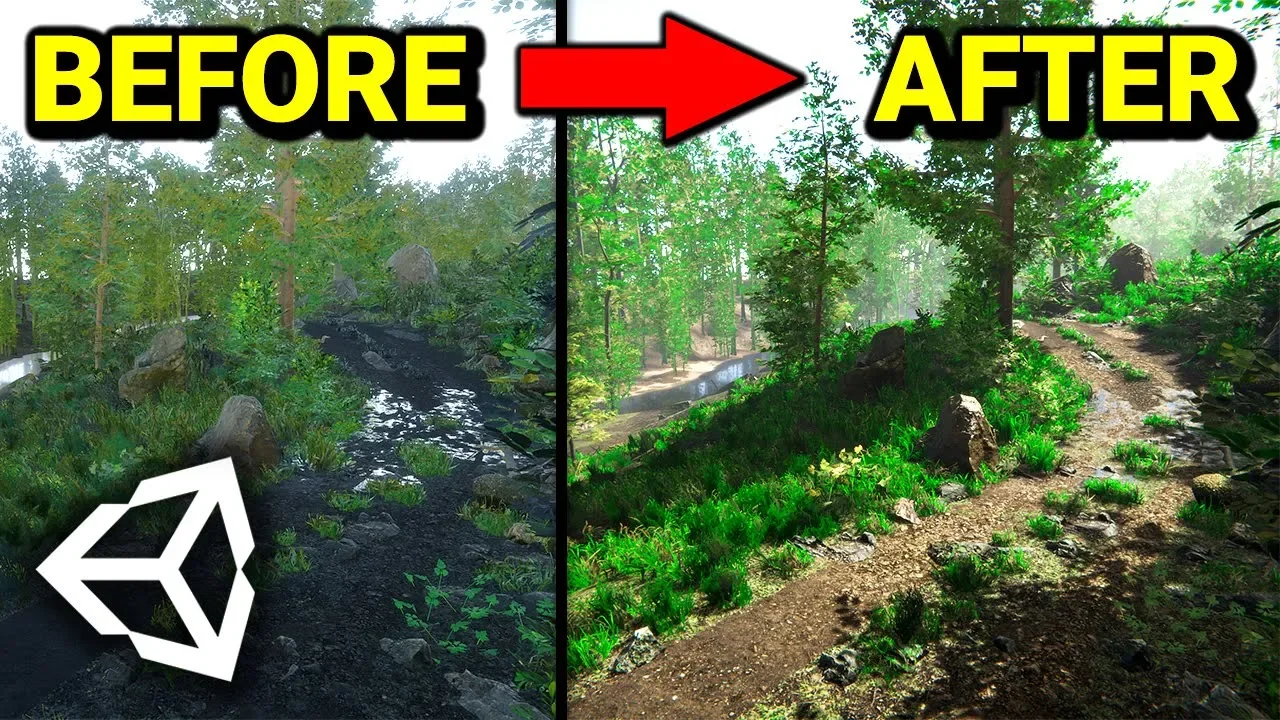
Making a Realistic Environment with Unity in 1 Hour! (Beginner Friendly)
 Sykoo
Feb 15, 2020 20:43
Sykoo
Feb 15, 2020 20:43
Create an account to hide videos, mark them watched, or save them to Don't Miss.
Create an account to hide videos, mark them watched, or save them to Don't Miss.
Create an account to hide videos, mark them watched, or save them to Don't Miss.
In this video, I'm going to show you how to make a Realistic Environment with HDRP in Unity 2019.3, using the Volume framework to add environment effects!
(AD) Sign up at Zenva Academy! http://bit.ly/ZenvaSykoo
Make sure to use code "SYKOO" for 50% off your first month!
► Join us on Discord: https://discord.gg/4kRCajN
► Twitter: https://twitter.com/SykooSam
► Instagram: http://www.instagram.com/SykooSam
····················································································
● Show Notes
Setting up HDRP in your project: https://youtu.be/AHrMViIATbI?t=132
The asset pack I used in this video is here: https://assetstore.unity.com/packages/3d/vegetation/forest-environment-dynamic-nature-150668
Gaming
#unity vs ue4
#unity vs unreal engine 4
#unity or unreal engine
#unity
#unity hdrp
#unity graphics
#unity hdrp graphics
#unity hdrp tutorial
#unity post processing
#unity volumetric lights
#unity light
#unity lights
#unity effect
#unity environments
#unity beginner friendly
#unity tutorial
#unity tutorials
#unity best graphics
#unity new features
#unity 2020
#unity2019
#sykoo
#gamedev
#indiedev
#learning unity
#unity in 1 hour