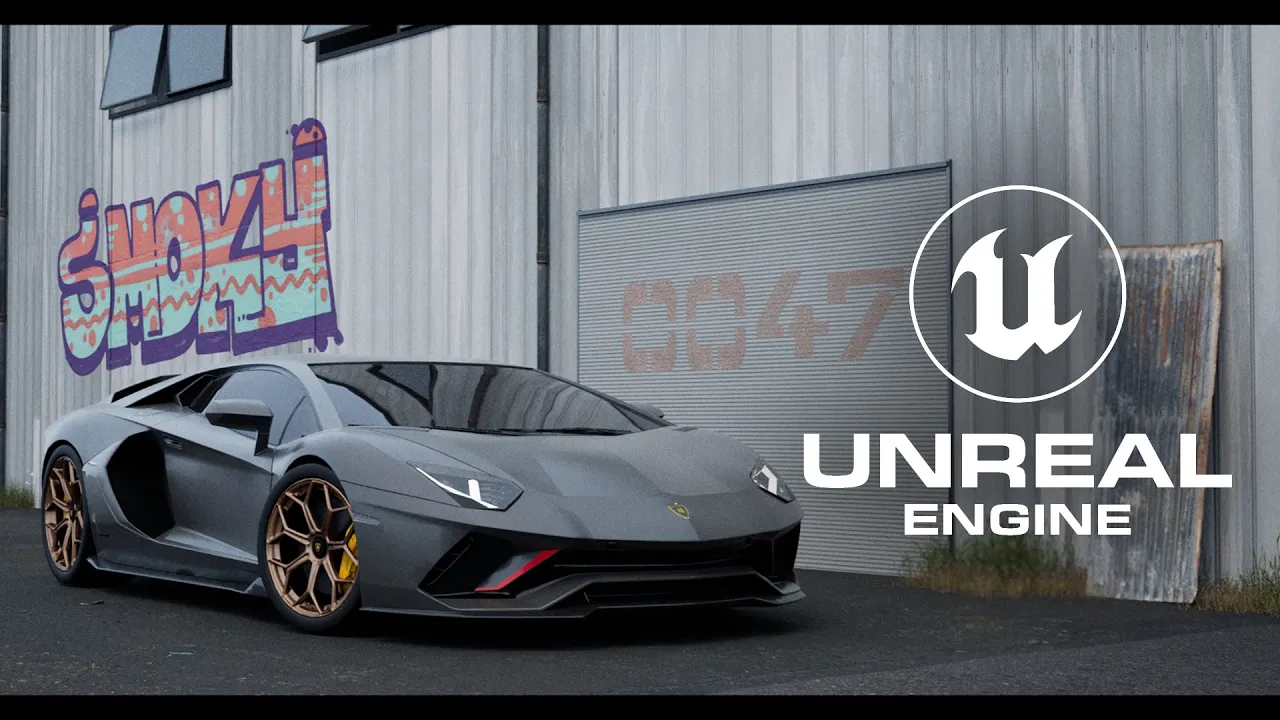
How I Created This Realistic Scene in Unreal Engine 5
 Sykoo
May 2, 2023 13:57
Sykoo
May 2, 2023 13:57
Create an account to hide videos, mark them watched, or save them to Don't Miss.
Create an account to hide videos, mark them watched, or save them to Don't Miss.
Create an account to hide videos, mark them watched, or save them to Don't Miss.
In this video, I’m sharing how I created a realistic car scene using Unreal Engine 5 and the Quixel Megascans together with Path Tracing / Ray Tracing. See full version of this render on my Instagram: https://www.instagram.com/p/Crq06lpNIRk/
JOIN OUR COMMUNITY:
Instagram: https://instagram.com/samdntmr
Twitter: https://twitter.com/samdntmr
Assets:
Ultra Dynamic Sky: https://www.unrealengine.com/marketplace/en-US/product/ultra-dynamic-sky
Megascans by Quixel: https://quixel.com/megascans/
Gaming
#Unreal Engine 4
#Unreal Engine
#Cinematics
#UE4
#UE5
#UE5 Realtime
#realtime rendering
#rendering
#CGI 3D
#3D Artist
#Unreal Engine 5
#Lamborghini
#Car
#3D Car
#3D Render
#Unity vs Unreal Engine
#Unreal Engine Graphics
#Unreal Engine Path Tracing
#Unreal Engine Path Tracer
#Path Tracing
#RTX
#Ray Tracing
#unity vs unreal engine
#unity or unreal engine
#unity vs unreal
#unity vs unreal engine graphics
#quixel megascans