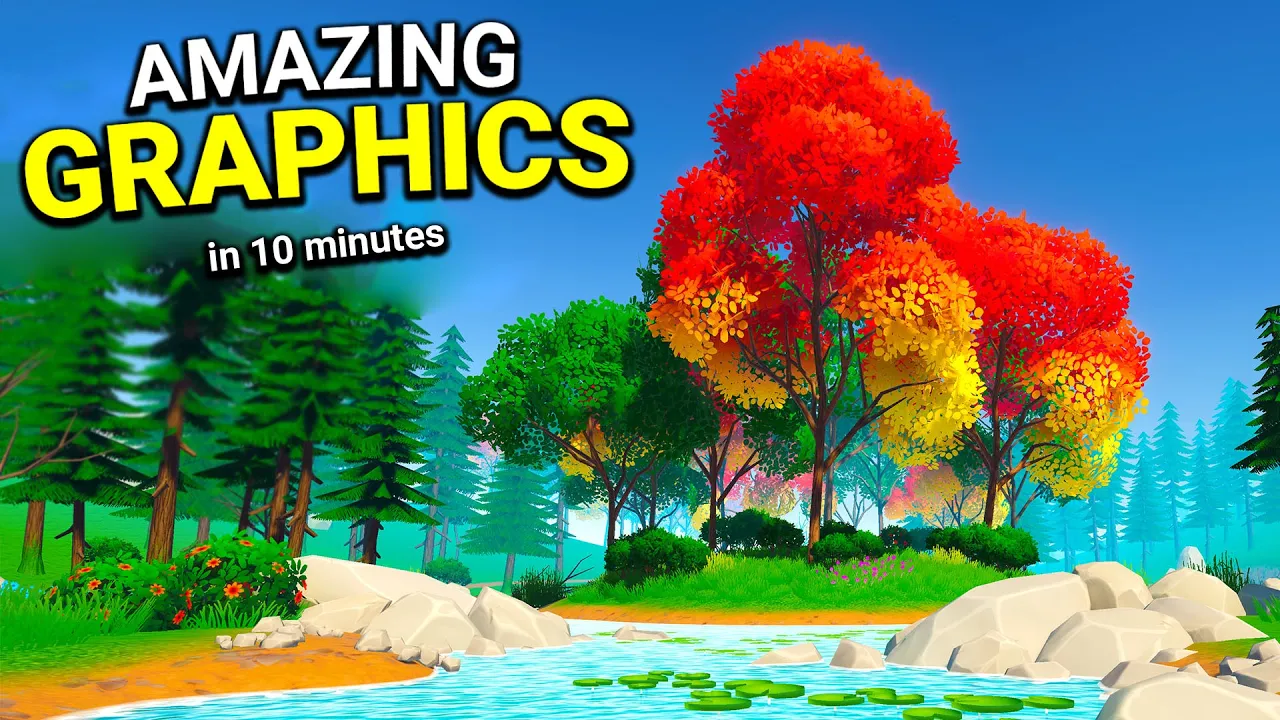
Making a Game Look AMAZING in 10 minutes! (Unity 2020)
 Sykoo
Oct 1, 2020 19:06
Sykoo
Oct 1, 2020 19:06
Create an account to hide videos, mark them watched, or save them to Don't Miss.
Create an account to hide videos, mark them watched, or save them to Don't Miss.
Create an account to hide videos, mark them watched, or save them to Don't Miss.
Chapters
While doing the Fall Guys game and working on another game dev log, I realized a concept that could be covered under 10 minutes - making a game look beautiful! So let's take a look at Post Processing in Unity using URP, in only 10 minutes!
Join us on Discord for more Unity & Bolt talks: https://discord.gg/4kRCajN
Check out Jason's new course and get your Sykoo Hoodie!
https://bit.ly/3cOGhOJ
Check out our Sykoo merch!
https://sykoo-merch-store.myshopify.com
– Follow me
• Twitter: https://twitter.com/SykooSam
• Instagram: http://www.instagram.com/SykooSam
Video chapters:
Gaming
#Unity game dev
#Gamedev
#indie gamedev
#indie game devlog
#game devblog
#making a 3d game
#making a game
#making a game look beautiful
#making a game look good
#make a game look good
#make a game look beautiful
#game design
#unity post processing
#tutorial
#unity tutorial
#brackeys
#brackeys tutorial
#brackeys unity
#game tutorial
#making a game in unity
#unity post processing tutorial
#unity brackeys graphics
#unity graphics
#unity graphics demo
#unity best graphics
#unity3d