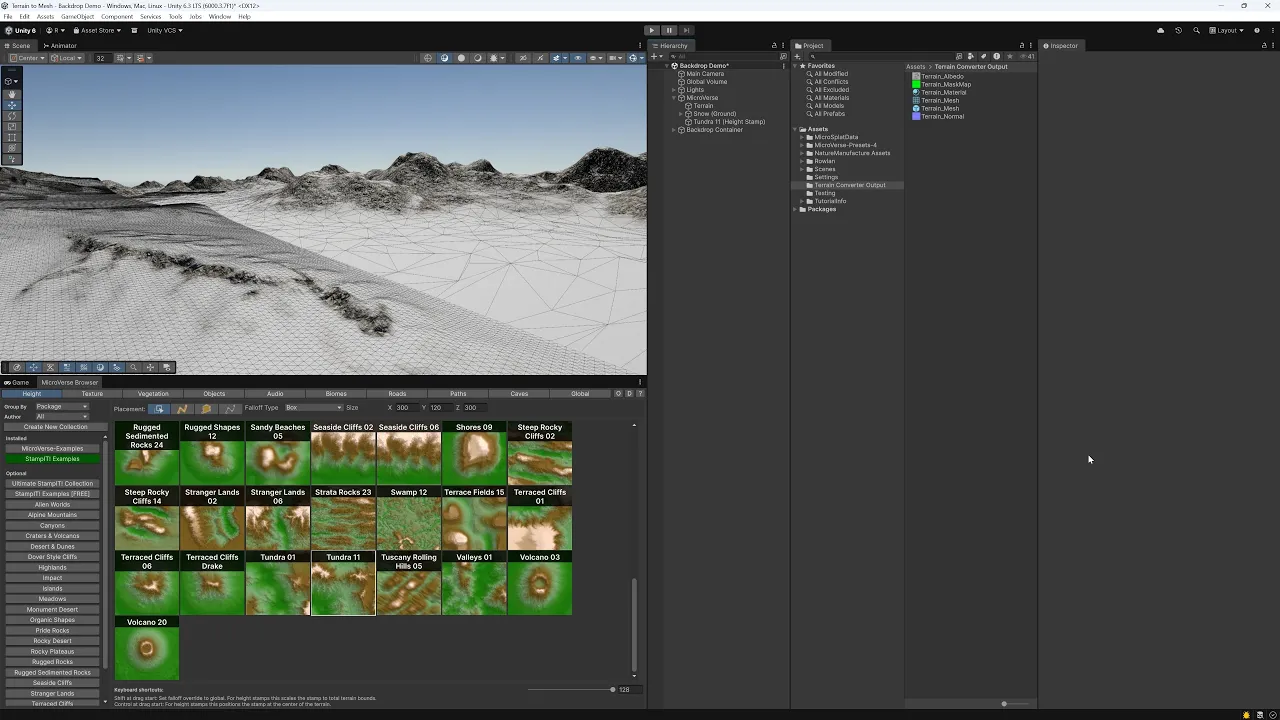
Terrain Converter: Backdrop Creation and Distribution
 Roland C
Mar 11, 2026 18:24
Roland C
Mar 11, 2026 18:24
Create an account to hide videos, mark them watched, or save them to Don't Miss.
Create an account to hide videos, mark them watched, or save them to Don't Miss.
Create an account to hide videos, mark them watched, or save them to Don't Miss.
Chapters
I've added a distribution mechanism for prefabs to Terrain Converter. You can make your scene appear vast with low performance impact by distributing a mesh around your terrain. This showcase is on purpose 1 terrain only, the placed terrain is randomly rotated around the y-axis. Of course you can add more variations conveniently. Just use MicroVerse to create your terrain, then convert to mesh, then reuse the prefabs.
Assets used:
* [⭐ New Release Sale ⭐] Terrain Converter - Terrain to Mesh for Unity 6, MicroVerse, Gaia Terrain
https://assetstore.unity.com/packages/tools/terrain/terrain-converter-terrain-to-mesh-for-unity-6-microverse-gaia-te-295048?aid=1011lfvh6&pubref=ritc&utm_source=aff
* [⭐ $20 Sale ⭐] Biomes and Presets 4 for MicroVerse
https://assetstore.unity.com/packages/tools/terrain/biomes-and-presets-4-for-microverse-312857?aid=1011lfvh6&pubref=ribpmv4&utm_source=aff
* MicroVerse - Core Collection
https://assetstore.unity.com/packages/tools/terrain/microverse-core-collection-232976?aid=1011lfvh6&pubref=jbmvcc&utm_source=aff
* Landscape Ground Pack 2
https://assetstore.unity.com/packages/2d/textures-materials/floors/landscape-ground-pack-2-73547?aid=1011lfvh6&pubref=nmlgp2&utm_source=aff
Gaming