MicroVerse Tip: Preset Creation: Transfer Noise and Filters - Part 3
 Roland C
Apr 27, 2025 06:04
Roland C
Apr 27, 2025 06:04
Create an account to hide videos, mark them watched, or save them to Don't Miss.
Create an account to hide videos, mark them watched, or save them to Don't Miss.
Create an account to hide videos, mark them watched, or save them to Don't Miss.
Chapters
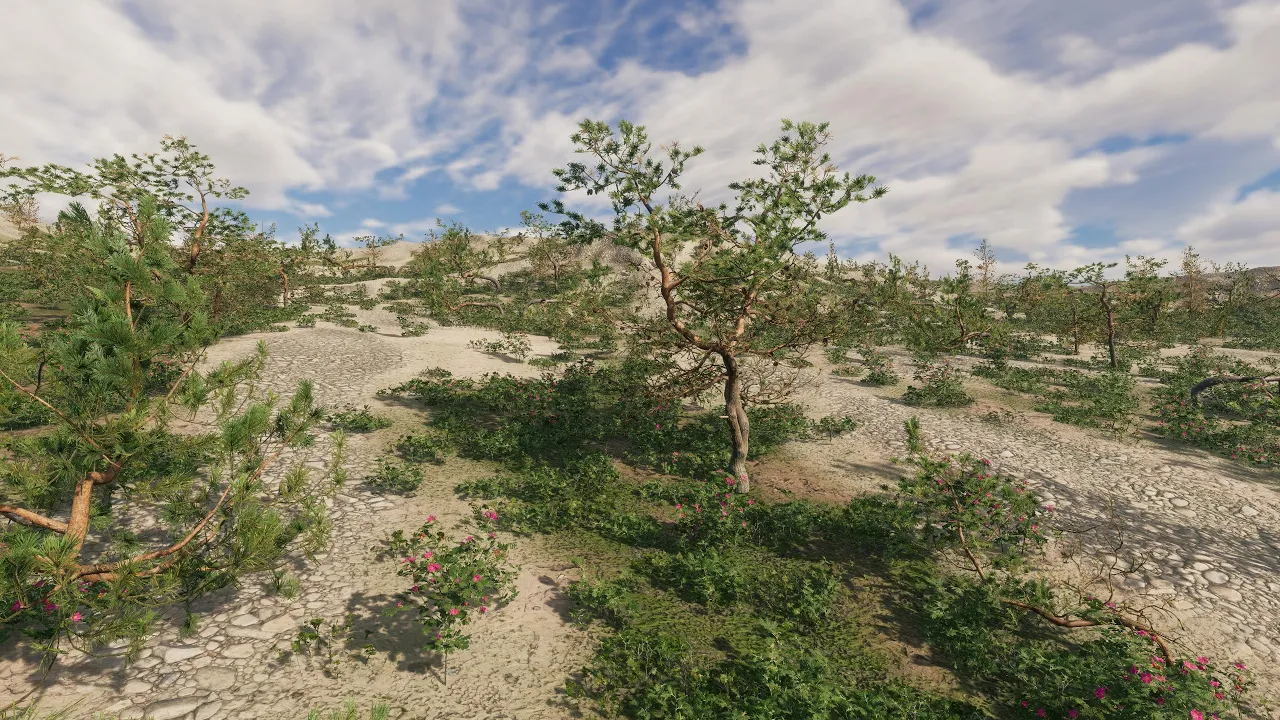
When you create biomes you need flexible tools to adjust settings with ease. Single popup menus are tedious, so I created a feature-button panel in Genesis for MicroVerse. Here you can see how to transfer noise and filters so that the vegetation is placed only on green grass. Depending on how many vegetation items you place, it's also helpful to adjust the density with ease.
Assets used:
* [⚡ Flash Deal ⚡] World Building Bundle for MicroVerse
https://assetstore.unity.com/packages/tools/terrain/world-building-bundle-for-microverse-243593?aid=1011lfvh6&pubref=riwbbmv&utm_source=aff
(Ultimate StampIT! Collection and Genesis for MicroVerse used in the video)
* [⭐ Spring Sale ⭐] MicroVerse - Core Collection
https://assetstore.unity.com/packages/tools/terrain/microverse-core-collection-232976?aid=1011lfvh6&pubref=jbmvcc&utm_source=aff
* Coast & Dunes Environment - Dynamic Nature (Beach Sea Islands Dry Desert)
https://assetstore.unity.com/packages/3d/vegetation/coast-dunes-environment-dynamic-nature-beach-sea-islands-dry-des-309456?aid=1011lfvh6&pubref=nmcde&utm_source=aff
* Biomes and Presets 4 for MicroVerse
https://assetstore.unity.com/packages/tools/terrain/biomes-and-presets-4-for-microverse-312857?aid=1011lfvh6&pubref=ribpmv4&utm_source=aff
Music used:
Sky Mubs - A Warrior In Your Heart
https://www.youtube.com/watch?v=hBuCegX9gQg
Sky Mubs Social Links:
• Youtube : / skymubs
• Facebook : / skymubs
• SoundCloud : / sky-mubs
• Twitter : / skymubs
• Itunes : https://apple.co/2Pb6JWv
• Spotify : https://spoti.fi/2vFc9RJ
• Amazon : https://amzn.to/2Bl3rNU
• Website : https://sky-mubs.com
• Email → [email protected]
Gaming