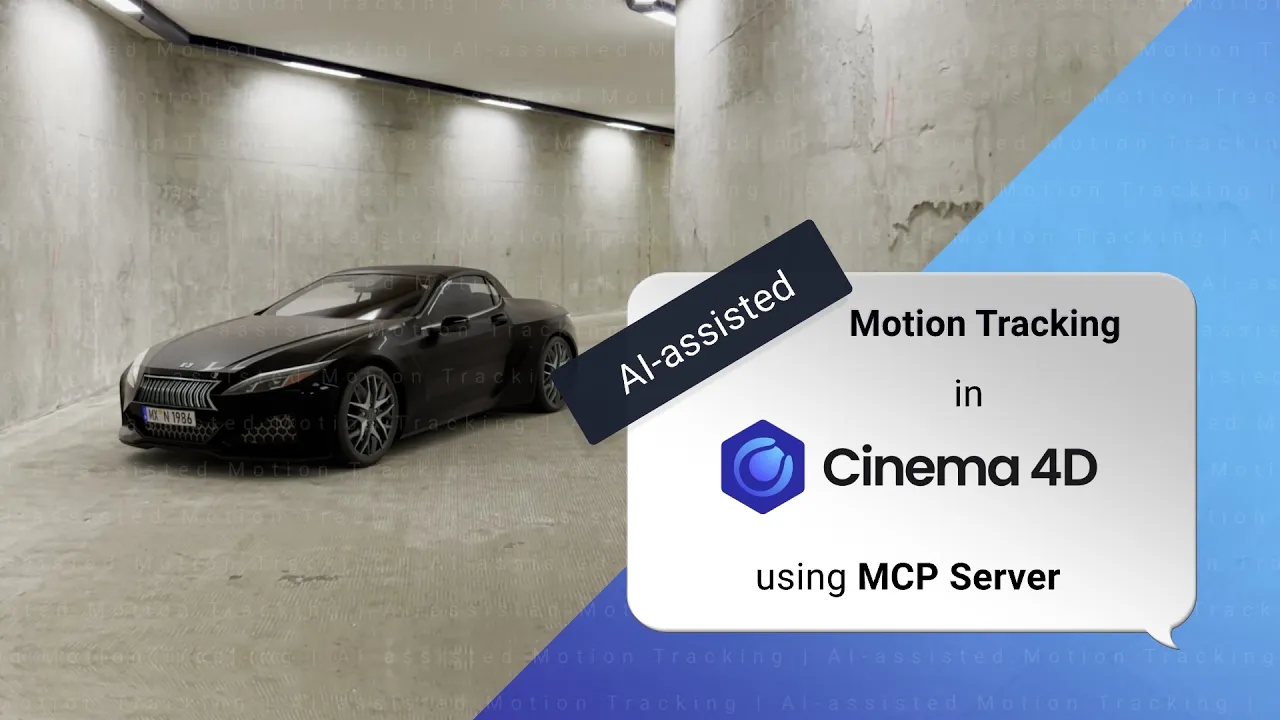
How an AI Assistant can help you with Motion Tracking
 Maxon
Sep 30, 2026 13:07
Maxon
Sep 30, 2026 13:07
Create an account to hide videos, mark them watched, or save them to Don't Miss.
Create an account to hide videos, mark them watched, or save them to Don't Miss.
Create an account to hide videos, mark them watched, or save them to Don't Miss.
Chapters
Learn how to use Cinema 4D’s MCP server with AI assistants like Anthropic's Claude Desktop or OpenAI's ChatGPT Codex to automate and accelerate motion tracking, scene reconstruction, lighting setup, HDR generation, and VFX workflows inside Cinema 4D.
In this detailed workflow demonstration, Cinema 4D Master Trainer Jonas Pilz shows how AI-assisted tools can help with technically complex and repetitive setup tasks while keeping the artist fully in control of creative decisions. Using Claude Opus 5.5 and Cinema 4D MCP server integration, this tutorial walks through the complete process of tracking live-action footage, rebuilding scene geometry, generating HDR lighting and reflections, and integrating a realistic 3D car into a tracked shot with contact shadows.
Explore Cinema 4D’s MCP Server 👇
🔗 https://maxonvfx.com/4yZn3yO
In this tutorial, you’ll learn how to:
Use the Cinema 4D MCP server with Claude AI
Motion track footage in Cinema 4D using AI assistance
Align tracked scenes to the work plane
Set scene scale and world origin accurately
Rebuild environments with geometry planes
Create checkerboard textures for tracking accuracy checks
Use AI to place and refine scene lighting
Generate HDR panoramas from video footage
Create Redshift materials automatically
Build realistic reflections and contact shadows
Use AI-assisted scene setup for VFX and compositing
Improve motion tracking workflows for beginners and professionals
Topics covered:
Cinema 4D MCP workflows
AI-assisted motion tracking
Claude Opus 5.5 integration
Scene reconstruction in C4D
Redshift rendering workflows
HDR creation from footage
Contact shadows and reflections
Camera tracking best practices
AI-assisted compositing setup
Iterative AI prompting for 3D workflows
Tools & Software Used:
Cinema 4D
Maxon Cinema 4D MCP server
Claude AI (Opus 5.5)
Redshift
Cinema 4D Motion Tracker
Asset Browser
HDR environment lighting
This workflow demonstrates how AI can assist with:
Technical setup
Repetitive scene-building tasks
Precision checking
Lighting recreation
Geometry alignment
File management
Material setup
…while the artist still makes all creative decisions regarding composition, lighting, asset placement, and final visual direction.
Perfect for:
Motion designers
VFX artists
Matchmoving artists
3D generalists
Cinema 4D beginners
Technical directors
AI-assisted creative workflows
Virtual production artists
If you’re interested in AI tools for Cinema 4D, motion tracking workflows, AI-assisted 3D production, or practical applications of Claude and MCP in real-world VFX pipelines, this video provides a complete end-to-end example.
Instructions used in this tutorial:
1st INSTRUCTION (initial motion tracking, alignment, scaling, plane and lights creation):
Starting 10 seconds in, camera track this video in Cinema 4D and align it so that the floor is on the workplane and the scene origin is in the middle of the tunnel on the video. The tunnel is 4m high. Recreate the scene using planes.
Add a material with a tiles shader to create a 10x10 checkerboard in the alpha for alignment accuracy testing to all the planes. In the material tags, adjust the mapping so that the checkerboard is creating 50cm x 50cm squares on all planes.
After finishing the tracking, add area lights to the ceiling where they are on the video and make them point downwards.
For this project, save all created assets in the folder of the original video.
2nd INSTRUCTION (corrections):
The back wall and ceiling lights aren't positioned correctly. Please try again.
3rd INSTRUCTION (create HDR texture):
I want to place a reflective object where the scene origin is. In preparation for that, I need a panorama image HDR of the tunnel. Please create it in 4000px x 2000px. When finished, create a Redshift material with the texture assigned in emission.
4th INSTRUCTION (BG visibility and contact shadows):
The background image in the Camera isn't showing up in rendering. Fix it.
Make it so that the car is casting shadows on the floor.
👣 Follow us for more great content 👇
🔹 https://instagram.com/maxonvfx
🔹 https://facebook.com/MaxonVFX
🔹 https://linkedin.com/company/maxonvfx
🔍 More info ➡️ https://maxon.net
📩 Get the latest news and updates: https://maxon.net/email-updates
Film & Animation
#c4d
#cinema 4d
#sculpting
#bodypaint 3d
#maxon
#modeling
#modelling
#3d
#animation
#rendering
#motion graphics
#mograph
#subscription
#maxonvfx