Automate Repetitive Tasks using an AI Assistant in Cinema 4D
 Maxon
Sep 30, 2026 13:07
Maxon
Sep 30, 2026 13:07
Create an account to hide videos, mark them watched, or save them to Don't Miss.
Create an account to hide videos, mark them watched, or save them to Don't Miss.
Create an account to hide videos, mark them watched, or save them to Don't Miss.
Chapters
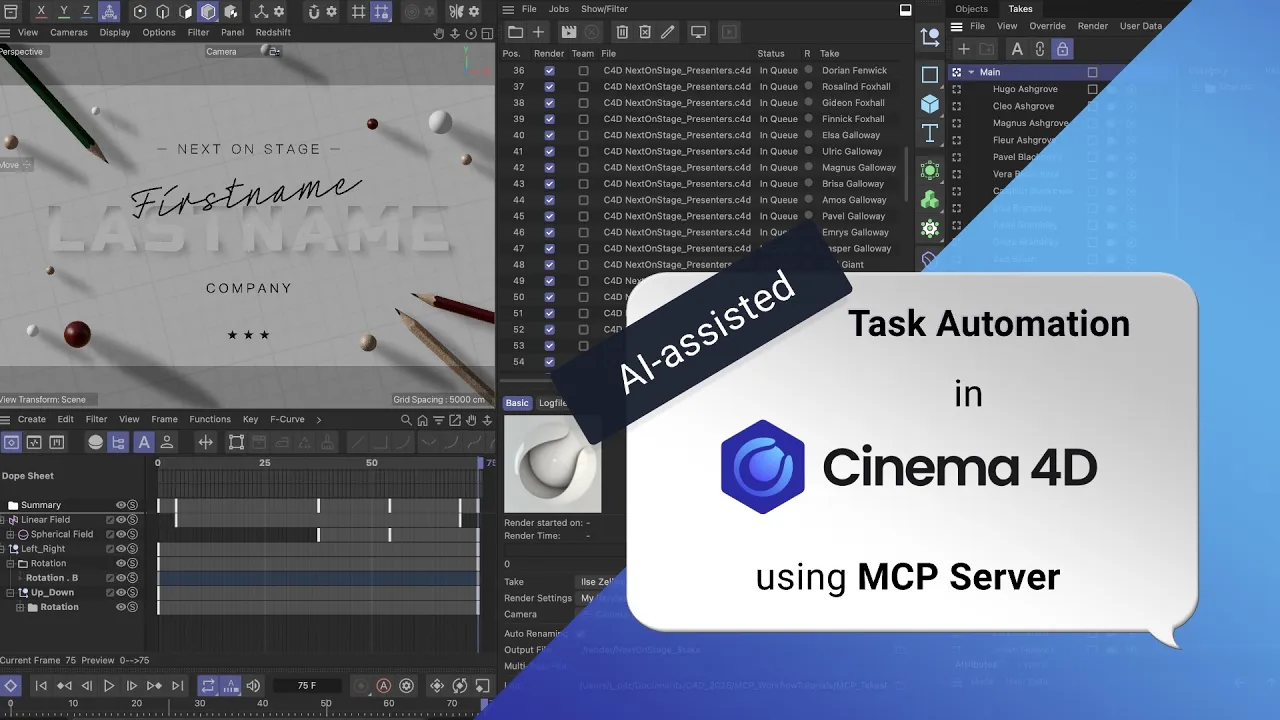
Learn how to automate repetitive tasks in Cinema 4D using AI assistants like Claude or ChatGPT through the Cinema 4D MCP server. In this tutorial, Maxon Cinema 4D Master Trainer Jonas Pilz demonstrates how AI can dramatically speed up production workflows by automatically generating Takes, creating render queue jobs, and building scene variations from CSV data.
This workflow is perfect for motion graphics artists, broadcast designers, event graphics workflows, and anyone producing large batches of personalized renders or template-based animations.
Explore Cinema 4D’s MCP Server 👇
🔗 https://maxonvfx.com/4yZn3yO
In this tutorial, you’ll learn how to:
Use Cinema 4D MCP with Claude AI
Automate Takes creation in Cinema 4D
Generate scene variations from CSV files
Create personalized motion graphics automatically
Use AI to automate repetitive setup tasks
Add all Takes to the Cinema 4D Render Queue automatically
Create batch rendering pipelines in C4D
Save time on large-scale motion graphics projects
Topics covered:
Cinema 4D MCP server workflows
AI-assisted automation
Claude AI integration with Cinema 4D
CSV-driven graphics workflows
Personalized render pipelines
Batch rendering automation
Takes system workflows
Render Queue automation with Tokens
Motion graphics templating
Procedural production workflows
Workflow demonstrated:
Importing CSV data
Automatically generating Takes
Overriding text objects and clone counts
Naming Takes dynamically
Creating render-ready scene variations
Populating the Render Queue automatically
Managing large batches of outputs efficiently
Example use cases:
Event speaker graphics
Personalized title animations
Broadcast lower thirds
Conference opener videos
Social media graphics variations
Client-specific render outputs
Data-driven motion graphics
Localizations and Translations
Tools & Software Used:
Cinema 4D
Maxon Cinema MCP Server
Claude AI
Cinema 4D Takes System
Render Queue
MoGraph Cloners
Important workflow philosophy:
This AI workflow is designed to automate repetitive technical chores. It does not replace creative decision-making. Artists still control the design, animation, layout, branding, and visual direction while AI assists with setup, iteration, and large-scale repetitive tasks.
Perfect for:
Motion designers
Broadcast graphics artists
Cinema 4D users
Technical directors
Creative technologists
Automation-focused artists
AI-assisted workflow enthusiasts
Instructions used in this tutorial:
1st INSTRUCTION (from a CSV file, create takes for all rows and name them):
In Cinema 4D, create a copy of the active document in the same folder and work in there.
Use the rows in the attached CSV file to create variations of the scene and store them in takes.
First Name is going into _FirstName.
Last Name is going into _LastName.
Company is going into _Company.
Stars is going to adjust the clone count x in _Stars.
Name each take using the naming convention "_FirstName _LastName".
2nd INSTRUCTION:
Add all takes to the Render Queue.
👣 Follow us for more great content 👇
🔹 https://instagram.com/maxonvfx
🔹 https://facebook.com/MaxonVFX
🔹 https://linkedin.com/company/maxonvfx
🔍 More info ➡️ https://maxon.net
📩 Get the latest news and updates: https://maxon.net/email-updates
Film & Animation
#c4d
#cinema 4d
#sculpting
#bodypaint 3d
#maxon
#modeling
#modelling
#3d
#animation
#rendering
#motion graphics
#mograph
#subscription
#maxonvfx