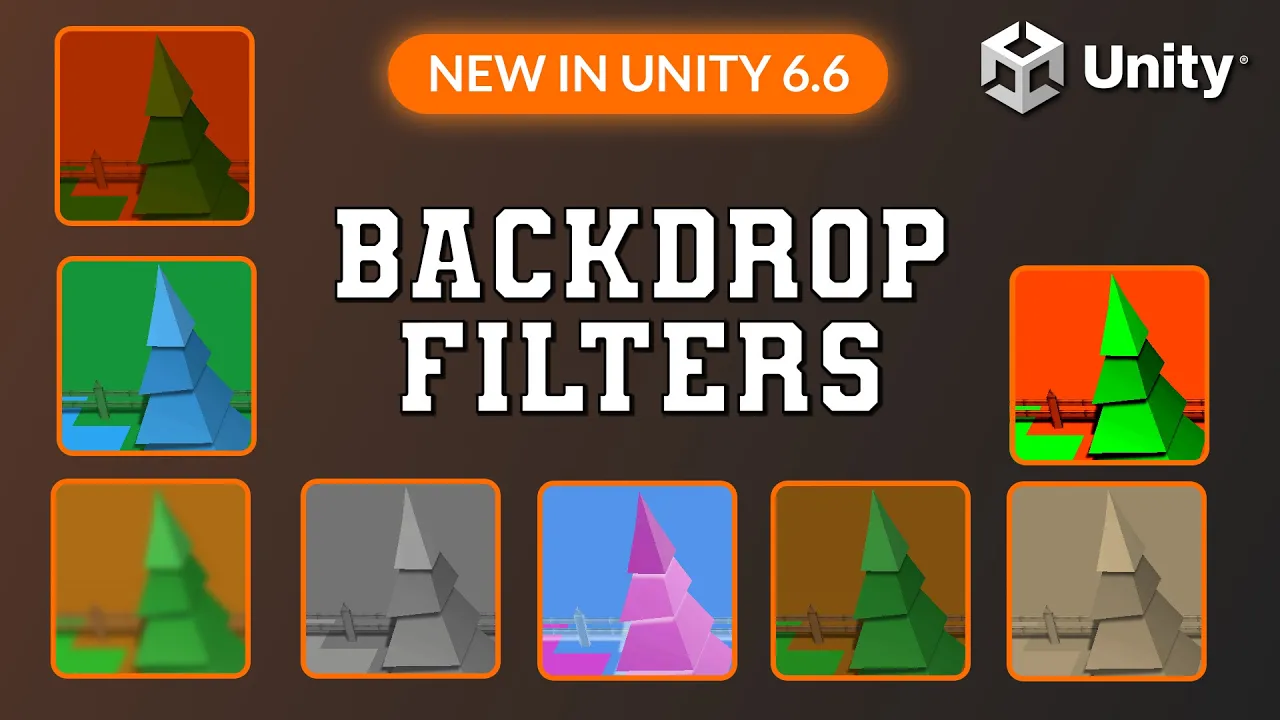
Unity 6.6 Can Now Filter What's BEHIND Your UI! UI Toolkit Tutorial
 LlamAcademy
Sep 22, 2026 12:00
LlamAcademy
Sep 22, 2026 12:00
Create an account to hide videos, mark them watched, or save them to Don't Miss.
Create an account to hide videos, mark them watched, or save them to Don't Miss.
Create an account to hide videos, mark them watched, or save them to Don't Miss.
Chapters
Backdrop Filters are a brand new (in Unity 6.6) feature in UI Toolkit that allow us to attach special effects to the "backdrop" of visual elements. This enables us to have really cool effects like a blurred background, tinting it, and more!
👨💻 No project files for this tutorial, but you can always find the FULL FREE PROJECT when there is one on GitHub: https://github.com/llamacademy
🔶 ALL THINGS LlamAcademy now available at: https://llamacademy.dev/support including latest tutorials, courses, ways to support, and more! Check it out 🙂
🏷️Save 25% on the ultimate C# IDE: JetBrains Rider with code LLAMACADEMY: https://www.jetbrains.com/store/?section=personal&billing=yearly
📚 Resources:
🟠 Backdrop Filter Docs: https://docs.unity3d.com/6000.6/Documentation/Manual/ui-systems/backdrop-filter.html
Some links may be affiliate links, which at no additional cost to you, gives me a small portion of the purchase.
Chapters:
Education
#Unity
#Tutorial
#How to
#How to unity
#unity how to
#llamacademy
#llama academy
#video game development
#development
#New In Unity 6.6
#new Unity features
#new features
#new unity feature
#ui toolkit
#ui
#toolkit
#unity ui toolkit
#backdrop filter
#backdrop
#filter
#uss
#unity style sheet
#blur
#tint
#contrast
#invert
#grayscale
#sepia
#hue-rotation
#hue rotation