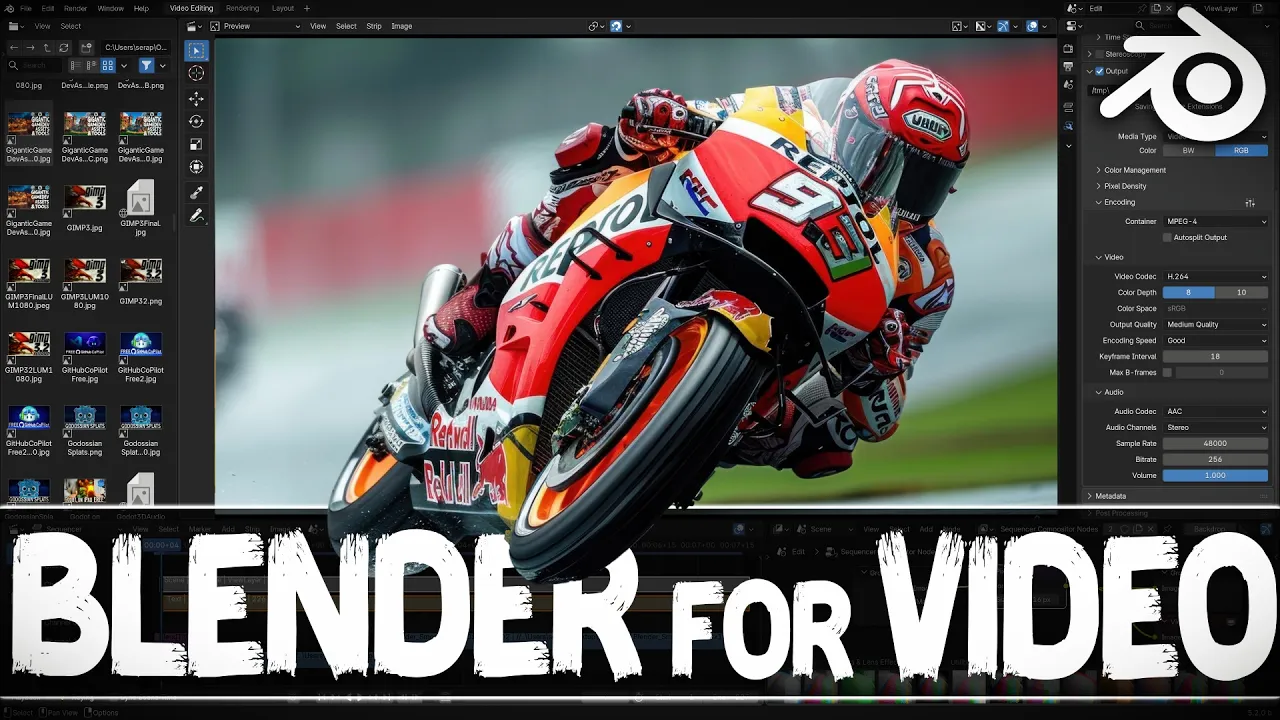
Blender - Super Powered Video Editor?
 Gamefromscratch
Jun 15, 2026 15:19
Gamefromscratch
Jun 15, 2026 15:19
Create an account to hide videos, mark them watched, or save them to Don't Miss.
Create an account to hide videos, mark them watched, or save them to Don't Miss.
Create an account to hide videos, mark them watched, or save them to Don't Miss.
Blender video editing features have come a LONG way and in the upcoming Blender 5.2 release the NLE editor gets even better. In this quick tutorial we take a look at how to use Blender to edit videos, as well as integrate 3D scenes, composite and much more. In a short period of time Blender has come a heck of a long way.
*GFS Link*: https://gamefromscratch.com/blender-for-video-editing/
------------------------------------------------------------------
*Support GFS on Patreon* : https://www.patreon.com/gamefromscratch
*GameDev News* : https://gamefromscratch.com
*GameDev Tutorials* : https://devga.me
*Discord* : https://discord.com/invite/R7tUVbD
*Twitter* : https://twitter.com/gamefromscratch
*BlueSky*: https://bsky.app/profile/gamefromscratch.bsky.social
-----------------------------------------------------------------------------------------------------------
Science & Technology
#blender
#video editing
#video sequence editor
#blender 5.2
#nle
#non linear editor
#video tutorial
#sequencer
#compositor support
#video compositing
#preview window
#ripple editing
#three-point editing
#color grading
#color balance
#effects strip
#transform
#sound strips
#cache
#rendering
#ffmpeg
#render settings
#aspect ratio
#keyframes
#animation
#grease pencil
#text strip
#overlays
#adjustment layer
#open source editor
#gamedev
#gamefromscratch
#tutorial
#blender video editing