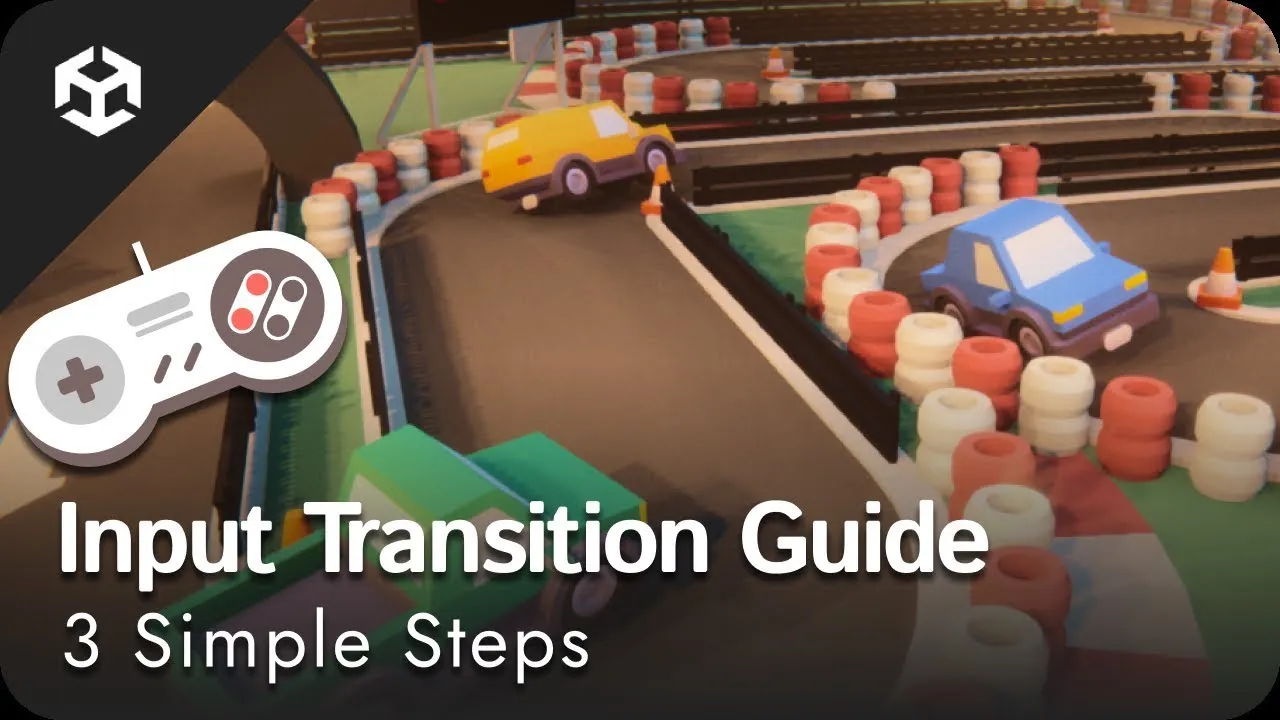
Master Unity's Input System in 10 Minutes!
 Game Dev Buddies
Oct 10, 2024 18:54
Game Dev Buddies
Oct 10, 2024 18:54
Create an account to hide videos, mark them watched, or save them to Don't Miss.
Create an account to hide videos, mark them watched, or save them to Don't Miss.
Create an account to hide videos, mark them watched, or save them to Don't Miss.
Chapters
Learn how to use the Input System package on the pre-setup project that you can download and follow along with this video.
Download the project to follow along with this tutorial video. https://github.com/GameDevBuddies/Input-System-Tutorial-Follow-Along
Checkout our other videos:
Tri-planar mapping: https://youtu.be/7TodHAg3pOU
AAA Snow Shader: https://youtu.be/kREV8Fww7WQ
VFX Snow Effect: https://youtu.be/Jx7cu1drPug
The project uses free assets from the Unity Asset Store or released with appropriate publicly available licenses.
- Studio Background: https://assetstore.unity.com/packages/templates/tutorials/cinematic-studio-sample-192852
- Car Kit: https://kenney.nl/assets/car-kit
- Racing Kit: https://kenney.nl/assets/racing-kit
- Audio Clips: by Pixabay via https://pixabay.com/
#gamedevelopment #unity #csharp #gamedev #tutorial #programming #technologytriumphs #tech #development #input #system #packagemanager
Education
#Game Dev
#Game Development
#Unity Engine
#Unity 3D
#Scripting
#C#
#Shaders
#Rendering
#Game Dev Tutorials
#Tutorials