How To Extend The Timeline In 3 Easy Steps
 Game Dev Buddies
Oct 10, 2024 18:54
Game Dev Buddies
Oct 10, 2024 18:54
Create an account to hide videos, mark them watched, or save them to Don't Miss.
Create an account to hide videos, mark them watched, or save them to Don't Miss.
Create an account to hide videos, mark them watched, or save them to Don't Miss.
Chapters
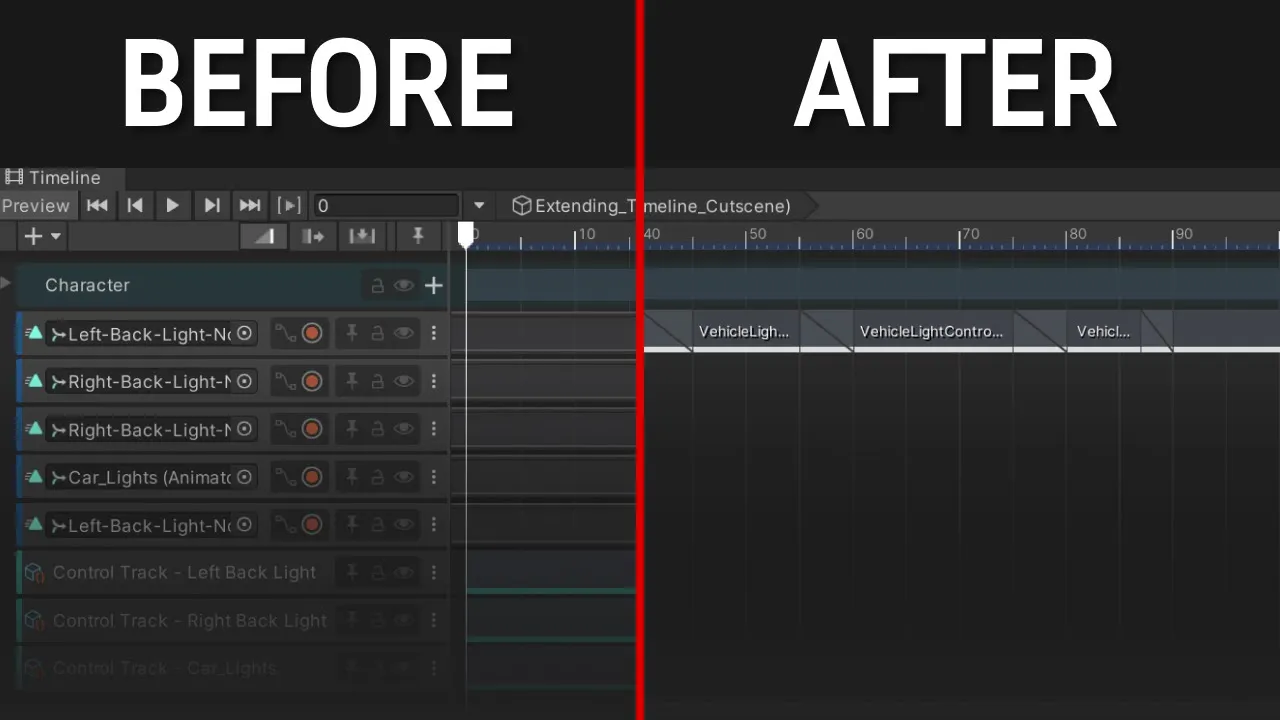
Learn how to customize the Timeline by creating custom tracks and clips so that you can connect your game logic with Timeline, or just simplify the workflow for cutscene creation.
Learn how to create beautiful cutscenes for your game: https://youtu.be/keRQIiNsjuE
Follow-along GitHub repository: https://github.com/GameDevBuddies/Extending-Timeline-Follow-Along
Playables API:
Assets used in the video:
Spotlight 3D model: https://assetstore.unity.com/packages/3d/props/interior/spotlight-and-structure-141453
Studio Background:
https://assetstore.unity.com/packages/templates/tutorials/cinematic-studio-sample-192852
Car Model:
https://github.com/Unity-Technologies/ECS-Network-Racing-Sample
#gamedevelopment #unity #unitytimeline #csharp #gamedev #tutorial #programming #technology #tech
Education
#game development
#game dev
#unity
#unity tutorial
#unity tutorial 3d
#c# tutorial
#unity timeline tutorial
#unity timeline