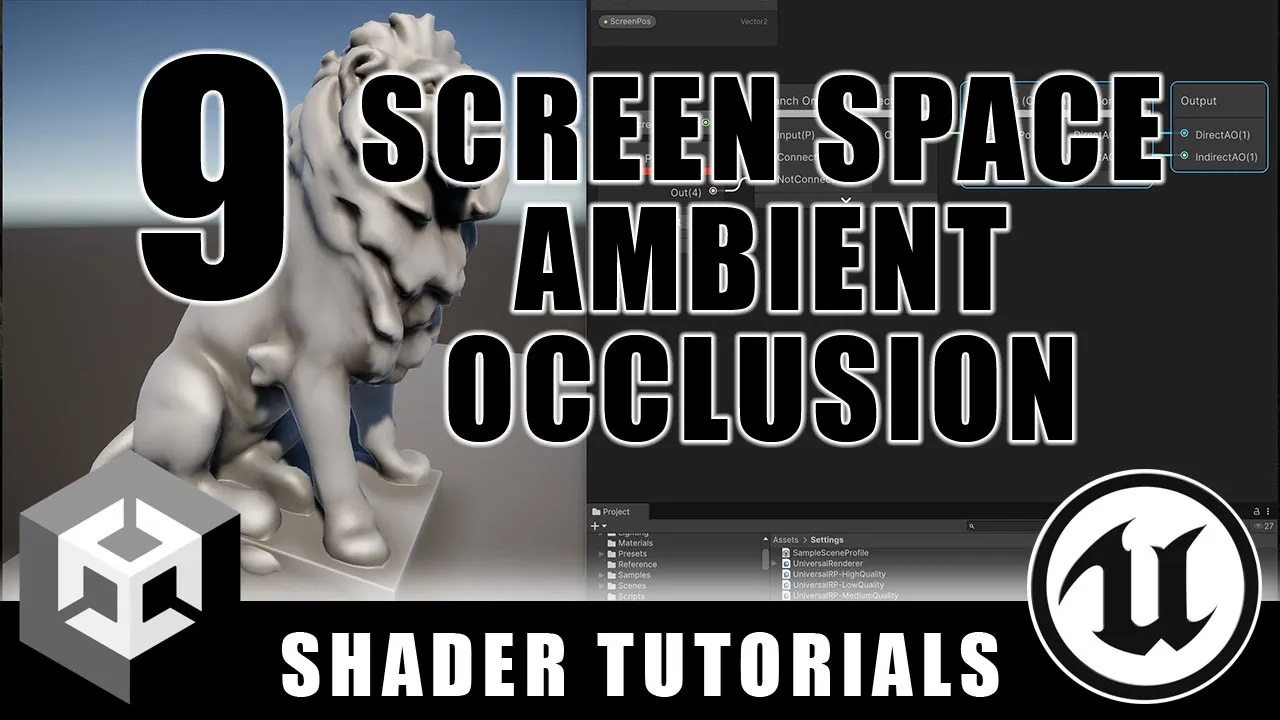
Screen Space Ambient Occlusion - Custom Lighting Models - Episode 9
 Ben Cloward
Mar 13, 2025 15:00
Ben Cloward
Mar 13, 2025 15:00
Create an account to hide videos, mark them watched, or save them to Don't Miss.
Create an account to hide videos, mark them watched, or save them to Don't Miss.
Create an account to hide videos, mark them watched, or save them to Don't Miss.
In this shader tutorial, I show how to write the code required to bring screen space ambient occlusion into our custom lighting model in Unity. Once available we can use it in the traditional way to darken the ambient - but we can also use it in other, unique ways to get just the look we're looking for.
Here's the code for the Custom Function node:
#if defined(_SCREEN_SPACE_OCCLUSION) && !defined(_SURFACE_TYPE_TRANSPARENT) && !defined(SHADERGRAPH_PREVIEW)
float ssao = saturate(SampleAmbientOcclusion(ScreenPos) + (1.0 - _AmbientOcclusionParam.x));
IndirectAO = ssao;
DirectAO = lerp(1.0, ssao, _AmbientOcclusionParam.w);
#else
DirectAO = 1.0;
IndirectAO = 1.0;
#endif
Take a look at the playlist for the whole series:
https://www.youtube.com/playlist?list=PL78XDi0TS4lGnGa7L2X4o3UV-XYZEKNwj
Here's last week's video on making our custom lighting model modular:
https://youtu.be/Ak40WLdV3ic
Shader Book Recommendations
https://www.bencloward.com/resources_books.shtml
------------------------------
Theme Music
Peace in the Circuitry - Glitch Hop
http://teknoaxe.com/Link_Code_3.php?q=1526
Background Music
Speo - The Little Things
https://www.youtube.com/watch?v=kvCYuyyLgC0
#UnrealEngine #shadergraph #Unity
Education
#Unity
#shader
#material
#material editor
#game development
#real-time
#tutorial
#training
#graphics
#3d
#GPU
#tech art
#computer graphics
#fundamentals
#shader graph
#screen space ambient occlusion
#ssao
#occlusion