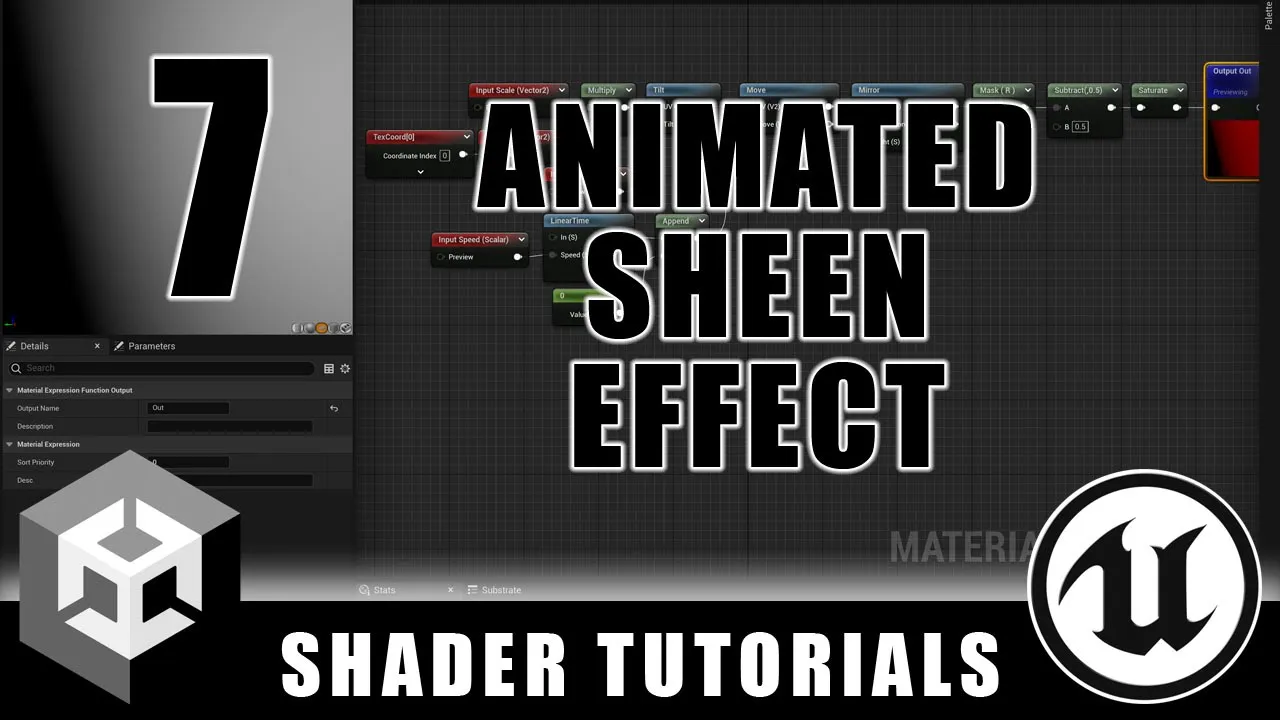
Animated Sheen Effect - Procedural Shapes and Patterns - Episode 7
 Ben Cloward
Aug 8, 2024 15:00
Ben Cloward
Aug 8, 2024 15:00
Create an account to hide videos, mark them watched, or save them to Don't Miss.
Create an account to hide videos, mark them watched, or save them to Don't Miss.
Create an account to hide videos, mark them watched, or save them to Don't Miss.
In this tutorial, we create an animated sheen effect - like a light source moving across a shiny surface. We're going to use this for our mouse-over state when we complete our advanced button shader next week. This tutorial includes the creation of the Linear Time, Tilt, and Mirror subgraphs.
------------------------------------
Here's last week's video - part 1 of the advanced button tutorial:
https://youtu.be/CCw-MUHEgxc
Here's the playlist for the whole series:
https://www.youtube.com/playlist?list=PL78XDi0TS4lF5ASo3vpUFKenMkhMVeZ5y
Shader Book Recommendations
https://www.bencloward.com/resources_books.shtml
------------------------------
Theme Music
Peace in the Circuitry - Glitch Hop
http://teknoaxe.com/Link_Code_3.php?q=1526
Background Music
Speo - The Little Things
https://www.youtube.com/watch?v=kvCYuyyLgC0
#UnrealEngine #shadergraph #Unity
Education
#UE4
#UE5
#Unreal
#Unreal Engine
#Unity
#shader
#material
#material editor
#game development
#real-time
#tutorial
#training
#graphics
#3d
#GPU
#tech art
#computer graphics
#fundamentals
#shader graph
#patterns
#shapes
#procedural
#button
#mouse over
#selected
#active
#specular highlight
#animated
#shiny