How To Fix 'Could Not Reconnect All Network Drives' Error
 Battle(non)sense
Jun 27, 2018 16:32
Battle(non)sense
Jun 27, 2018 16:32
Create an account to hide videos, mark them watched, or save them to Don't Miss.
Create an account to hide videos, mark them watched, or save them to Don't Miss.
Create an account to hide videos, mark them watched, or save them to Don't Miss.
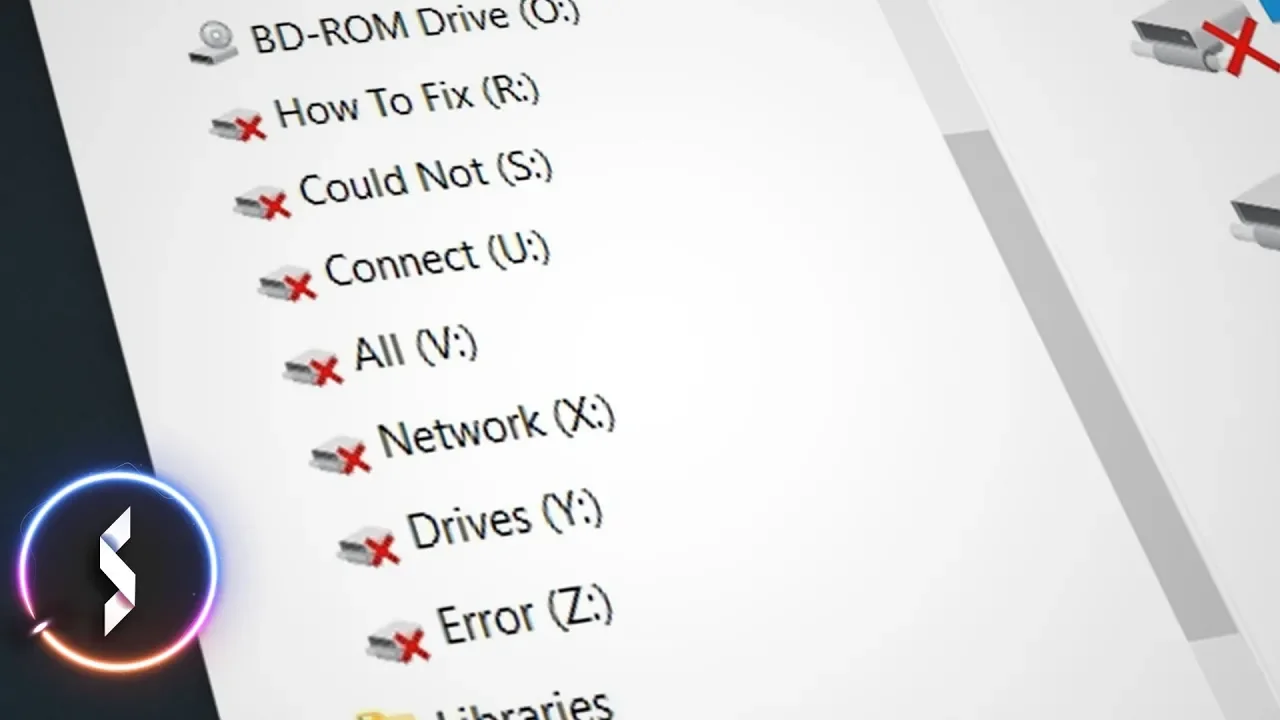
The 'Could not reconnect network drives' error after a (re)boot is one of the most annoying Windows issues. In this video I will show you 2 workarounds that quickly 'reconnect' network drives when you start your PC.
► Support Battle(Non)Sense: https://www.patreon.com/battlenonsense
► Download
➜ ReconnectNetDrives.bat https://gist.github.com/BattleNonSense/fb27377bc8a0ca2e9c58f28924ce277b
➜ ConnectDrives.bat https://gist.github.com/BattleNonSense/6cb7cca393f44ba043705962949a179a
► Battle(non)sense Wallpaper: https://goo.gl/51aao7
► Previous video: https://youtu.be/B-5D9mQ8Nv0
► Next Video:
► Connect with me:
➜ discord: https://discord.gg/C7Uagt9
➜ FB: https://www.facebook.com/BattleNonSense
➜ twitter: https://www.twitter.com/BattleNonSense
➜ email: [email protected]
► Outro Music:
Many of you asked for the name of the outro song. Sadly I have to tell you that it is not a "song". It is a custom made music to be used for intros/outros that I bought a while ago.
Gaming
#windows
#network share
#network drive
#cloud not connect network drive
#fix
#script
#reconnect
#offline network drive
#Could Not Reconnect All Network Drives