Measure Lag Like A Pro | Asus PG27AQN
 Battle(non)sense
Jan 22, 2023 15:29
Battle(non)sense
Jan 22, 2023 15:29
Create an account to hide videos, mark them watched, or save them to Don't Miss.
Create an account to hide videos, mark them watched, or save them to Don't Miss.
Create an account to hide videos, mark them watched, or save them to Don't Miss.
Chapters
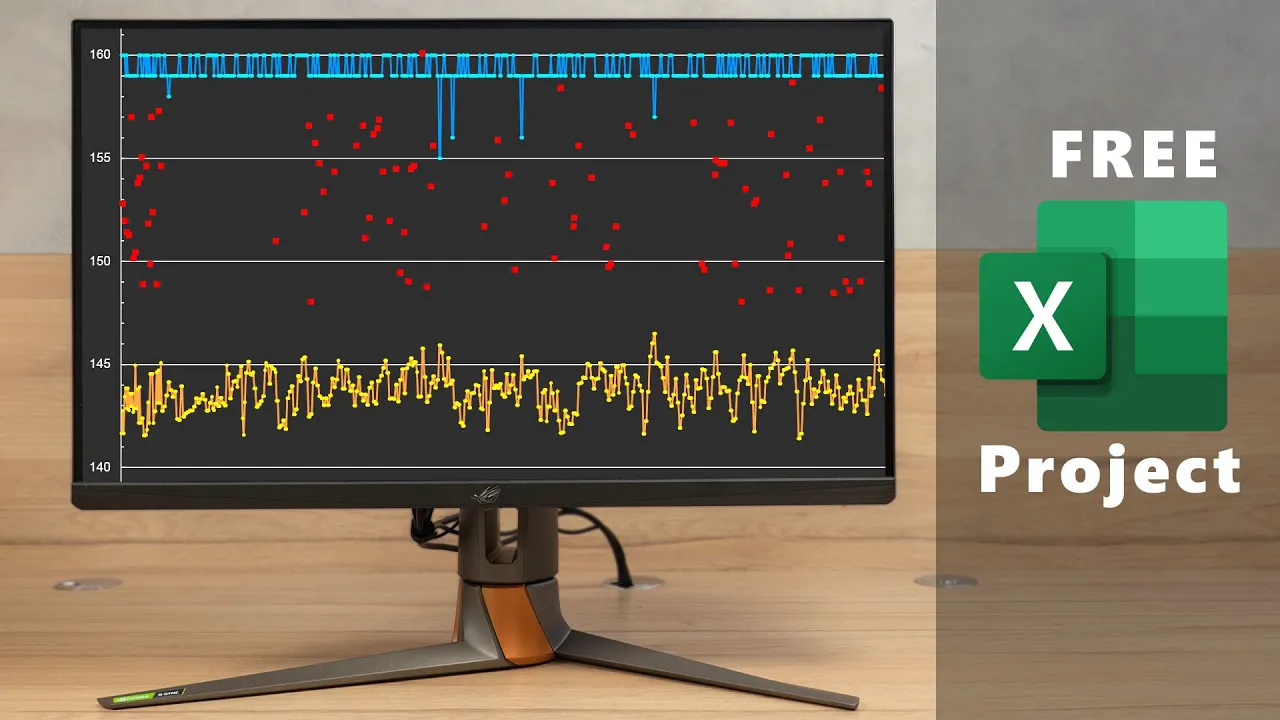
Find out how you can continuously measure system latency while playing a game and evaluate the logged data afterwards using my free Excel template!
Testing and troubleshooting the responsiveness of a game has never been this easy.
► Download my Free RLA Charts Excel Template: https://drive.google.com/drive/folders/1KhOoLERWaxZ63UaYEsfXXwkhKUxmSUKq?usp=sharing
► Reflex Compatible Mice & Games: https://www.nvidia.com/en-us/geforce/technologies/reflex/supported-products/
► Sponsor:
NVIDIA provided the Asus PG27AQN for testing, however they did not pay me to do the video nor was I required to do this tutorial video in exchange for receiving the hardware.
Nevertheless due to EU laws I decided to enable the "product placement" notice for this video - just to be safe..... O.o
► Connect with me:
➜ FB: facebook.com/BattleNonSense
➜ twitter: twitter.com/BattleNonSense
➜ email: [email protected]
#inputlag #latency #GSync #nvidia #ASUS
Gaming
#input lag
#system latency
#reflex
#asus
#nvidia
#RLA