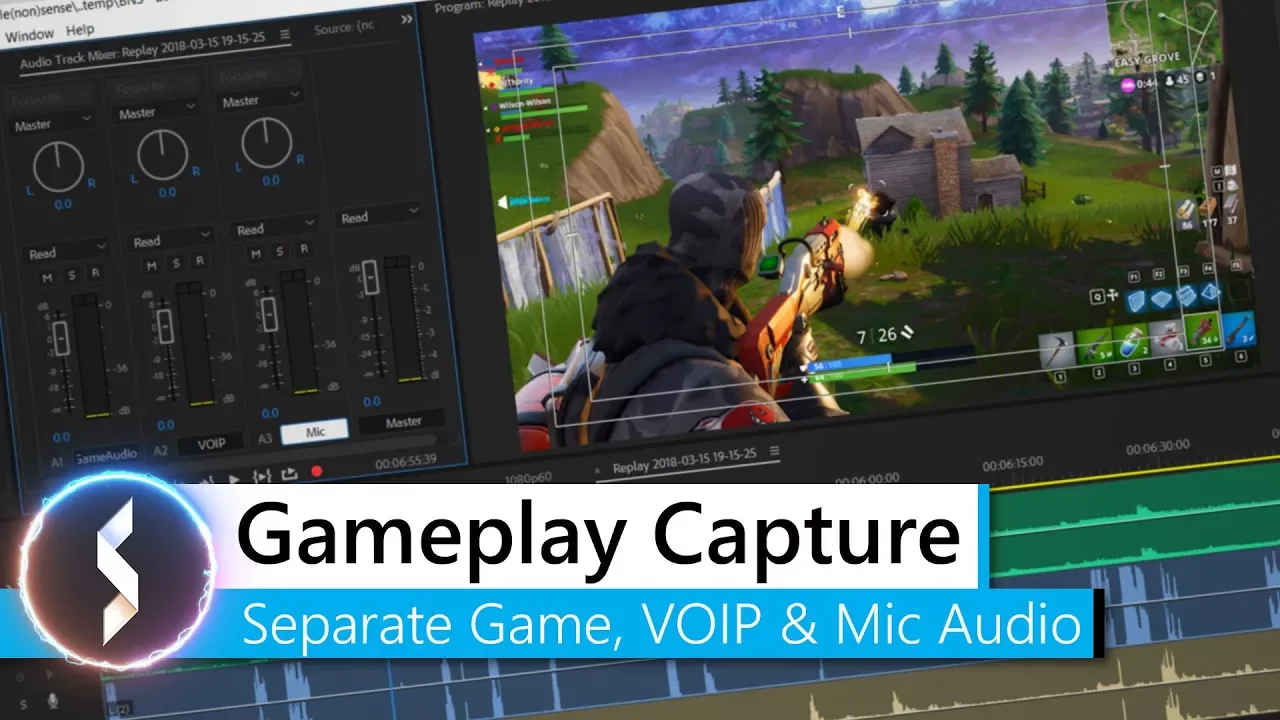
Gameplay Capture - How To Separate Game, VOIP & Mic Audio
 Battle(non)sense
Mar 22, 2018 21:13
Battle(non)sense
Mar 22, 2018 21:13
Create an account to hide videos, mark them watched, or save them to Don't Miss.
Create an account to hide videos, mark them watched, or save them to Don't Miss.
Create an account to hide videos, mark them watched, or save them to Don't Miss.
You captured some epic gameplay, but had that recording ruined by someone yelling in discord?
In this video I will show you how you can easily avoid this problem without spending a single cent on new audio hardware or software!
► Support Battle(Non)Sense: https://www.patreon.com/battlenonsense
► Links:
ShadowPlay Alternative: https://youtu.be/-ceoQitMogA
VoiceMeeter: https://www.vb-audio.com/
OBS: https://obsproject.com/
► Battle(non)sense Wallpaper: https://goo.gl/51aao7
► Previous video: https://youtu.be/Ke25TkcRP_s
► Next Video: https://youtu.be/XbkHvQOHpdg
► Connect with me:
➜ FB: facebook.com/BattleNonSense
➜ twitter: twitter.com/BattleNonSense
➜ email: [email protected]
► Outro Music:
Many of you asked for the name of the outro song. Sadly I have to tell you that it is not a "song". It is a custom made music to be used for intros/outros that I bought a while ago.
Gaming
#VoiceMeeter
#Audio
#gameplay
#capture
#audio
#tracks
#microphone
#digital audio cable
#obs
#bandicam
#action!
#discord
#skype
#teamspeak
#fortnite