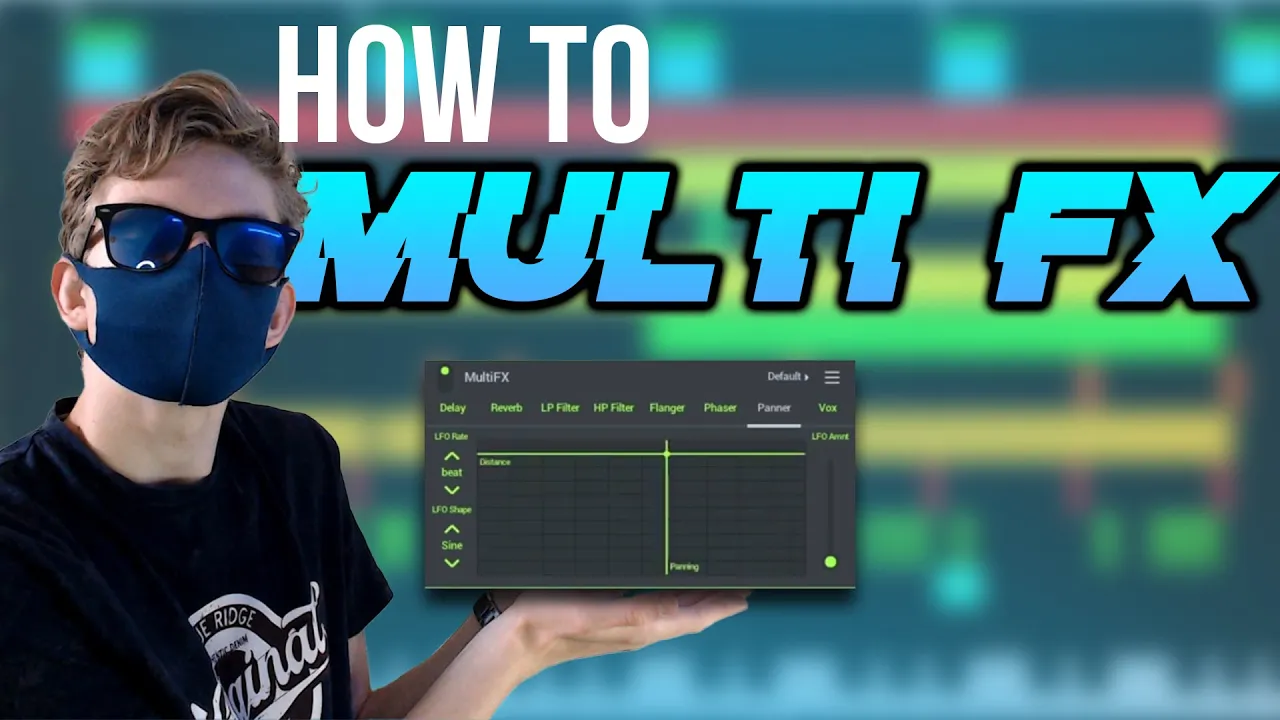
How To Automate MULTI FX In FL Studio Mobile!?
 Zowex
Sep 20, 2021 10:00
Zowex
Sep 20, 2021 10:00
Create an account to hide videos, mark them watched, or save them to Don't Miss.
Create an account to hide videos, mark them watched, or save them to Don't Miss.
Create an account to hide videos, mark them watched, or save them to Don't Miss.
Hi guys,
Thank you for watching this video. in this video zowex music is going to show you in his youtube tutorial how to automate the fl studio mobile plugin multi fx!
SHOUT-OUT CHANNELMEMBER(S)!!!
(nothing yet :( jk jk jk)
🎵Presets and samples:
🎹 Dubstep: https://youtu.be/HnFbGcEteyE
🎹 Melodic Dubstep: https://bit.ly/2YhCKTb
Join the Discord server: https://discord.gg/fGXXD3URZg
🎵Subscribe for more content.
See you guys soon🖐️
Support me if you like🤑: https://www.patreon.com/zowexmusic
Create and save complete multi-track music projects on your Phone, Tablet or Chromebook. Record, sequence, edit, mix and render complete songs.
FEATURE HIGHLIGHTS
* Audio recording, track-length stem/wav import
* Browse sample and presets with preview
* Effects modules (see Included Content)
* Full-screen DeX & Chromebook Touch, Trackpad & Mouse support.
* High quality synthesizers, sampler, drum kits & sliced-loop beats
* Instrument modules (see Included Content)
* Load projects in the FL STUDIO** FREE Plugin version of this App
* MIDI controller support (class compliant). Automation support.
* MIDI file import and Export (Single-track or Multi-track)
* Mixer: Per-track mute, solo, effect bus, pan and volume adjustment
* Piano roll: Edit notes or capture recorded performances.
* Save and load WAV, MP3, AAC*, FLAC, MIDI
* Share your songs via Wi-Fi or Cloud to other Mobile 3 installations
* Step sequencer
* User interface configurable with all screen resolutions and sizes.
* Virtual piano-keyboard & Drumpads#
FL Studio Mobile includes in-app purchases for the DirectWave sample player. You can install your own samples and don’t need to buy content.
All Instrument modules are included: Drum Sampler, DirectWave Sample Player, GMS (Groove Machine Synth), Transistor Bass, MiniSynth & SuperSaw.
All Effect modules are included: Analyzer (visual), Auto Ducker, Auto-Pitch (pitch correction), Chorus, Compressor, Limiter, Distortion, Parametric Equalizer, Graphic Equalizer, Flanger, Reverb, Tuner (Guitar/Vocal/Inst), High-Pass/Low-Pass/Band-Pass/Formant (Vox) Filters, Delays, Phaser and Stereoizer.
Included Drum Samples: Cymbals, Hats, Kicks, Snares, Toms, Percussion, Risers, SFX
Included DirectWave Instruments: Guitars, Keyboards, Orchestral, Synth, Bass, Synth Keyboards, Synth Leads, Synth Pads, Sliced, Drums, Drum Kits and Effects.
Included MiniSynth Presets: Bass, Keys, Leads, Pads, SFX, Synths
Included SuperSaw Presets: Arps, Bass, Bells, SFX, Leads, Pads, Sequences, Synths
#flstudiomobile #music #multifx
Education
#fl studio mobile
#flm
#zowex music
#zowex
#music
#how to
#zowex music tutorials
#zowex music fl studio mobile tutorials
#fl studio mobile tutorial
#how to use fl studio mobile
#multi fx fl studio mobile
#multi fx flm tutorial
#multi fx x y automation
#tutorial