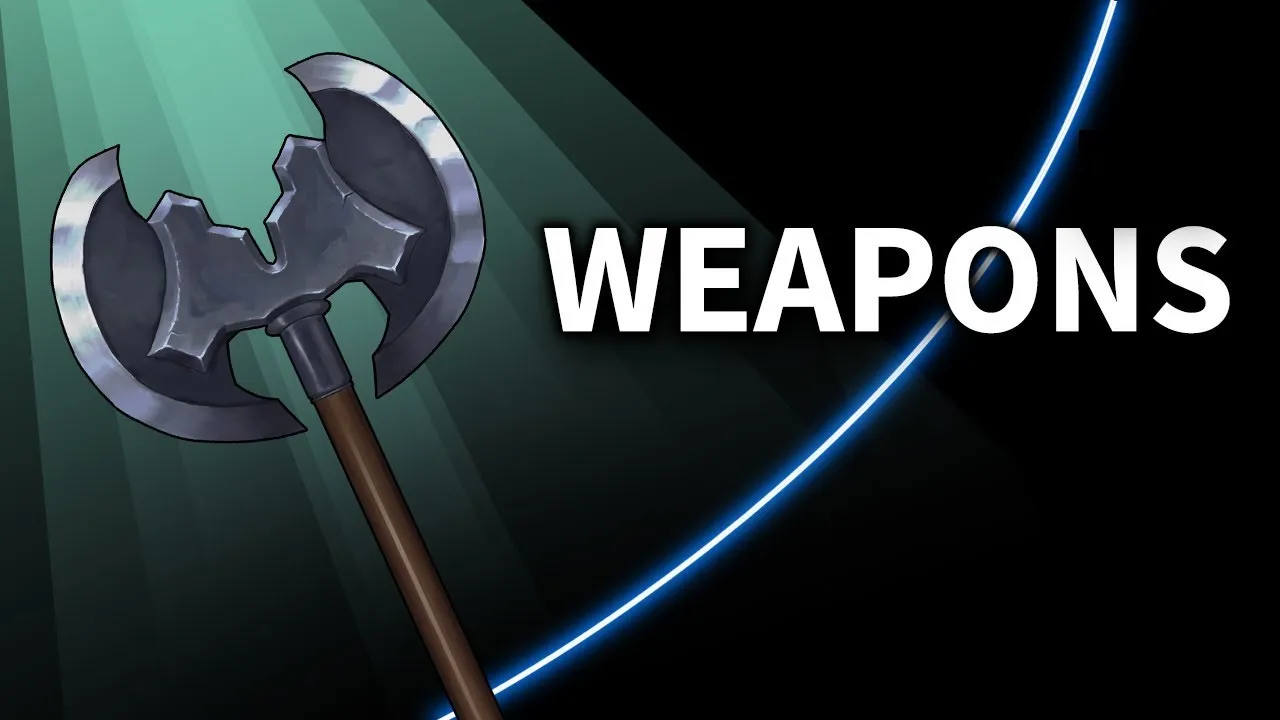
Concept Art Class: Weapons
 Xabio Arts
Feb 10, 2020 04:06
Xabio Arts
Feb 10, 2020 04:06
Create an account to hide videos, mark them watched, or save them to Don't Miss.
Create an account to hide videos, mark them watched, or save them to Don't Miss.
Create an account to hide videos, mark them watched, or save them to Don't Miss.
Chapters
This particular video is extra long because it acts as a full art class. Take breaks and check the time stamps in the description to pick up where you left off.
By the end of this tutorial you will learn:
- The basic anatomy of an axe and dagger
- How to generate hundreds of ideas
- How to filter the good ideas from the bad ideas
- Setting up your brush for digital painting
- How to blend colors
- How to pick the right colors for shading and rendering
- Basic lighting scenario that works on everything
- How to render different metal surfaces and metal scratches
- How to render different wood surfaces (polished and matte finishes)
- Photoshop tips and tricks and shortcuts
You can use these skills to help you:
- Design a set of items for your concept art portfolio
- Design weapons for your OC
- Take your sketches from flat colors to finished paintings
Skip ahead:
This is the second episode of Concept Art Class; a tutorial series that breaks down how I illustrate the items and characters for an upcoming card game. What makes this tutorial series different? I include your designs and all of my mistakes and exactly how I fix them.
***HERE'S HOW IT WORKS***
Each video goes through 3 parts:
1. (Art Critiques) I look at all your sketches you posted using the hashtag from the previous video and show them off at the beginning of this video. Your art skills do not matter for this. Pros and noobs are equal, we're just celebrating ideas.
2. (Lesson) I show you exactly how I create the final illustrations from beginning to end in excruciating detail.
3. (Homework) I reveal the next set of cards for you to design and post and the hashtag that goes with them as well.
By the end, we will have a full set of cards we all worked on together to enjoy!
***TODAY'S HOMEWORK FOR THE NEXT VIDEO***
Leather Boots, Chain Mail, Tome Ar Woll, Gartoux
#XabioArtsArmor
Deadline is Valentines day! - 2/14/20
Every Concept Art Class video: https://bit.ly/2Yw2YAj
My Quiz Show:
I host quiz shows periodically. If you want to come check it out, it's at https://www.quizando.com/XabioArts
Listen & Draw Podcast - https://bit.ly/2shnlVB
Simple Tutorials -http://bit.ly/2t7S3ki
Advanced Tutorials - https://bit.ly/2LKC
▽anti-social media links▽
►Subscribe - http://bit.ly/2cBTvCM
►Instagram - https://www.instagram.com/xabioarts/
►Pinterest - https://www.pinterest.com/XabioArts/
►Twitter - https://twitter.com/XabioArts
►TikTok - @XabioArts
►Facebook - https://www.facebook.com/xabioarts/
►Website - http://XabioArts.com
►Deviantart - http://xabioarts.deviantart.com/
I put an enormous amount of time and love into this and thanks to everyone who sent in sketches for the weapons. I'm glad to hear you had fun designing the weapons! I saw them all and I had fun going through them all for this :) Hope you like the armor too!
https://www.youtube.com/xabioarts
#XabioArts #XabioArtsWeapons
Howto & Style
#xabio arts
#xabio
#arts
#drawing tutorial
#how to draw
#Concept art class
#how to concept art
#character design
#how to concept art photoshop
#concept art tutorial
#character design tutorial
#photoshop tips and tricks
#how to photoshop
#how to character design
#game design
#art portfolio prep
#online course
#online lecture
#illustration
#how to draw a sword
#how to draw a dagger
#how to draw an axe
#how to draw a magic staff
#concept art weapons
#how to design weapons
#digital