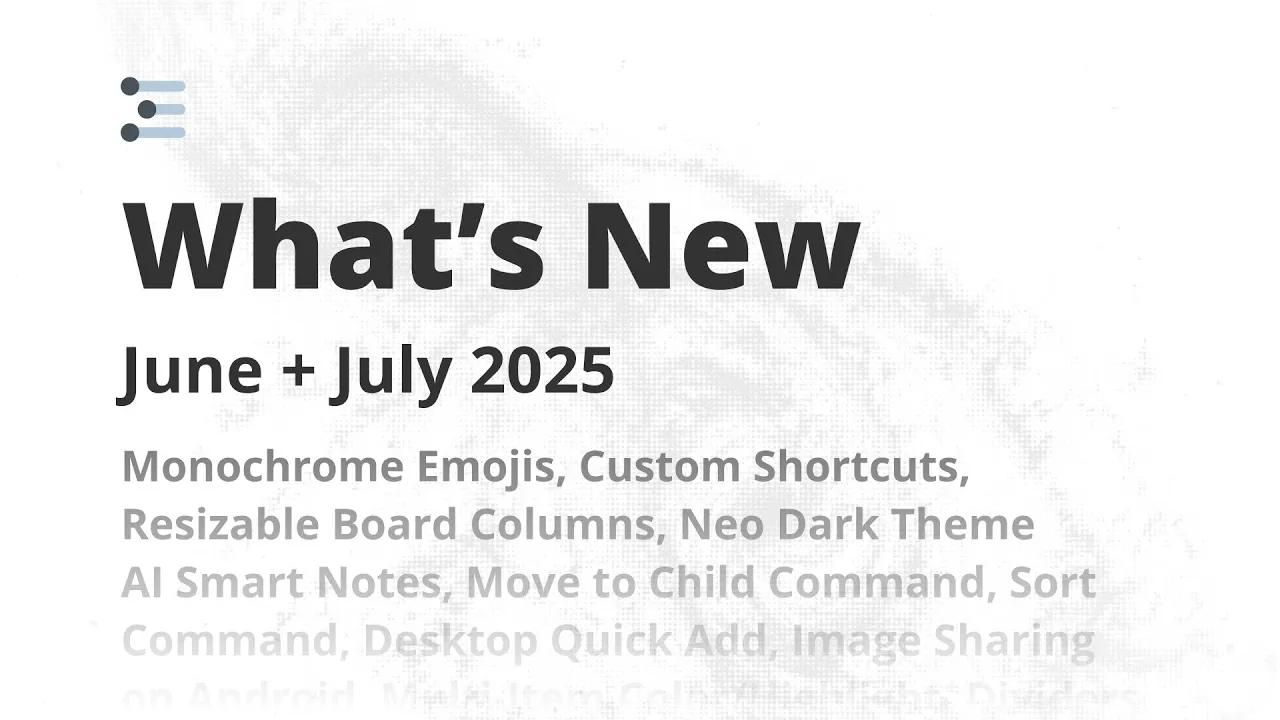
What's New in Workflowy - June + July 2025
 Workflowy
Aug 14, 2025 19:06
Workflowy
Aug 14, 2025 19:06
Create an account to hide videos, mark them watched, or save them to Don't Miss.
Create an account to hide videos, mark them watched, or save them to Don't Miss.
Create an account to hide videos, mark them watched, or save them to Don't Miss.
Over the past two months, we’ve rolled out a ton of exciting new features to make WorkFlowy even more powerful, customizable, and fun to use. This video gives you a quick tour of everything that’s new so you can start taking advantage of these updates right away.
✨ Highlights from this update:
- Monochrome Emojis – Keep your workspace clean and minimalist
- Custom Shortcuts – Jump anywhere or move/mirror items instantly with the keyboard
- Resizable Board Columns – Set the perfect column width (and we’ll remember it!)
- Neo Dark Theme – A richer, deeper dark mode
- AI Smart Notes – Ask AI about your notes and insert clean, editable results
- Move to Child Command – Pinpoint exactly where your items go
- Sort Command – Quickly organize items alphabetically or by date
- Desktop Quick Add – Capture ideas instantly from anywhere
- Image Sharing on Android – Send images directly to WorkFlowy
- Multi-Item Color/Highlight – Style multiple items at once
- Dividers – Visually organize your outline with horizontal breaks
- New Search Operators – link: and is:divider for powerful filtering
- Custom Start Day of the Week – Sunday or Monday, your choice
- Google Login – Easier sign-in for Gmail users
- Template Slash Command – Insert any saved template from anywhere
Whether you’re a keyboard power user, a visual organizer, or an AI enthusiast, there’s something in this update for you.
💬 Which feature are you most excited about? Tell us in the comments!
🔗 Try WorkFlowy free: https://workflowy.com
#WorkFlowy #Productivity #Update #NewFeatures
Science & Technology
#workflowy
#note taking
#online notepad
#list maker
#outline app
#obsidian
#dynalist
#trello
#roam research
#logseq
#mem
#project management
#notion
#task manager
#bullet journal
#outliner