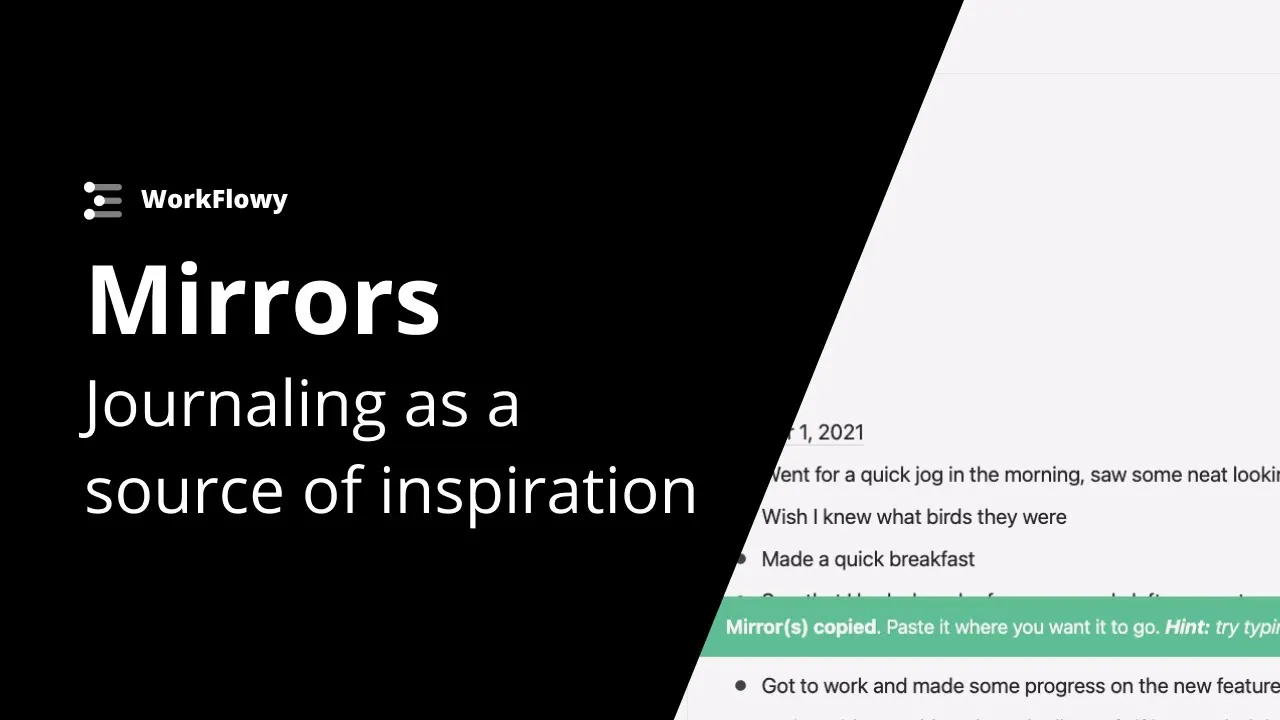
Mirrors tutorial - Turn journal entries into endless inspiration
 Workflowy
Apr 26, 2021 13:48
Workflowy
Apr 26, 2021 13:48
Create an account to hide videos, mark them watched, or save them to Don't Miss.
Create an account to hide videos, mark them watched, or save them to Don't Miss.
Create an account to hide videos, mark them watched, or save them to Don't Miss.
In the example we go over how to use mirrors in workflowy to turn journal entries into an endless source of inspiration. Mirror important items from your journal into collections where you can let reference them, build on them and keep them from getting lost to the sands of time.
Get started with WorkFlowy (it's free)!
https://workflowy.com/
Use WorkFlowy on all your devices:
Desktop App:https://workflowy.com/downloads
App Store: https://apps.apple.com/us/app/workflowy-note-list-outline/id551139514
Play Store: https://play.google.com/store/apps/details?id=com.workflowy.android
Follow us for the latest updates:
Twitter: https://twitter.com/workflowy
Facebook: https://www.facebook.com/workflowy/
Instagram: https://www.instagram.com/workflowy/
Science & Technology
#workflowy tutorial
#best app for taking notes
#building a second brain
#workflowy
#zettelkasten app
#best note taking app
#the best note taking app
#how to use mirrors in workflowy
#example of mirrors in workflow
#mirror tutorial workflowy
#journaling with mirrors
#example of mirrors in workflowy