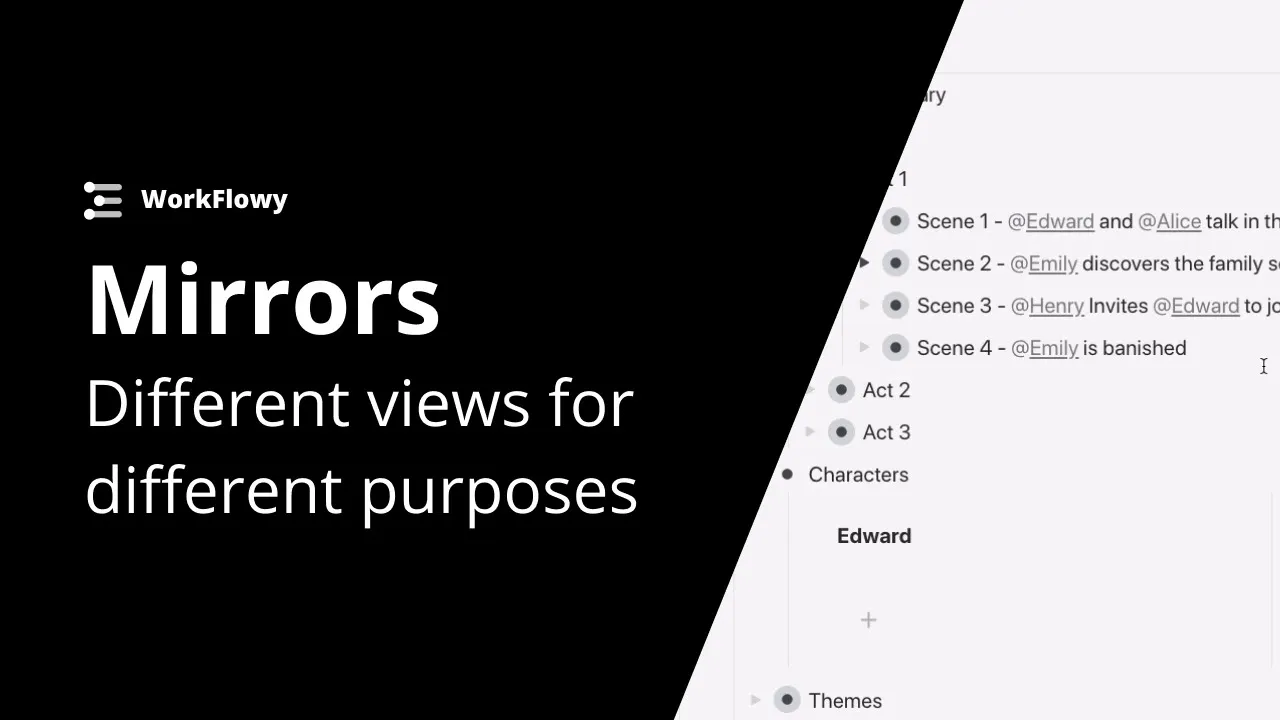
Mirrors tutorial - Different views for different purposes
 Workflowy
Apr 26, 2021 13:48
Workflowy
Apr 26, 2021 13:48
Create an account to hide videos, mark them watched, or save them to Don't Miss.
Create an account to hide videos, mark them watched, or save them to Don't Miss.
Create an account to hide videos, mark them watched, or save them to Don't Miss.
In this example we take a look at using mirrors in workflowy to take a single source of information and turn that into separate views. Mirrors make it easy to group related items without having to move them anywhere. This makes grouping related areas or tasks much easier, and forget about worrying about lost information - mirrors automatically update after each change.
Get started with WorkFlowy (it's free)!
https://workflowy.com/
Use WorkFlowy on all your devices:
Desktop App:https://workflowy.com/downloads
App Store: https://apps.apple.com/us/app/workflowy-note-list-outline/id551139514
Play Store: https://play.google.com/store/apps/details?id=com.workflowy.android
Follow us for the latest updates:
Twitter: https://twitter.com/workflowy
Facebook: https://www.facebook.com/workflowy/
Instagram: https://www.instagram.com/workflowy/
Science & Technology
#workflowy tutorial
#best app for taking notes
#building a second brain
#workflowy
#zettelkasten app
#best note taking app
#the best note taking app
#how to use mirrors in workflowy
#example of mirrors in workflow
#mirror tutorial workflowy
#publishing company organization
#tools for publishers
#tools for authors
#best app for publishers