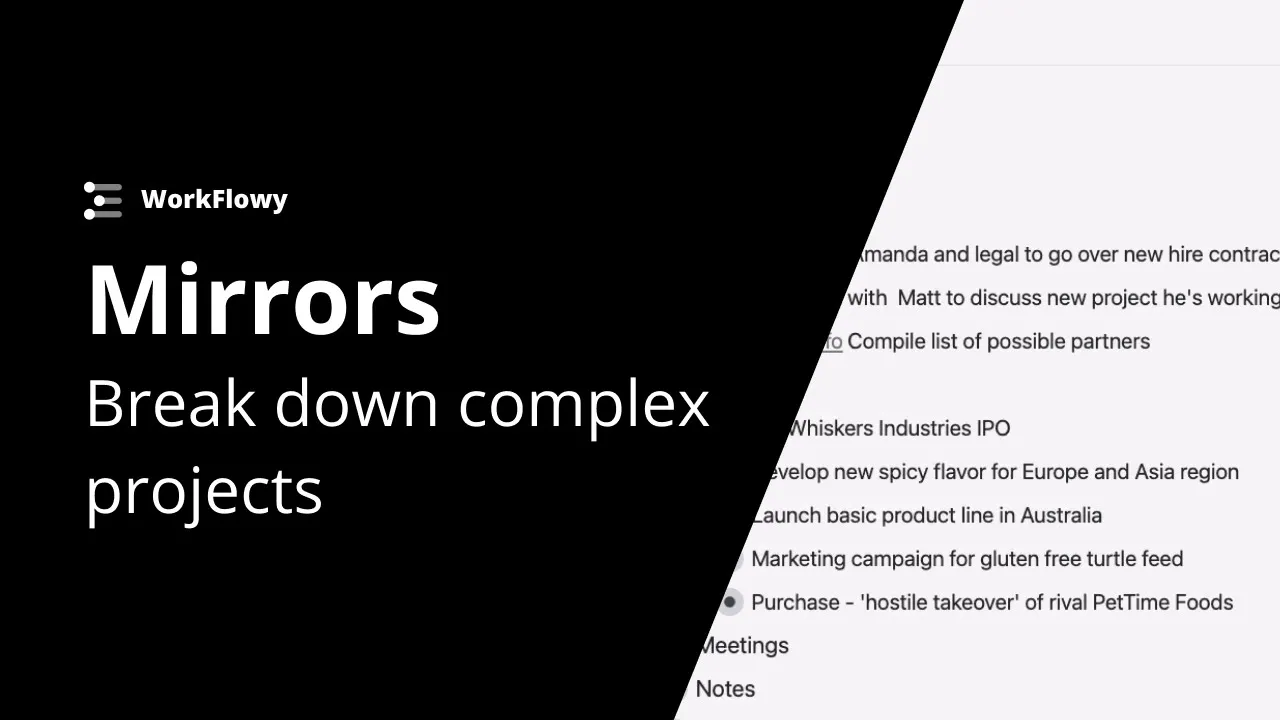
Mirrors tutorial - Break down complex projects into smaller chunks
 Workflowy
Apr 26, 2021 13:48
Workflowy
Apr 26, 2021 13:48
Create an account to hide videos, mark them watched, or save them to Don't Miss.
Create an account to hide videos, mark them watched, or save them to Don't Miss.
Create an account to hide videos, mark them watched, or save them to Don't Miss.
In this example we show you how to use mirrors to break down complex projects into smaller, more manageable chunks. Keep your projects organized by mirroring only the tasks you want to handle right now. Mirrors make it easy to pull out small chunks of work while leaving your entire project structure intact - no more having to copy and paste or move anything around. Get more work done and keep everything nice and organized!
Get started with WorkFlowy (it's free)!
https://workflowy.com/
Use WorkFlowy on all your devices:
Desktop App:https://workflowy.com/downloads
App Store: https://apps.apple.com/us/app/workflowy-note-list-outline/id551139514
Play Store: https://play.google.com/store/apps/details?id=com.workflowy.android
Follow us for the latest updates:
Twitter: https://twitter.com/workflowy
Facebook: https://www.facebook.com/workflowy/
Instagram: https://www.instagram.com/workflowy/
Science & Technology
#workflowy tutorial
#best app for taking notes
#building a second brain
#workflowy
#zettelkasten app
#best note taking app
#the best note taking app
#how to use mirrors in workflowy
#example of mirrors in workflow
#mirror tutorial workflowy
#note taking app
#best app for organizing small business
#small business tools
#project management app