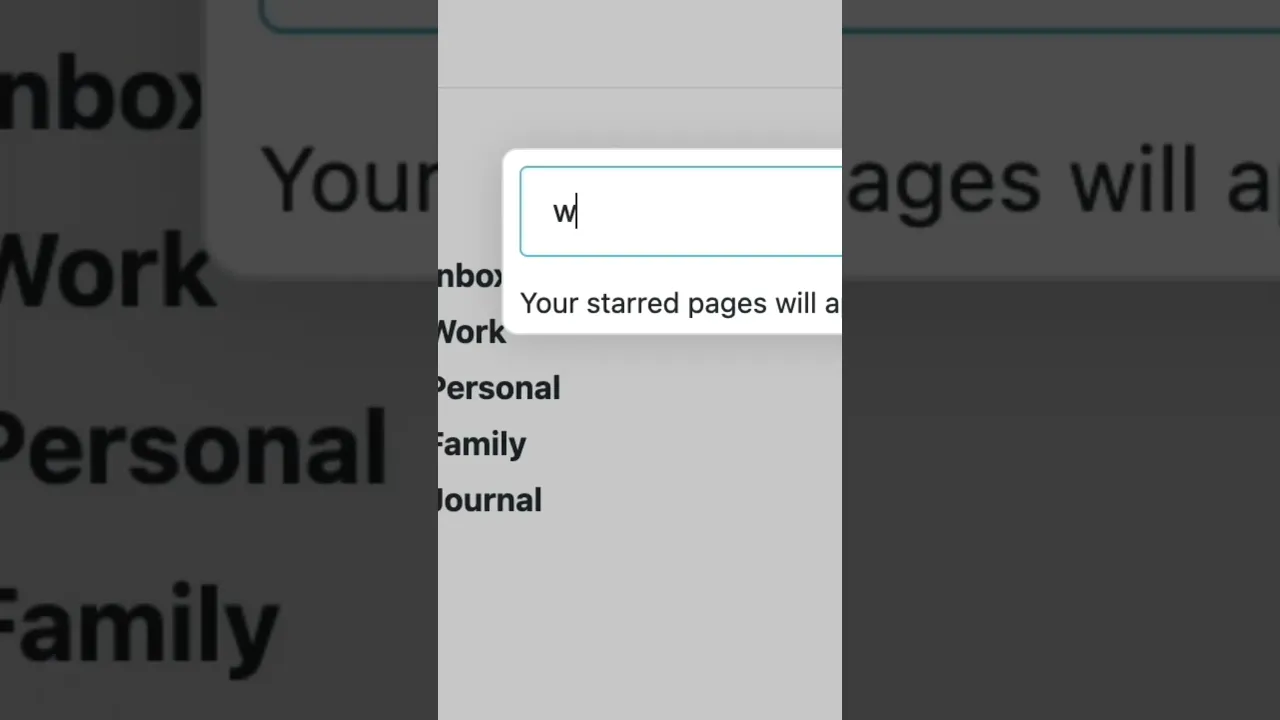
Introducing Shortcuts — a quick way to jump around the app
 Workflowy
Aug 6, 2025 18:22
Workflowy
Aug 6, 2025 18:22
Create an account to hide videos, mark them watched, or save them to Don't Miss.
Create an account to hide videos, mark them watched, or save them to Don't Miss.
Create an account to hide videos, mark them watched, or save them to Don't Miss.
To set one, place your cursor on a key bullet, type /shortcut, and choose a key combo. You can then use it in Jump To, Slash-command, Move To, Mirror To, and Move To Child.
Get started with Workflowy (it's free)!
https://workflowy.com/
Use Workflowy on all your devices:
Desktop App:https://workflowy.com/downloads
iOS: https://apps.apple.com/us/app/workflowy-note-list-outline/id551139514
Android: https://play.google.com/store/apps/details?id=com.workflowy.android
Follow us for the latest updates:
Twitter: https://twitter.com/workflowy
Facebook: https://www.facebook.com/workflowy/
Reddit: https://www.reddit.com/r/Workflowy/
Blog: https://blog.workflowy.com/
Science & Technology
#workflowy
#note taking
#online notepad
#list maker
#outline app
#obsidian
#dynalist
#trello
#roam research
#logseq
#mem
#project management
#notion
#task manager
#bullet journal
#outliner