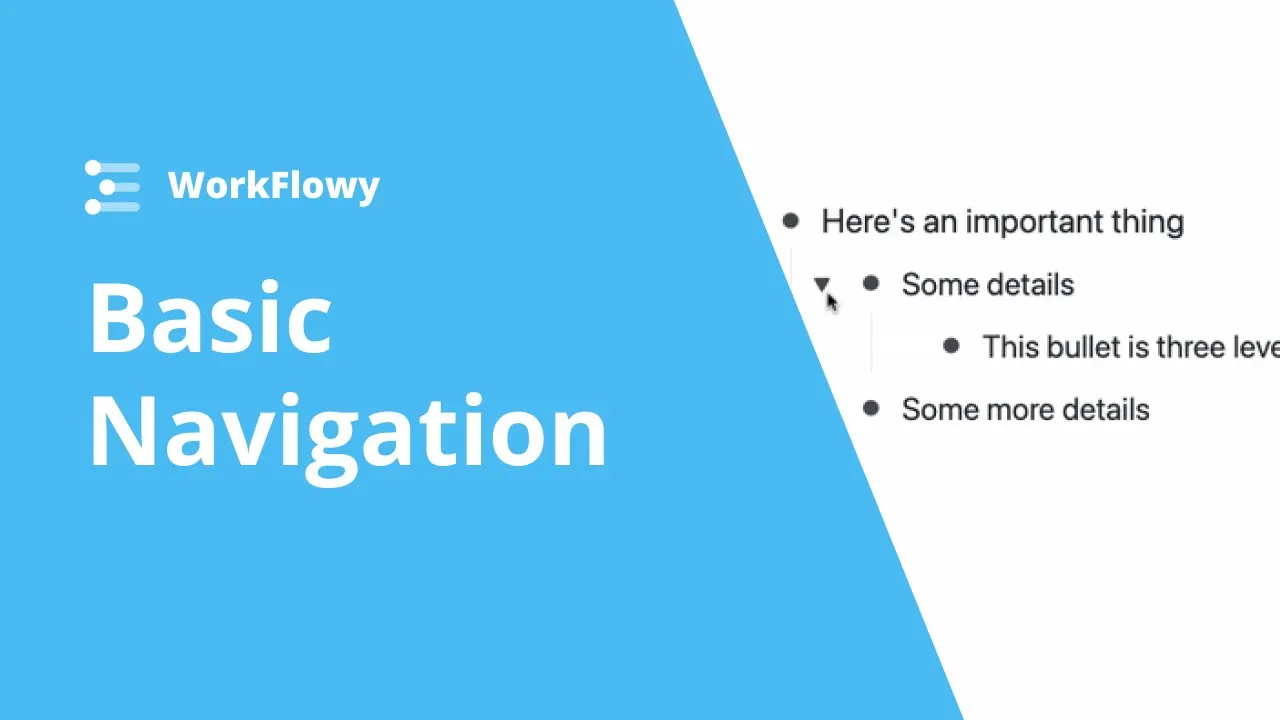
Basic Navigation in Workflowy
 Workflowy
Jan 29, 2021 18:00
Workflowy
Jan 29, 2021 18:00
Create an account to hide videos, mark them watched, or save them to Don't Miss.
Create an account to hide videos, mark them watched, or save them to Don't Miss.
Create an account to hide videos, mark them watched, or save them to Don't Miss.
Chapters
Learn how to move around in Workflowy. Learning the basics of navigation will give you a massive speed boost, join us as we quickly cover the basic ways to get around Workflowy.
Get started with Workflowy (it's free)!
https://bit.ly/2M4yBPL
In this video we go over the main ways to navigate around in workflowy. We explain how to zoom in to bullets, navigate using the breadcrumbs, jump around with the sidebar, starring items, and a couple of keyboard shortcuts to make getting around in Workflowy a breeze.
Use WorkFlowy on all your devices:
Desktop App:https://workflowy.com/downloads
App Store: https://apps.apple.com/us/app/workflowy-note-list-outline/id551139514
Play Store: https://play.google.com/store/apps/details?id=com.workflowy.android
Follow us for the latest updates:
Twitter: https://twitter.com/workflowy
Facebook: https://www.facebook.com/workflowy/
Instagram: https://www.instagram.com/workflowy/
Science & Technology
#workflowy
#notion
#dynalist
#how to use workflowy
#workflowy tutorial
#workflowy how to