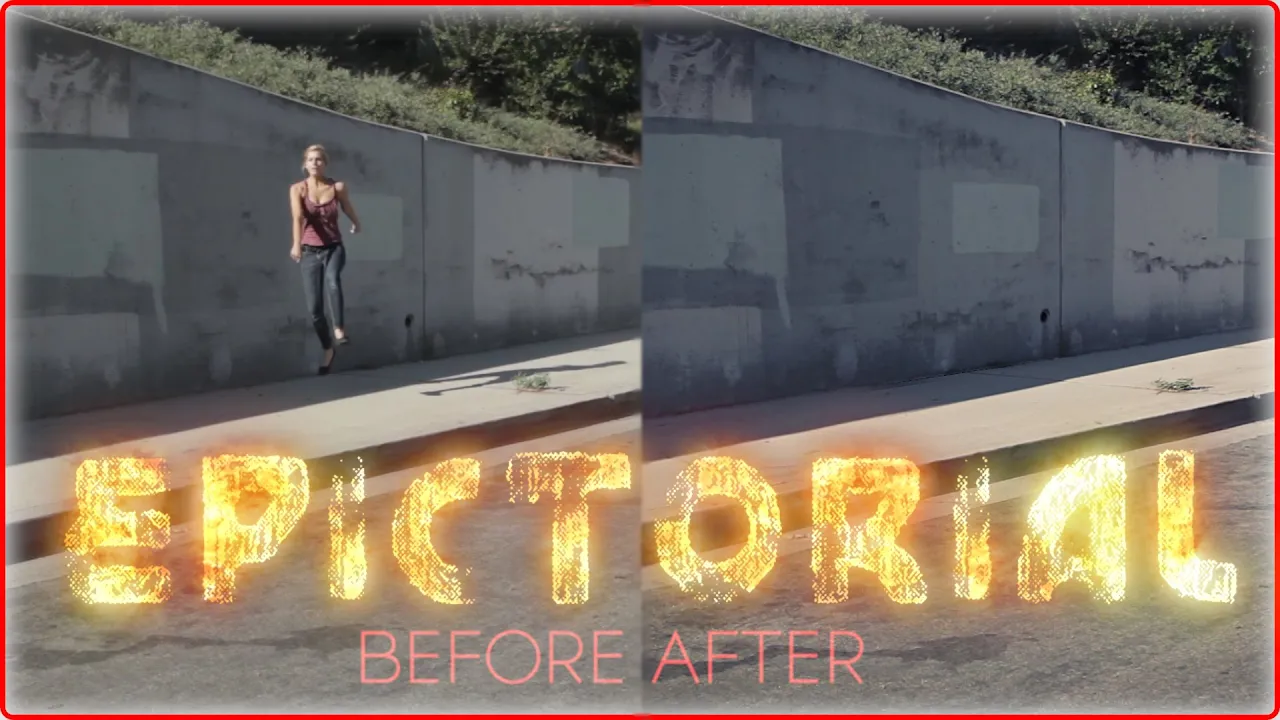
Easy Camera Mapping VFX with After Effects | Tutorial
 SirWrender
Jul 20, 2014 06:03
SirWrender
Jul 20, 2014 06:03
Create an account to hide videos, mark them watched, or save them to Don't Miss.
Create an account to hide videos, mark them watched, or save them to Don't Miss.
Create an account to hide videos, mark them watched, or save them to Don't Miss.
Download link for the raw original footage: http://download938.mediafire.com/28vqk94l2urg/xf29hyl3u91927q/TUTORIAL_original+footage.mov
(Note: The video has already been trimmed to 7 seconds, so no need to trim those first and last couple seconds)
If you have a question, leave a comment and I'll do my best to respond to any questions you may have! Alternatively, I am best reached by http://www.twitter.com/Wrenthereaper
Education
#wrenthereaper
#wren
#wren weichman
#camera map
#projection map
#mapping
#camera mapping
#projection mapping
#vfx
#tutorial
#epictorial
#after effects
#nuke
#3ds max
#Cinema 4D
#maya
#Blender
#boujou
#tracker
#camera tracker
#warp stabilizer
#visual effects
#how to
#Adobe After Effects (Software)
#Autodesk 3ds Max (Award-Winning Work)
#Animation
#Animated
#shoot your friends
#corridor digital