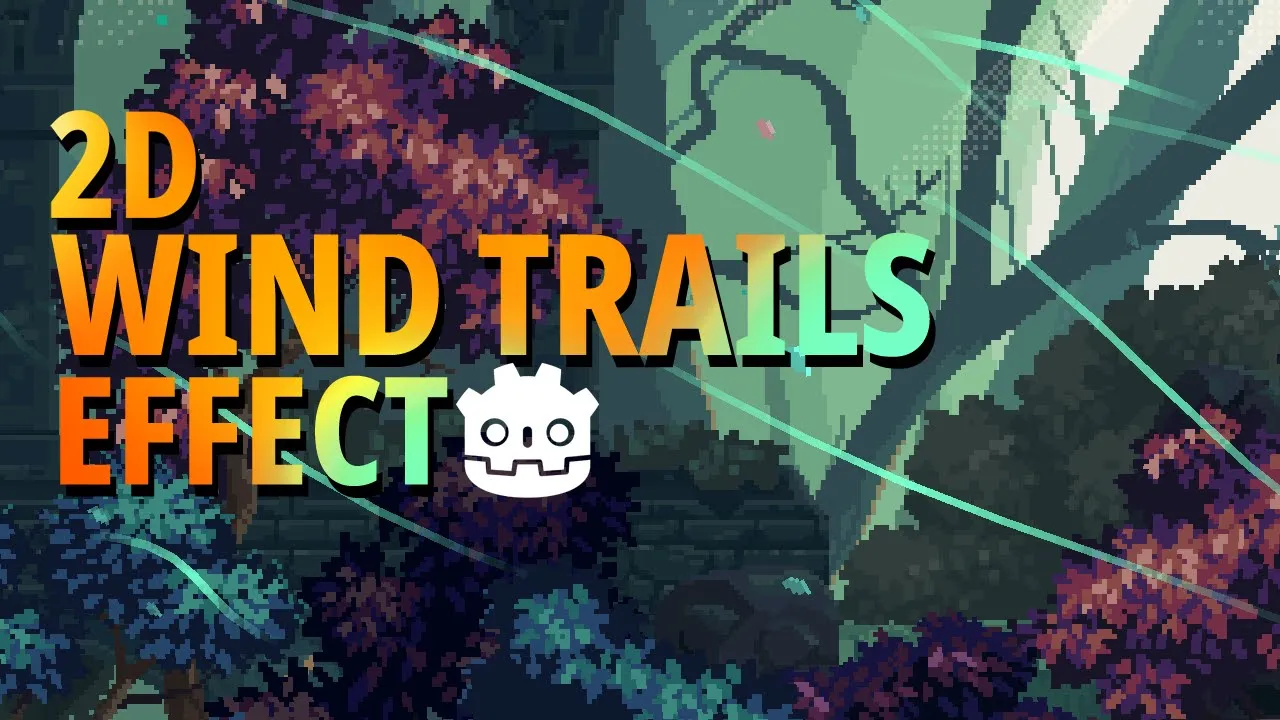
How to create 2D Wind Trail Effect in Godot 4 using the GPUParticles2D node
 Single-Minded Ryan
Oct 2, 2024 07:24
Single-Minded Ryan
Oct 2, 2024 07:24
Create an account to hide videos, mark them watched, or save them to Don't Miss.
Create an account to hide videos, mark them watched, or save them to Don't Miss.
Create an account to hide videos, mark them watched, or save them to Don't Miss.
Hello, my friends, please get my new 2D Top-Down Course(2026 Updated)
https://www.udemy.com/course/little-adventurer-andie-2d-top-down-godot/?couponCode=E5489D12CAC915DA3680
My 2D Godot Course is 35% also OFF!!!
https://www.udemy.com/course/little-adventurer-andie-2d-godot/?couponCode=1CDE2C3D453E1715EB41
Timecodes
-Intro
-The Wind Trails Effect
Gaming
#Godot4
#Godot
#Godot Shader
#Game development
#Godot effect
#Godot VFX
#2D hit effect
#Godot 4
#Godot 4.x
#particle godot 2d
#Godot Juice
#game add juice
#Game feel
#game feel godot
#game feel and juice
#Godot Dissolve Effect
#Godot VisualShader
#VisualShader
#Godot Dissolve Shader
#Godot Outline shader
#Godot 2D shader
#Godot Leaf
#Godot leaves
#Godot particles
#Godot 2D GPU particles
#Godot Environment
#Godot water
#Godot tree
#Godot sway
#Godot shader
#Godot Wind