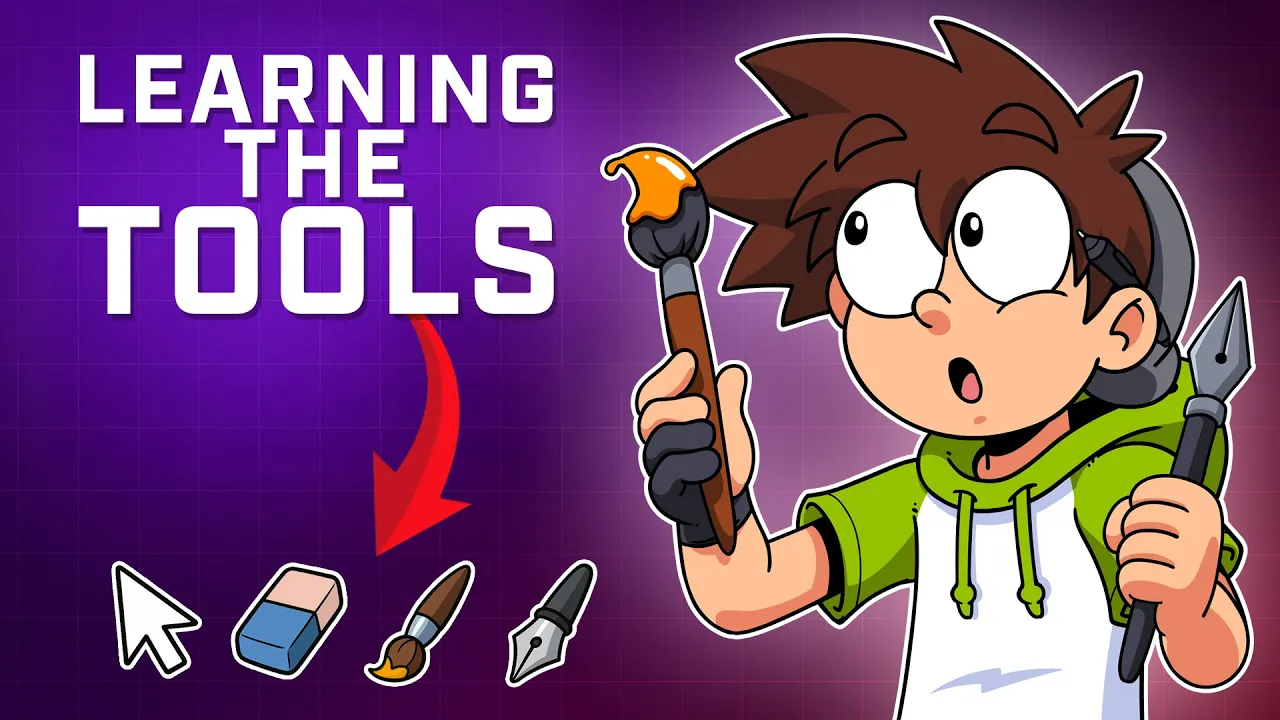
Every Tool Explained | Lesson 2 of Sam's Free Adobe Animate Course
 Sam Green
May 2, 2025 06:45
Sam Green
May 2, 2025 06:45
Create an account to hide videos, mark them watched, or save them to Don't Miss.
Create an account to hide videos, mark them watched, or save them to Don't Miss.
Create an account to hide videos, mark them watched, or save them to Don't Miss.
Chapters
In this FREE Adobe Animate course, Lesson 2 covers ALL the essential tools you need to start drawing, designing, and animating. From hotkeys and transform tricks to drawing tools and shortcuts—this is your bread and butter!
⬇️ IMPORTANT LINKS
🎨 Hotkey Cheat Sheet: https://i.imgur.com/rMMBMze.jpeg
👾 Join the Discord: https://discord.gg/nV7zgkYU6P
🐦 Tweet @ me: https://x.com/SamGreenMedia
▶️ Full Course Playlist: https://youtube.com/playlist?list=PLDXmc5XHQZskFUjsHOicL6-RGEYVy2ZEX&si=3jEHjMom2JtDSxKr
In this FREE Adobe Animate course, Lesson 2 covers ALL the essential tools you need to start drawing, designing, and animating. From hotkeys and transform tricks to drawing tools and shortcuts—this is your bread and butter!
Education
#adobe animate tutorial
#adobe animate tools
#adobe animate for beginners
#free animation course
#digital art for beginners
#learn animation
#2d animation tutorial
#adobe animate drawing tools
#animation tools explained
#animation youtube course
#character design tools
#adobe animate brush tool
#how to use transform tool adobe animate
#teach yourself animation
#creative software for beginners
#animation with hotkeys
#make your first animation
#adobe animate