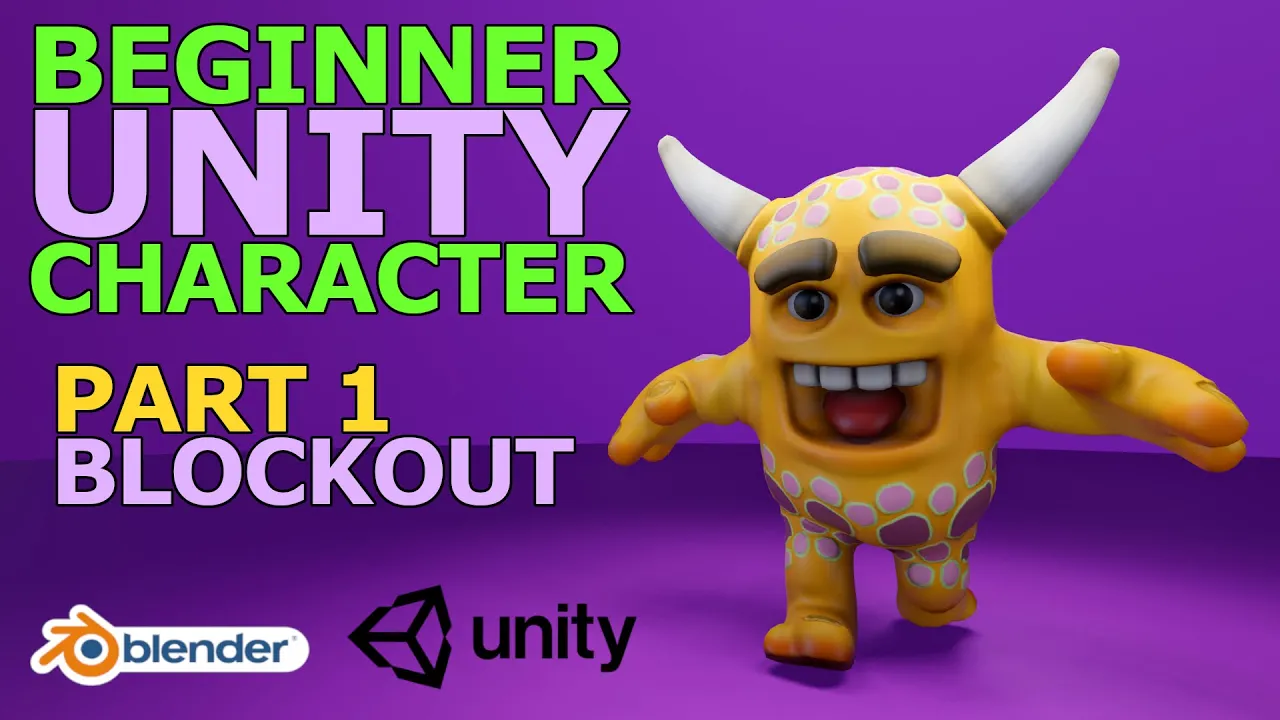
Blender Tutorial - Beginner Unity Character - Part 1 of 9: Introduction & Rough Blockout
 Russell Midfield
Jan 31, 2021 13:38
Russell Midfield
Jan 31, 2021 13:38
Create an account to hide videos, mark them watched, or save them to Don't Miss.
Create an account to hide videos, mark them watched, or save them to Don't Miss.
Create an account to hide videos, mark them watched, or save them to Don't Miss.
Chapters
Part 1 of 9 of a beginner character course where we make a Unity game character in Blender 2.9. In this first part we will do a quick overview of what you can expect from the course, go over some general viewport settings and built-in Blender add-ons I have enabled, and complete the rough block-out of our character!
Chapters
Let's Connect
Instagram: @russellmidfield
Twitter: @russellmidfield
Facebook: https://www.facebook.com/groups/blendercharactercreation
Discord: russellmidfield9667
Twitch: https://www.twitch.tv/russellmidfield
Music
YouTube Audio Library
#blender #unity #gamedev
Film & Animation
#blender
#blender 2.8
#blender tutorial
#blender 2.8 tutorial
#blender sculpting
#blender sculpting timelapse
#blender sculpt
#blender character
#blender character modeling
#blender retopology
#blender character design
#blender stylized
#blender stylized character
#stylized character
#blender 2.9
#blender 2.9 tutorial
#blender 2.9 character
#blender UV unwrap
#blender texture paint
#blender hand paint
#blender rigging
#blender unity
#blender unreal
#blender unity character