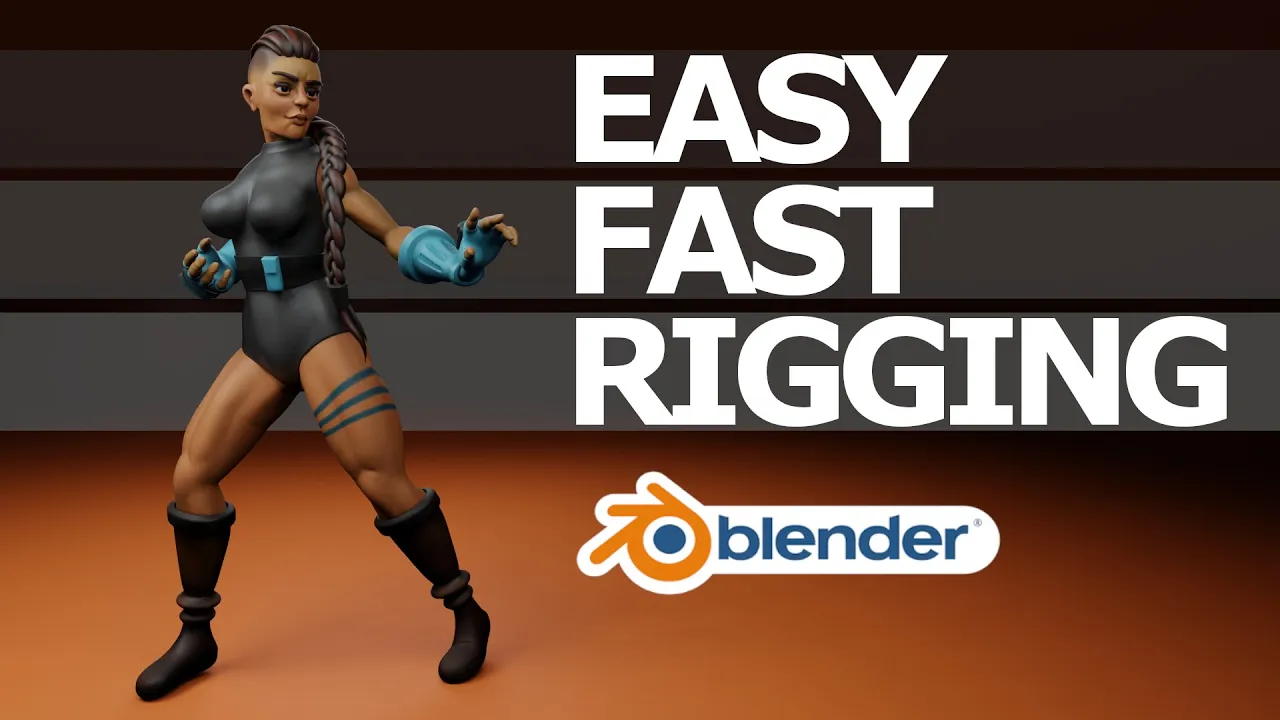
Blender 2.9 Tutorial - How to Rig a Character Quickly and Easily in Blender using the Rigify Add-on!
 Russell Midfield
Oct 28, 2020 23:29
Russell Midfield
Oct 28, 2020 23:29
Create an account to hide videos, mark them watched, or save them to Don't Miss.
Create an account to hide videos, mark them watched, or save them to Don't Miss.
Create an account to hide videos, mark them watched, or save them to Don't Miss.
Chapters
How to rig a human character quickly and easily using Blender's built-in add-on Rigify.
Chapters
The LollypopMan's YouTube Channel
https://www.youtube.com/user/electronicpulse
Imphenzia's Youtube Video
Blender 2.82 - Rigify to Unity Tutorial - https://www.youtube.com/watch?v=vrN9duEoA6g
Let's Connect
Instagram: @russellmidfield
Twitter: @russellmidfield
Facebook: https://www.facebook.com/groups/359430051847784
Discord: russellmidfield9667
Music
Youtube Audio Library
Film & Animation
#blender
#blender 2.8
#blender tutorial
#blender 2.8 tutorial
#blender sculpting
#blender sculpting timelapse
#blender sculpt
#blender character
#blender character modeling
#blender retopology
#blender character design
#blender stylized
#blender stylized character
#stylized character
#blender 2.9
#blender 2.9 tutorial
#blender 2.9 character
#blender UV unwrap
#blender texture paint
#blender hand paint
#blender rigging
#blender unity
#blender unreal
#blender unity character