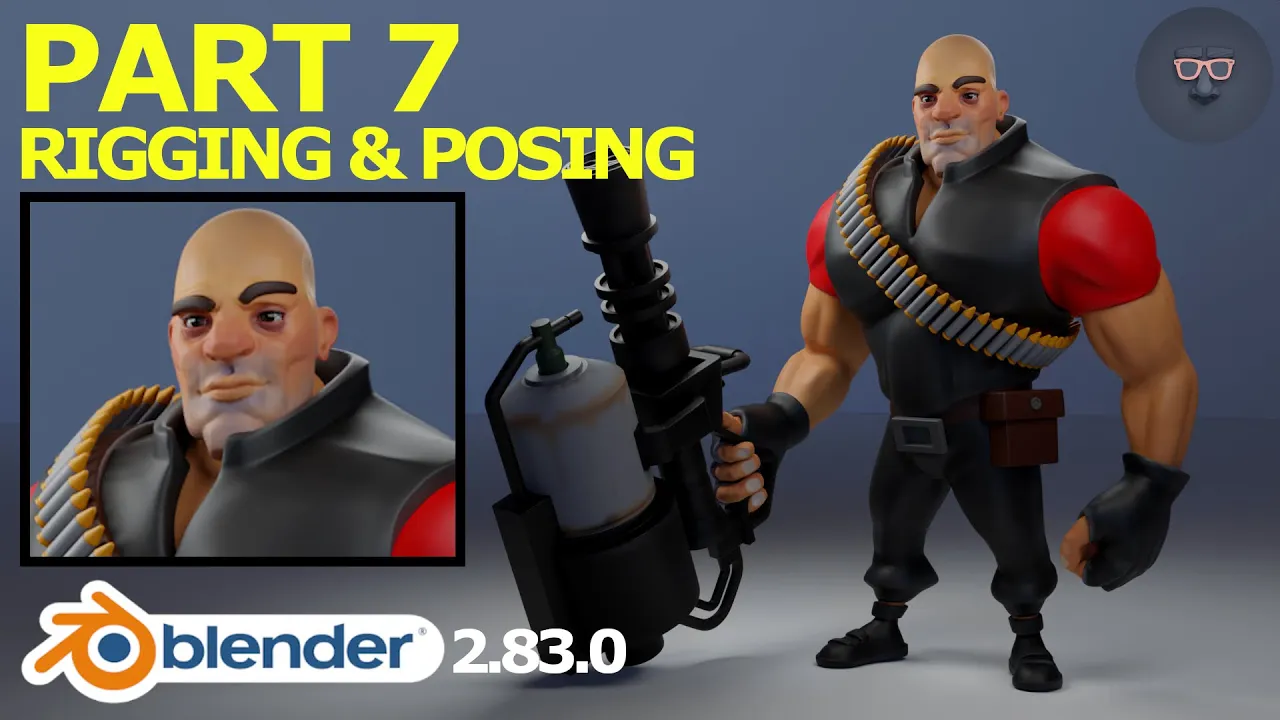
Blender 2.8 Character Modeling Walkthrough Tutorial - Part 7: Riggin & Posing
 Russell Midfield
Sep 8, 2020 14:32
Russell Midfield
Sep 8, 2020 14:32
Create an account to hide videos, mark them watched, or save them to Don't Miss.
Create an account to hide videos, mark them watched, or save them to Don't Miss.
Create an account to hide videos, mark them watched, or save them to Don't Miss.
Part 8 of a character modeling walkthrough series where we rig and pose a character model using Blender's built-in Rigify feature.
Previous parts of the series:
Part 1: https://www.youtube.com/watch?v=x1zVLzWNbTw
Part 2: https://www.youtube.com/watch?v=A3jLuJlW6JM
Part 3: https://www.youtube.com/watch?v=mH0LewPqMUM
Part 4: https://www.youtube.com/watch?v=Hvl5DeJxeGA
Part 5: https://www.youtube.com/watch?v=aMCxTb3vGCE
Part 6: https://www.youtube.com/watch?v=aMCxTb3vGCE
Let's Connect:
Instagram: @russellmidfield
Twitter: @russellmidfield
Facebook: Russell Midfield
Discord: russellmidfield#9667
Music:
Youtube Audio Library
Film & Animation
#blender
#blender 2.8
#blender tutorial
#blender 2.8 tutorial
#blender scupt
#blender sculpting
#blender sculpting timelapse
#blender rigging
#blender 2.8 rigging
#blender posing
#blender 2.8 posing
#blender character modeling
#blender 2.8 character modeling
#blender rig
#blender 2.8 rig
#character rig
#character rigging