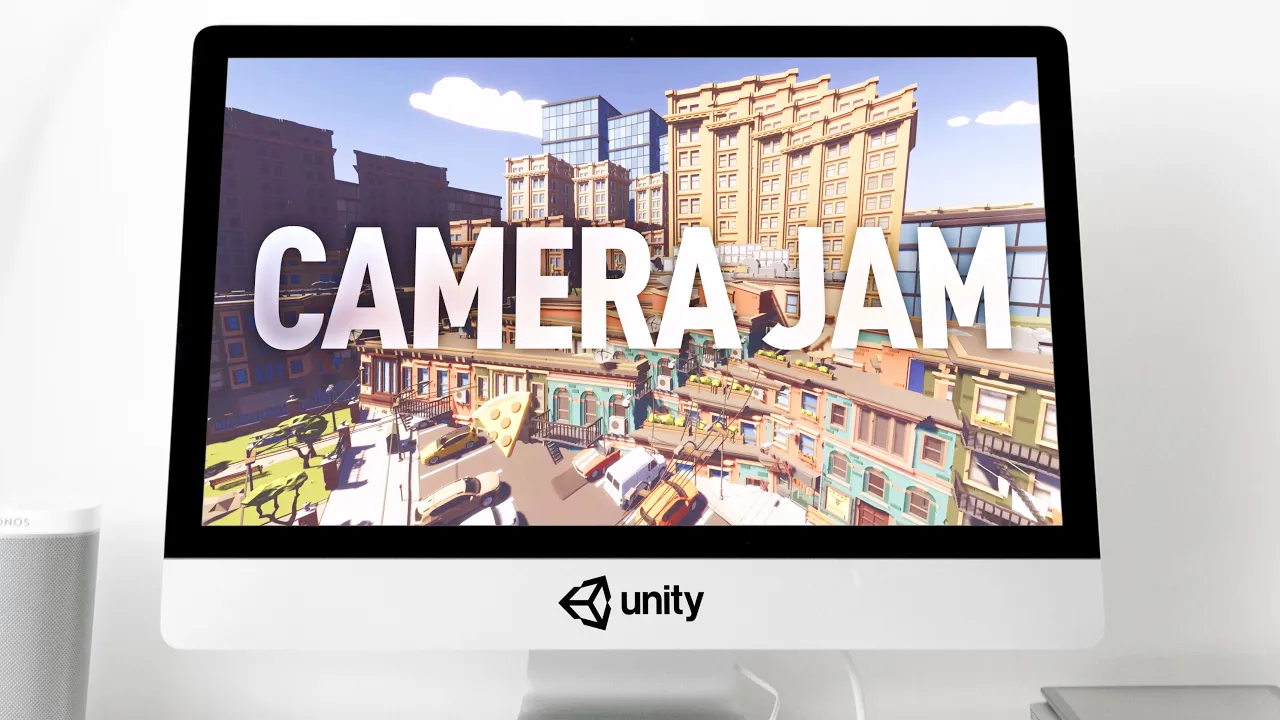
Roman jams with Camera Stacking in Unity (Tutorial)
 Roman Papush
Nov 14, 2020 18:05
Roman Papush
Nov 14, 2020 18:05
Create an account to hide videos, mark them watched, or save them to Don't Miss.
Create an account to hide videos, mark them watched, or save them to Don't Miss.
Create an account to hide videos, mark them watched, or save them to Don't Miss.
Watch me jam with Unity’s Camera Stacking feature in Universal Rendering Pipeline.
✨ Unity Asset Store “Best of Super Sale” (Nov 17 — Dec 4): https://assetstore.unity.com/best-of-super-sale
———
→ Discord: https://discord.gg/hRDApAa
→ Twitter: https://twitter.com/RomanPapush
→ TikTok: https://www.tiktok.com/@romanpapush
→ Instagram: https://www.instagram.com/romanpapush
→ Patreon: https://www.patreon.com/romanpapush
———
🎮 Wishlist the ridiculous bombing game now: https://store.steampowered.com/app/1145600
———
Link to files in this video:
https://www.patreon.com/posts/43889256
———
🍿 Other Tutorials:
→ Camera Stacking in Unity with URP!: https://youtu.be/OmCjPctKkjw
→ Ultimate Clouds with Shader Graph, Made Easy: https://www.youtube.com/watch?v=Y7r5n5TsX_E
→ Procedural Road made with Unity Shader Graph: https://www.youtube.com/watch?v=vhrIEcVSI5M
→ Animal Crossing World Bending Effect | Unity Tutorial [NotSlot] : https://www.youtube.com/watch?v=SOK3Ias5Nk0&feature=emb_title
⭐️ Assets featured in video:
→ Polygon City Pack: https://assetstore.unity.com/packages/3d/environments/urban/polygon-city-pack-95214?aid=1011leTEH
→ Polyquest Worlds: https://assetstore.unity.com/packages/3d/environments/polyquest-worlds-full-pack-vol-1-74631?aid=1011leTEH
→ Curved World: https://assetstore.unity.com/packages/vfx/shaders/curved-world-2020-173251?aid=1011leTEH
———
👋 If you’re new here, my name is Roman and I’m from Riga, Latvia.
Join me as I document my journey and get lost in the fantastic depths of game development.
Check out my other videos if you’d like to know me better:
* “What I Learned After 1000 Hours of Game Development”: https://www.youtube.com/watch?v=IWDjUx_fnNQ
* “An Original FPS made in 16 Hours!”: https://www.youtube.com/watch?v=UYvA5yem6a8
———
Recently, Unity introduced a long-awaited feature to Universal Render Pipeline, a feature called “Camera Stacking”, which allows us to combine the output of multiple cameras to achieve complex effects in a matter of seconds.
In this video I will be getting full on with Camera Stacking myself, but what I wanted to particularly do, is to take a brake from my own stuff, and try out a new format where I’ll be exploring a single Unity feature in isolation, treating it as a one-man Game Jam sort-of-a-thing, with the goal of finding unique approaches to prototyping iteration and maybe finding some interesting use-cases along the way.
So here goes.
———
*This video is sponsored by Unity.
Gaming
#gamedev
#game development
#game design
#make a game
#unity game
#unity game development
#unity indie game
#unity fps
#unity 3d
#made with unity
#unity physics
#unity materials
#unity basics
#unity beginner
#learn unity
#unity tutorial
#unity guide
#indie games
#game devlog
#unity devlog
#low poly
#indiedev
#game art
#unity 2020
#unity shader
#URP
#unity URP
#universal rendering pipeline
#unity shader graph
#unity shader tutorial