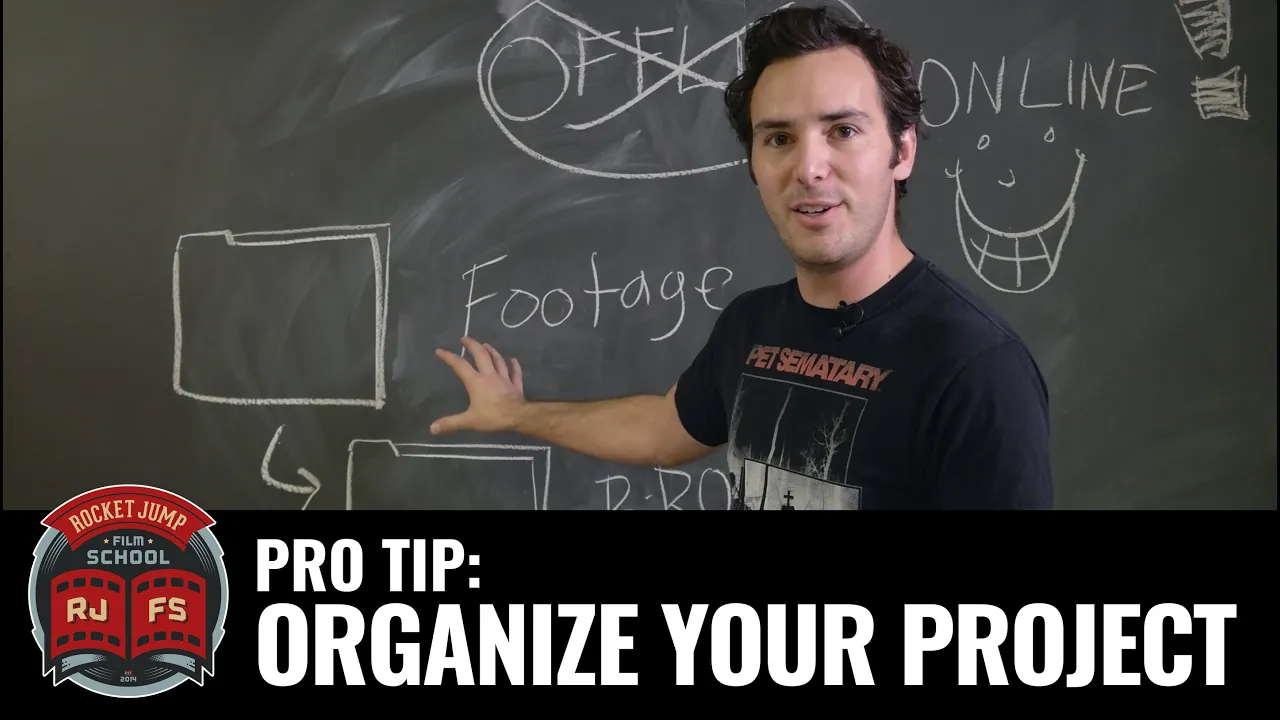
PRO TIP: Organize Your Project
 RocketJump Film School
Jan 28, 2016 16:00
RocketJump Film School
Jan 28, 2016 16:00
Create an account to hide videos, mark them watched, or save them to Don't Miss.
Create an account to hide videos, mark them watched, or save them to Don't Miss.
Create an account to hide videos, mark them watched, or save them to Don't Miss.
We know all too well how exciting it is to begin cutting your story together after you finally finish shooting. But there is a lot of prep that needs to happen first to avoid headaches down the line.
That's why Joey is here to tell you to CLEAN YOUR ROOM (and by room, we mean your project.)
This guide is NOT software specific. You can create your own organization system in any editing program.
Moving too fast for ya? DOWNLOAD THE GUIDE HERE: http://j.mp/discussprojects
Feel free to ask us specific questions directly in the forum!
Special thanks to RØDE Microphones! Check them out here:
http://www.rode.com
Special thanks to Vitec Videocom! Check them out here: http://www.vitecvideocom.com/
Questions about our sponsors and how they work? A video on that soon, but we have an open policy and can answer your questions directly on our forums: http://discuss.rocketjump.com
You can also follow us on Facebook & Twitter:
http://www.facebook.com/RJFilmSchool
https://twitter.com/rjfilmschool
Thanks for watching! More videos at http://school.rocketjump.com!
Film & Animation
#rjfs
#rocketjump
#film school
#rocketjump film school
#film
#tutorials
#film production
#video production
#video tutorial
#cinema
#filmmaking tutorial
#filmmaking
#film editing
#video editing
#premiere
#final cut
#organization
#how to organize project
#how to organize your edit
#organize bins
#organize folder
#filing system