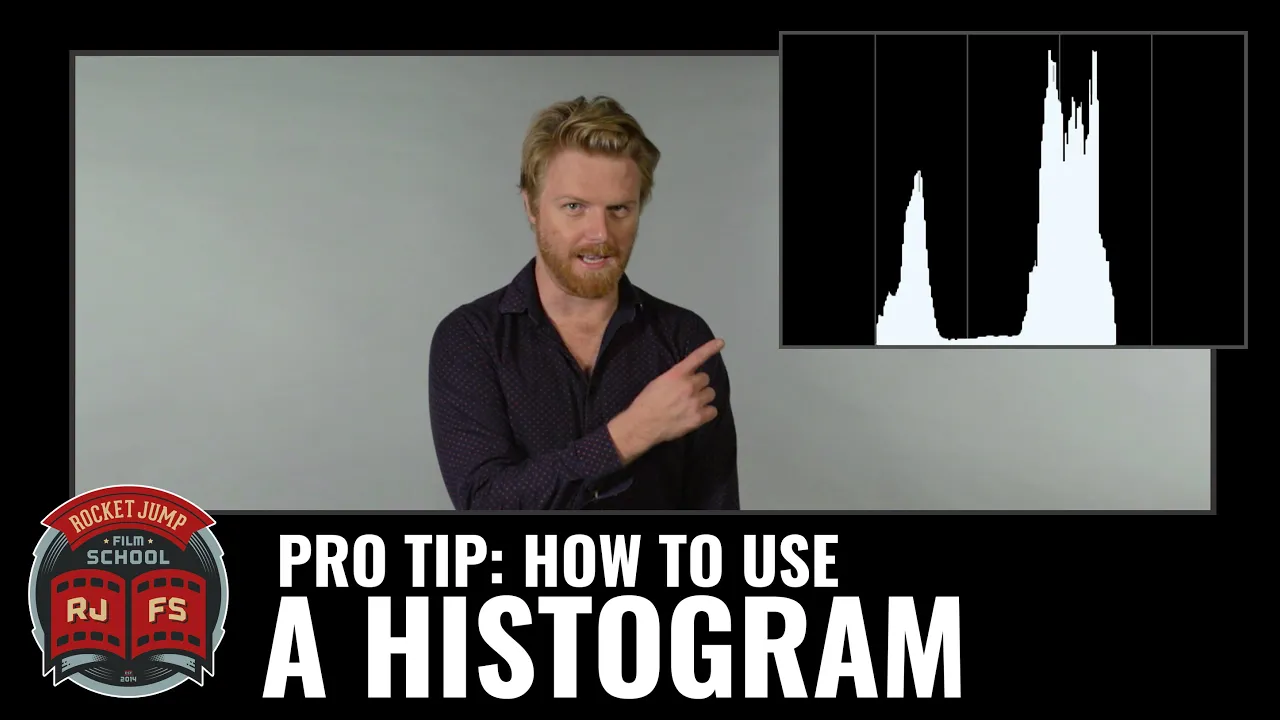
PRO TIP: How To Use A Histogram
 RocketJump Film School
Jun 9, 2016 16:30
RocketJump Film School
Jun 9, 2016 16:30
Create an account to hide videos, mark them watched, or save them to Don't Miss.
Create an account to hide videos, mark them watched, or save them to Don't Miss.
Create an account to hide videos, mark them watched, or save them to Don't Miss.
Does the image on the LCD screen often look different than your actual footage? Not quite sure if you are exposing correctly? Director of Photography Jon Salmon shows you how to use this handy tool on your camera to make sure you're getting the best exposure and levels for your image.
Though they all may look a little different, most DSLR cameras and video cameras should have a histogram or graph option to keep an eye on the exposure levels as you're shooting. Take a look through your menu options for your display and see what you can find.
Questions for Jon? Ask directly in the forums!
http://bit.ly/DiscussHistograms
- - -
Special thanks to RØDE Microphones! Check them out here:
http://www.rode.com
Special thanks to Vitec Videocom! Check them out here: http://www.vitecvideocom.com/
Questions about our sponsors and how they work? A video on that soon, but we have an open policy and can answer your questions directly on our forums: http://discuss.rocketjump.com
- - -
Thanks for watching! More videos at http://school.rocketjump.com!
We're on TWITCH every Thursday at 4PM PST!
http://twitch.tv/rocketjump
You can also follow us on Facebook & Twitter:
http://www.facebook.com/RJFilmSchool
https://twitter.com/rjfilmschool
Film & Animation
#rjfs
#rocketjump
#film school
#rocketjump film school
#film
#tutorials
#film production
#video production
#video tutorial
#cinema
#filmmaking tutorial
#filmmaking
#cinematography
#camera display
#settings
#histogram
#exposure
#exposure settings
#contrast
#highlights
#midtones
#shadows