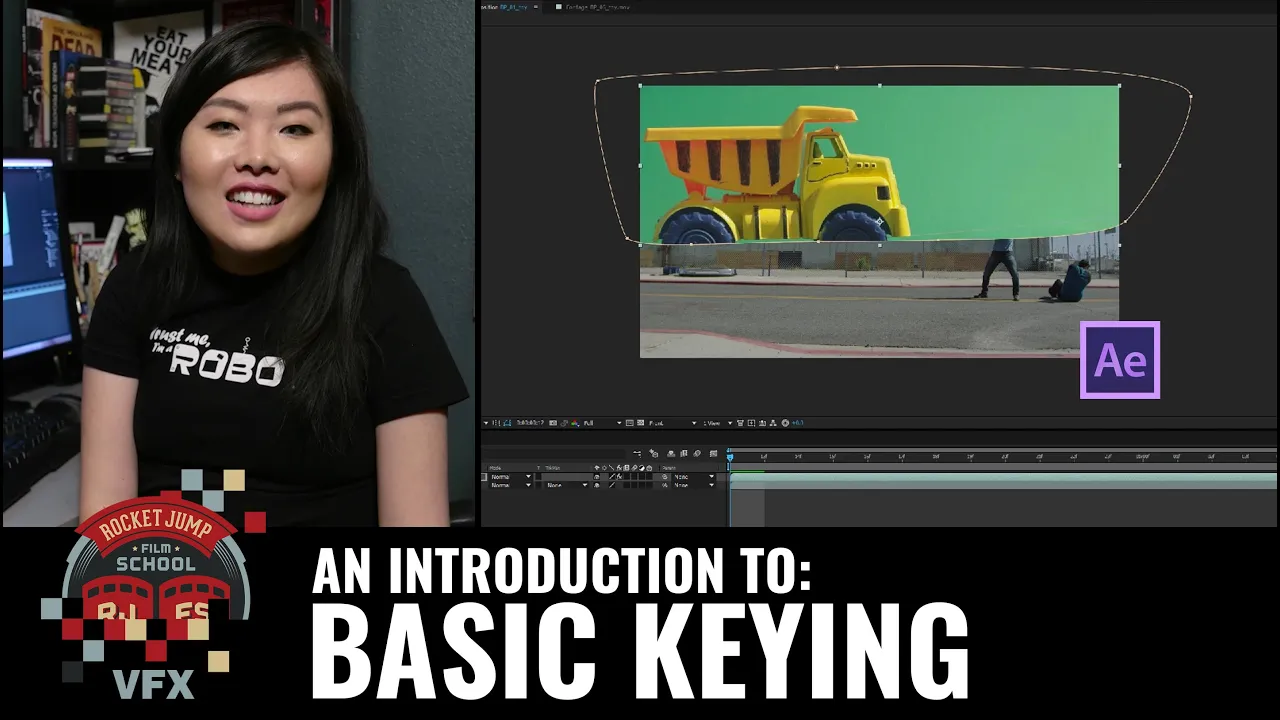
Intro to Basic Keying [AE]
 RocketJump Film School
Jun 30, 2016 17:00
RocketJump Film School
Jun 30, 2016 17:00
Create an account to hide videos, mark them watched, or save them to Don't Miss.
Create an account to hide videos, mark them watched, or save them to Don't Miss.
Create an account to hide videos, mark them watched, or save them to Don't Miss.
Starting off PART ONE of our VFX basics series, Kaitlyn Yang from Alpha Studios introduces us to the basic tools used for keying out green screens in Adobe After Effects, using our "Budget Bus Flip" as an example.
If you'd like to follow along, grab this FREE DOWNLOAD of Kaitlyn's After Effects project file, as well as the footage, here:
http://j.mp/IntroBasicKeying
Check out Kaitlyn's channel, Alpha Studios, here!
http://bit.ly/Alpha_Studios
http://www.alphastudios.com/
- - -
Special thanks to RØDE Microphones! Check them out here:
http://www.rode.com
Special thanks to Vitec Videocom! Check them out here: http://www.vitecvideocom.com/
Questions about our sponsors and how they work? A video on that soon, but we have an open policy and can answer your questions directly on our forums: http://discuss.rocketjump.com
- - -
Thanks for watching! More videos at http://school.rocketjump.com!
We're on TWITCH every Thursday at 3PM PST!
http://twitch.tv/rocketjump
You can also follow us on Facebook & Twitter:
http://www.facebook.com/RJFilmSchool
https://twitter.com/rjfilmschool
Film & Animation
#rjfs
#rocketjump
#film school
#rocketjump film school
#film
#tutorials
#film production
#video production
#video tutorial
#cinema
#filmmaking tutorial
#filmmaking
#adobe
#after effects
#ae
#keying
#keylight tool
#VFX
#green screen
#chroma key
#color key
#easy how-to
#basic
#how to key
#alpha studios
#visual effects