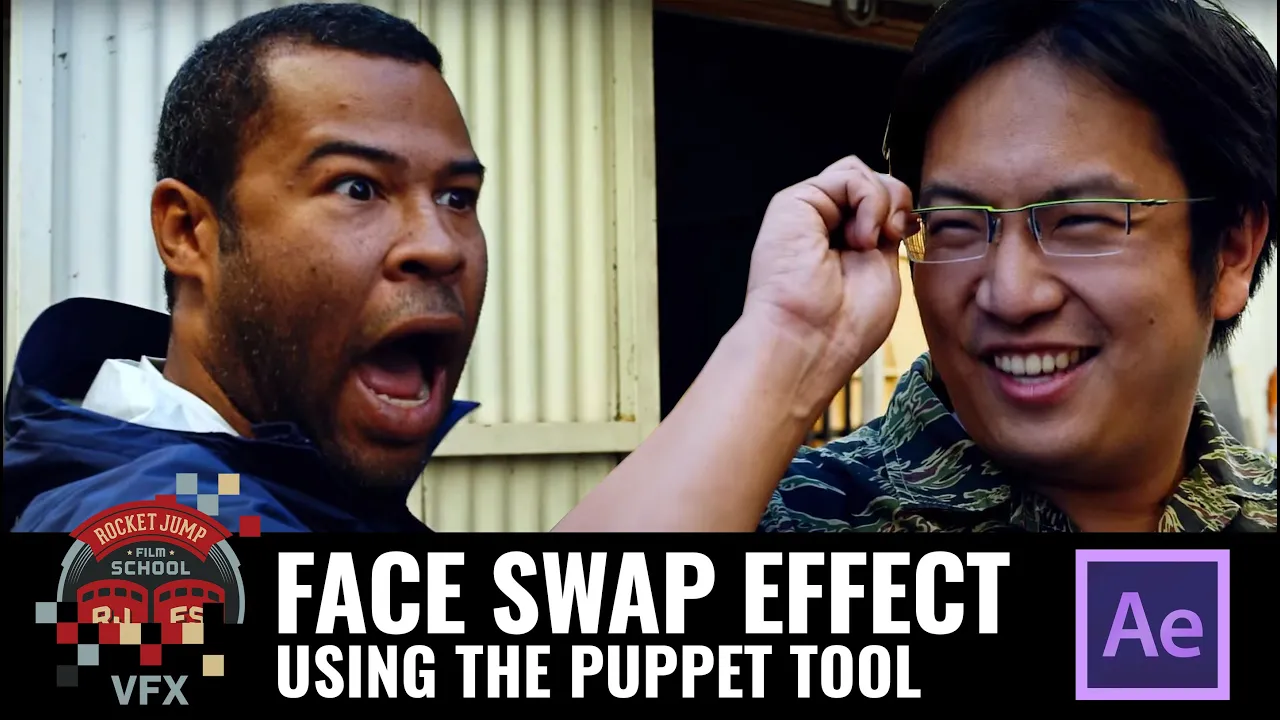
Face Swap Effect: Using the Puppet Tool in AE
 RocketJump Film School
Mar 31, 2016 16:00
RocketJump Film School
Mar 31, 2016 16:00
Create an account to hide videos, mark them watched, or save them to Don't Miss.
Create an account to hide videos, mark them watched, or save them to Don't Miss.
Create an account to hide videos, mark them watched, or save them to Don't Miss.
Freddie Wong walks you through the process of recreating the face swap effect (as seen in our short Mexican Standoff) using Adobe After Effects. Here you'll learn how to use concepts like tracking, roto and the puppet tool together.
This tutorial is more advanced, coming in at 3/5 Freddies. This means you should have some knowledge of how to use After Effects, as well as basic experience with rotoscoping, motion tracking, and keying. (Don't worry-- beginner tutorials are coming soon!)
Update: 4/4/16: Wanna try out After Effects?? You can DOWNLOAD our face swap AE project for FREE and get a trial version of Premiere, AE and Media Encoder. Check out our feature on Adobe's site!:
https://t.co/AVk2Bl1A4h
If you want some more help on the basics, we recommend Video Copilot:
http://www.videocopilot.net/
Questions for Freddie? Ask him DIRECTLY in the forums!
http://j.mp/FaceSwapTutorial
Watch Mexican Standoff with Key & Peele:
https://www.youtube.com/watch?v=IHQr0HCIN2w
Freddie was eating a PB&J Sandwich.
Special thanks to RØDE Microphones! Check them out here:
http://www.rode.com
Special thanks to Vitec Videocom! Check them out here: http://www.vitecvideocom.com/
Questions about our sponsors and how they work? A video on that soon, but we have an open policy and can answer your questions directly on our forums: http://discuss.rocketjump.com
We're on TWITCH every Thursday at 3PM PST!
http://twitch.tv/rocketjump
You can also follow us on Facebook & Twitter:
http://www.facebook.com/RJFilmSchool
https://twitter.com/rjfilmschool
Thanks for watching! More videos at http://school.rocketjump.com!
Film & Animation
#rjfs
#rocketjump
#film school
#rocketjump film school
#film
#tutorials
#film production
#video production
#video tutorial
#cinema
#filmmaking tutorial
#filmmaking
#VFX
#visual effects
#face swap
#mexican stand off
#adobe
#after effects
#puppet tool
#motion tracking
#rotoscoping
#keying
#face mask