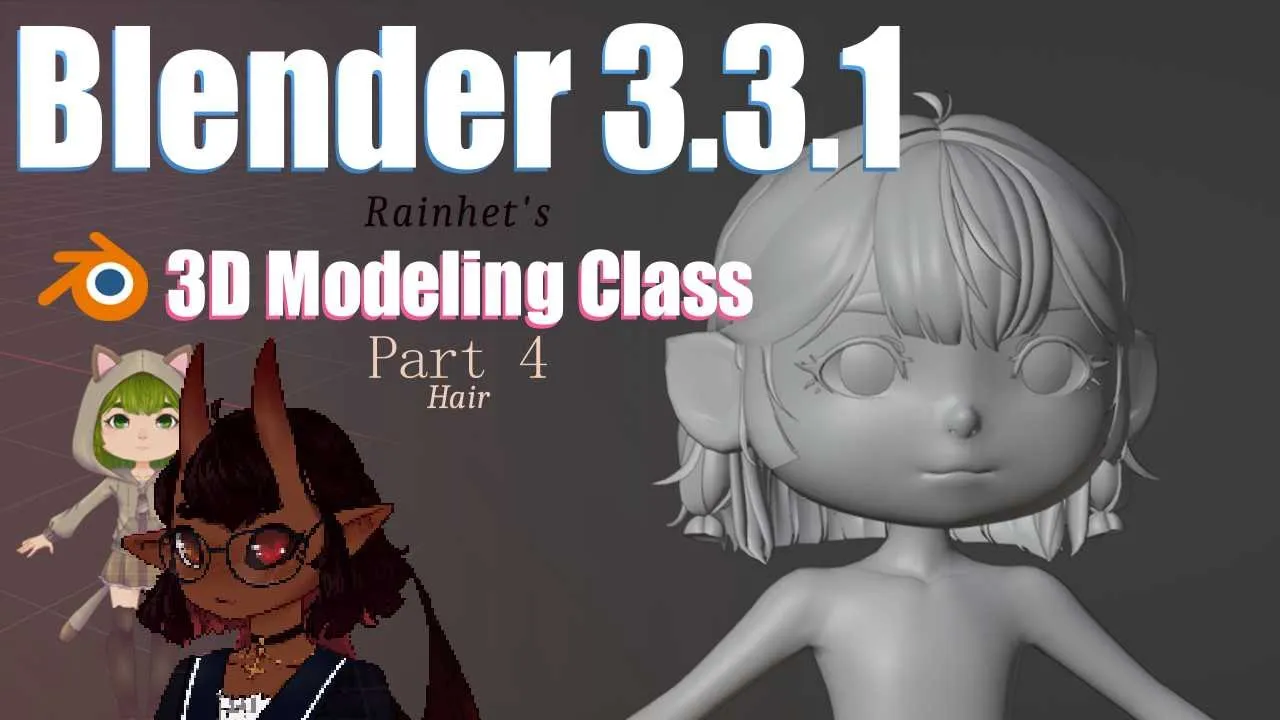
Blender Part 4 How to Make Hair || VTuber Vrchat Avatar Tutorial 2022
 Rainhet Chaneru 3D
Dec 21, 2022 00:28
Rainhet Chaneru 3D
Dec 21, 2022 00:28
Create an account to hide videos, mark them watched, or save them to Don't Miss.
Create an account to hide videos, mark them watched, or save them to Don't Miss.
Create an account to hide videos, mark them watched, or save them to Don't Miss.
Chapters
How to make Hair in blender
Itttt’s christmas week, a time where we get together with friends and families, and recap the most important things we’ve learned so far.
N-gons are not your friend
Squares are though and we must use them as much as possible.
Triangles can get us through some hard times, but we mustn’t rely on them in the early stages of modelling.
Never delete the default cube
References can be dragged and dropped onto the scene from your file explorer
Right click select for those who set up blender in the traditional way and Left click for the dummies.
G to grab
S to scale
R to rotate
Middle click controls view rotation
Shift middle click controls view position
You can combine G S and R with an axies X Y or Z to grab, scale or rotate on an axis
You can also type a number after for different effects
RZ90 will rotate clockwise on the z axis 90 degrees.
SY-2 will scale on the y axis by 2 times the original length but flipped.
If you replace the -2 with a 0 it’ll flatten the selected since 0 times would also equal 0 length
you don’t need more than 100k polygons. Even when I try to keep my visuals high with my complicated model, I’m still under 80k. It’d make sense to have more polygons if you were doing a lot of very close up renders of the model, but out side of that no.
A to select all
double A to deselect all
Double tap G to grab and slide along an edge
Shift +E to crease an edge (only works on subdivided meshes)
Ctrl +E to bring up the edge menu
Remember if creases don’t work, you might have reset vectors in the mesh – normals menu
Shift +D will duplicate the selected
Ctrl+R to loop cut
K to bring up the knife tool, left click to cut and space to confirm the cut
X to bring up the delete menu
M to bring up the merge menu
E to extrude
I to inset
Alt +V to rip verticies without a hole
V to rip verticies while simultaneously creating a hole.
F to make a face
Ctrl+lasso to deselect
Shift +lasso to select
H to hide
Alt +H to unhide
your hand is the prefect hand reference. Try to avoid shapeless pancake spaghetti hands
Topo flow is important for animating and deformations
and finally remember to save!
Timestamps:
Body ref: https://i.imgur.com/26X5csJ.png
how to DL blender and Cats:
https://youtu.be/nEEnWBV2bcY
https://www.blender.org/download/
https://github.com/absolute-quantum/cats-blender-plugin
Very thank you to patreons!
Spud,
Eeyore HeeHaw,
Harald Barbenetz,
Abaloz,
Sowwatt,
Crimjoy,
MikeCore
Luluru,
Dystopianchell,
Joanne Seale,
Kelly Miller,
sowatt,
Johnny McKeon,
kawaiidogmeat,
Nora,
SosinQ'
Pixelpaggos
Tiefling Bard
Wishy
Dap Par
Mos
Silent K
Nyx Noctis
Freckled Cat
Devon Butler
Beanie Whodini
Vrabie
Hoi There, I am RainHet
I like the rain and Creepy-cute things
~*~ You can follow me on ~*~
Twitch: https://www.twitch.tv/rainhet
Twitter: https://twitter.com/Rainhet_
My Original Youtube: https://www.youtube.com/c/Rainhet
~*~ You can support me through ~*~
Patreon: https://www.patreon.com/rainhet
Kofi: https://ko-fi.com/rainhet
~*~ you can buy my models at ~*~
Booth: https://rainhet.booth.pm/
~*~ More links ~*~
https://linktr.ee/Rainhet
Education
#Blender
#VRChat
#3D model
#Vtuber
#Vtubing
#VTuberEN
#English
#Virtual
#VR
#Rainhet
#Demon
#commissions
#art
#model
#3D modeller
#scratch
#Avatar
#Design
#Artist
#Rain
#Cats Blender Plugin
#Plugin
#How to
#Cat's
#2022
#tutorial
#Default cube
#how to make hair
#hair
#blender tutorial
#blender 3d
#blender beginner tutorial