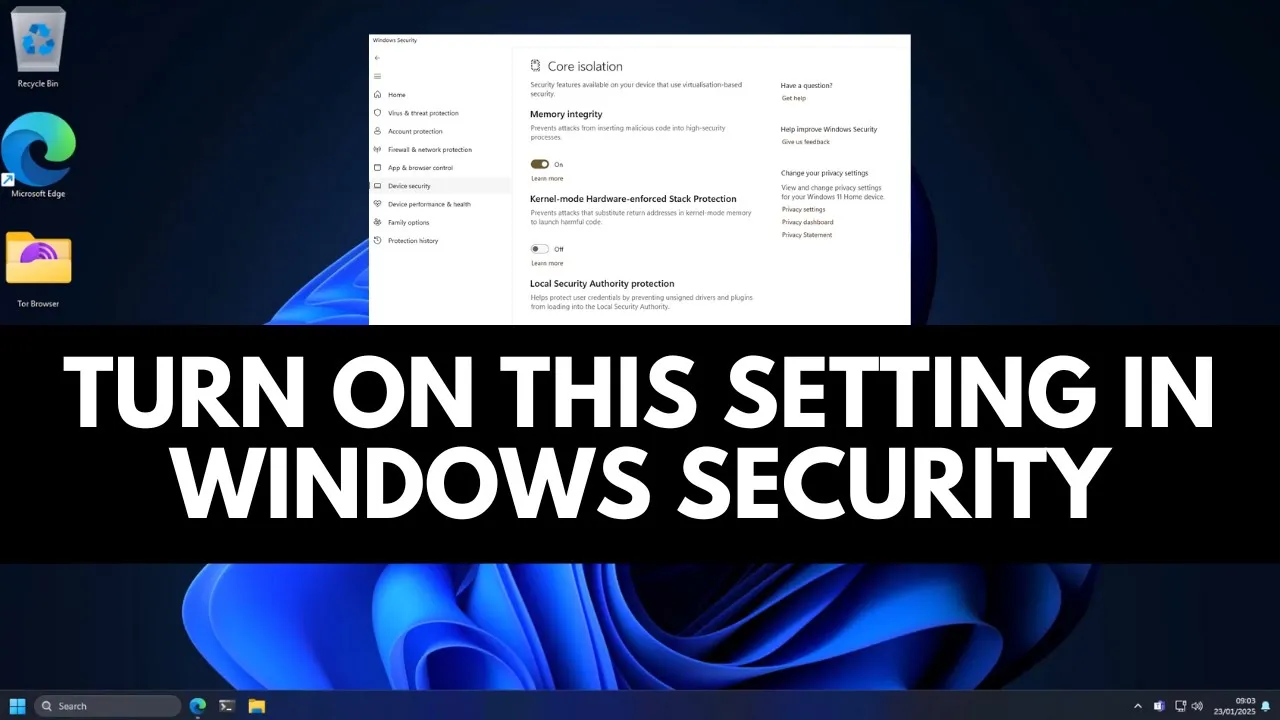
Turn on this security setting in Windows to stop BYOVD attacks
 PC Security Channel
Mar 6, 2025 19:30
PC Security Channel
Mar 6, 2025 19:30
Create an account to hide videos, mark them watched, or save them to Don't Miss.
Create an account to hide videos, mark them watched, or save them to Don't Miss.
Create an account to hide videos, mark them watched, or save them to Don't Miss.
Ransomware threat actors hackers can use vulnerable drivers like paragon partition manager bioNTdrv.sys (BYOVD) to get elevated privileges on your system.
Try Zero Trust protection with ThreatLocker: https://www.threatlocker.com/pcsecurity (sponsor)
Threatlocker test: https://youtu.be/CYBuc7dTRPI?si=MkWbADScDh1rm8jw
Buy the best antivirus: https://thepcsecuritychannel.com/best-antivirus
Join the discussion on Discord: http://discord.tpsc.tech/
Get your business endpoints tested by us: http://tpsc.tech/
Contact us for business: https://thepcsecuritychannel.com/contact
Science & Technology
#The PC Security Channel
#TPSC
#cybersecurity
#cyber security
#computer security
#antivirus
#ransomware
#best antivirus
#learn cybersecurity
#hacking
#security
#technology
#cyber insurance
#cybersecurity degree
#EDR
#malware analysis
#how to not get hacked
#vulnerable drivers
#bioNTdrv.sys
#turn on this security setting in Windows
#Turn on this security setting in Windows to stop BYVOD attacks
#stop hackers
#BYVOD
#stop ransomware
#best security settings for windows defender