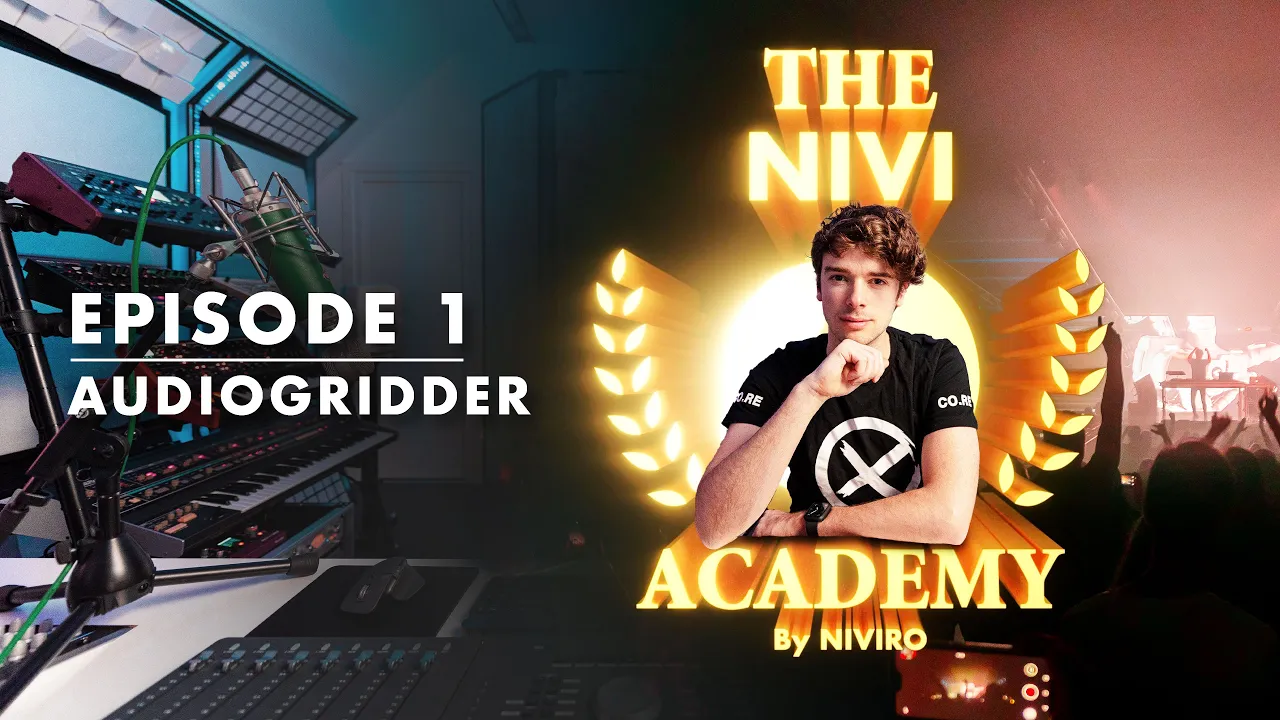
The NIVI Academy | EP.01: Preventing Audio Glitches Using AudioGridder
 NIVIRO
Feb 3, 2022 16:27
NIVIRO
Feb 3, 2022 16:27
Create an account to hide videos, mark them watched, or save them to Don't Miss.
Create an account to hide videos, mark them watched, or save them to Don't Miss.
Create an account to hide videos, mark them watched, or save them to Don't Miss.
I'm pleased to announce a series of tutorials, tailer made for YOU! It doesn't matter whether you're a beginner or a multi-platinum selling producer. These tutorials will cover topics the pro's won't tell you about!
Episode 1 is dedicated to AudioGridder, a free yet powerful tool to reduce the workload on your DAW workstation. All you need is a spare computer, which is connected to the same gigabit ethernet as your workstation.
Check out AudioGridder here: https://audiogridder.com
If you have any requests on what I should make a tutorial, drop it down in the comments!
Note: there are no endorsement deals involved in producing these videos. All tips and recommendations are purely coming from me.
➥ Connect with NIVIRO:
- Website: https://djniviro.com
- Instagram: https://instagram.com/djniviro
- Facebook: https://facebook.com/OfficialNIVIRO
- YouTube: https://youtube.com/c/niviro
- SoundCloud: https://soundcloud.com/djniviro
Music
#niviro
#academy
#tutorial
#the nivi academy
#lesson
#DAW
#music
#production
#music production
#audiogridder
#VST
#plugin
#Cubase
#Nuendo
#Ableton
#FL Studio
#Studio
#Music Studio
#Class