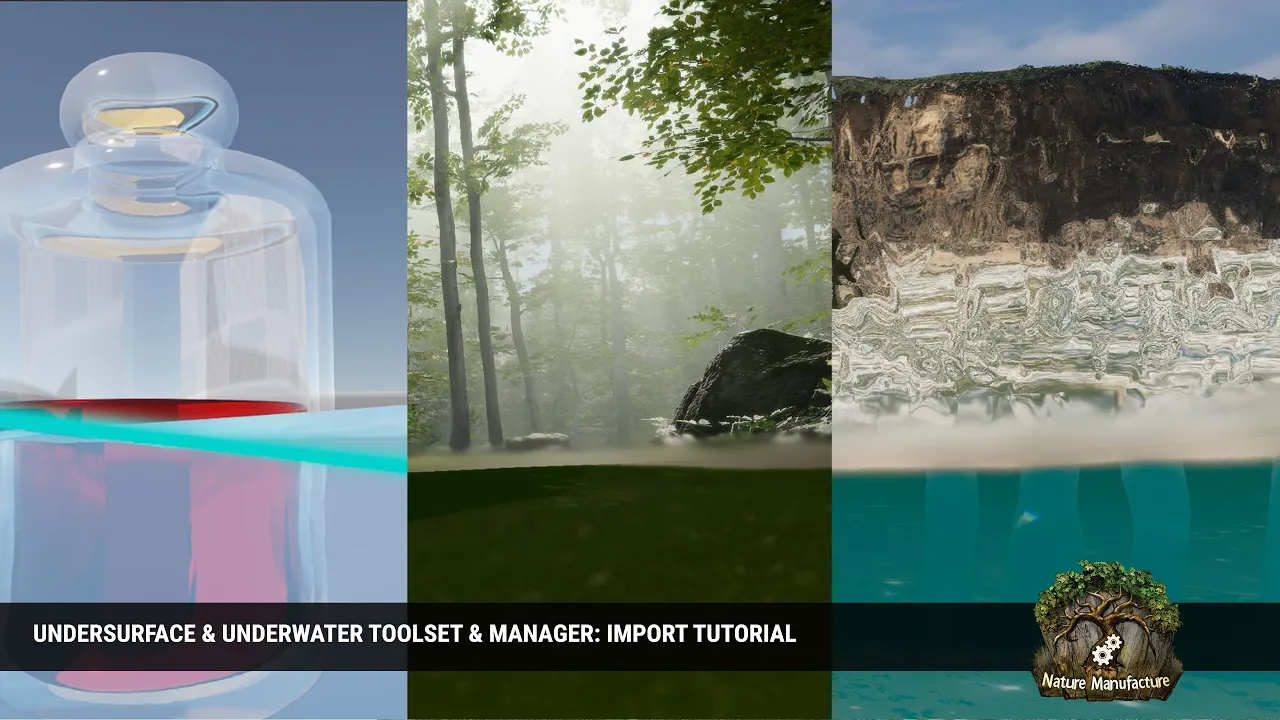
Undersurface & Underwater (Shaders System Toolset) Import Tutorial
 NatureManufacture
Jun 17, 2026 06:31
NatureManufacture
Jun 17, 2026 06:31
Create an account to hide videos, mark them watched, or save them to Don't Miss.
Create an account to hide videos, mark them watched, or save them to Don't Miss.
Create an account to hide videos, mark them watched, or save them to Don't Miss.
Video tutorial about how to import and run the undersurface, underwater effects in your project. Quick steps and tips on how to get proper rendering.
Asset store link: https://assetstore.unity.com/packages/slug/387428?aid=1011l7vcu
#assetstore #unity #gamedevelopment #gamedev #games #unity3d #unity6 #unity3dgames #unityasset #unityassets #unityassetstore #gameasset #leveldesign #procedural #construction #tutorial #shadergraph #shader #graph #step-by-step
Science & Technology
#river
#auto
#material
#unity
#asset
#store
#nature
#manufacture
#naturemanufacture
#lake
#sea
#studio
#pro
#shader
#grass
#procedural
#scene
#pack
#assetstore
#engine
#render
#waterfall
#stream
#cascade
#water
#unity 6
#painter
#automatic
#swamp
#tool
#shoreline
#simulation
#ocean
#wave
#caustic
#terrain
#local
#wet
#place
#best
#new
#system
#connection
#seamless
#physics
#dirt
#map
#generator
#r.a.m 3
#underwater
#swash
#deep
#effect
#postprocess
#postprocessing
#undersurface
#image effect
#cross
#layered
#shadergraph
#post-process
#fullcreen