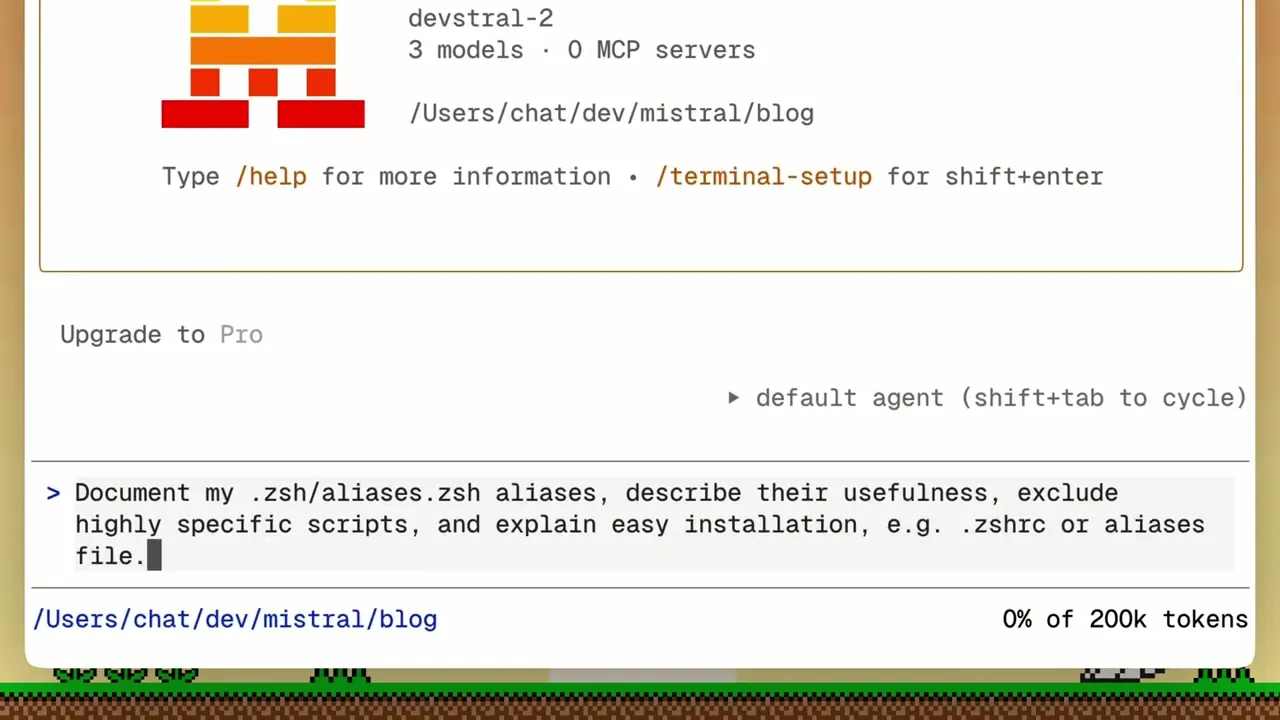
Documenting shell aliases with Vibe Code by Mistral AI
 Mistral
Feb 13, 2026 16:33
Mistral
Feb 13, 2026 16:33
Create an account to hide videos, mark them watched, or save them to Don't Miss.
Create an account to hide videos, mark them watched, or save them to Don't Miss.
Create an account to hide videos, mark them watched, or save them to Don't Miss.
Mistral Vibe CLI reads your dotfiles, understands what each alias does, and generates clean documentation automatically. Point it at your .zsh aliases, and it describes each command's purpose, filters out highly specific scripts, and explains how to install them via .zshrc or an aliases file.
Install Vibe CLI: uv tool install mistral-vibe
Get started with Devstral 2 via API: http://console.mistral.ai
Learn more: https://mistral.ai/products/vibe
–––
Subscribe: @MistralAIOfficial
Follow on X: https://x.com/mistralvibe
Follow on LinkedIn: https://www.linkedin.com/company/mistralai
Entertainment