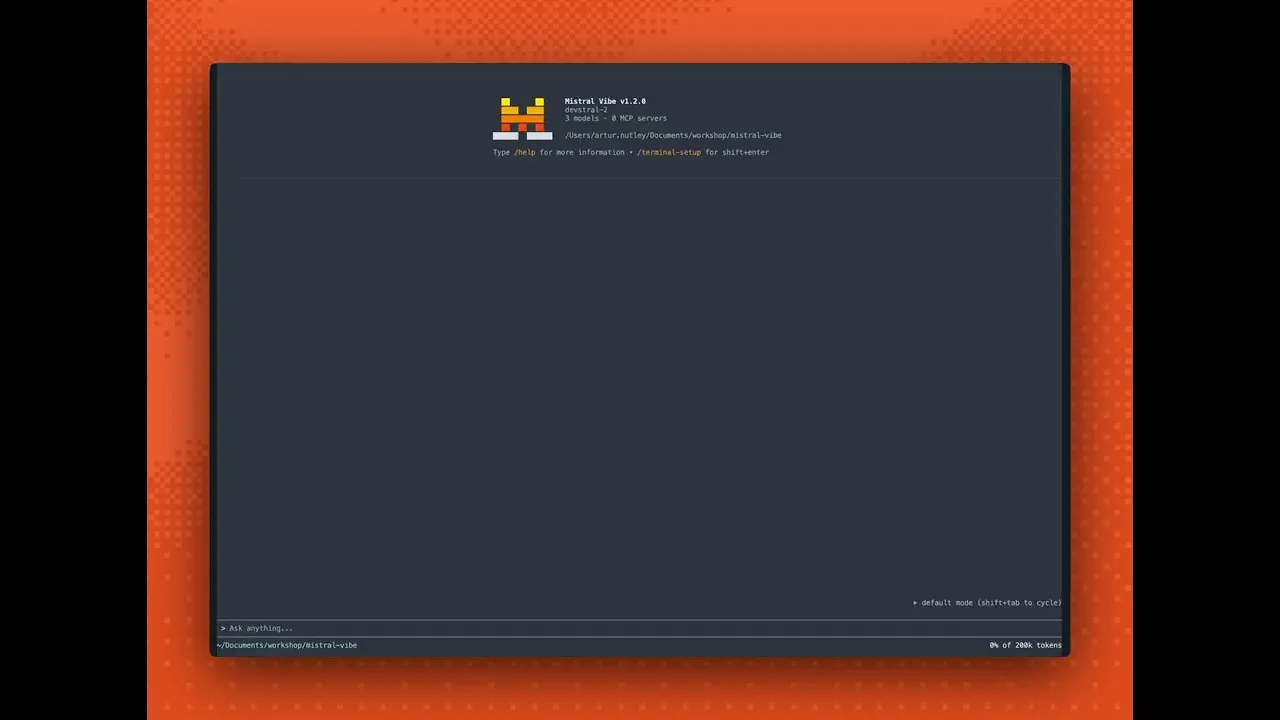
Custom modes in Mistral Vibe CLI
 Mistral
Jan 26, 2026 16:06
Mistral
Jan 26, 2026 16:06
Create an account to hide videos, mark them watched, or save them to Don't Miss.
Create an account to hide videos, mark them watched, or save them to Don't Miss.
Create an account to hide videos, mark them watched, or save them to Don't Miss.
Mistral Vibe CLI now supports custom modes, letting you define interaction patterns that match your workflow. Build modes that control how Vibe prompts, confirms, and executes—tailoring the CLI to your development style. Vibe CLI also ships with new default modes including Plan mode and Accept Edit mode, plus improved UI and session management for smoother context handling across tasks.
Install Vibe CLI: uv tool install mistral-vibe
Get started with Devstral 2 via API: http://console.mistral.ai
–––
Subscribe: @MistralAIOfficial
Follow on X: x.com/MistralAI
Follow on LinkedIn: linkedin.com/company/mistralai
Entertainment