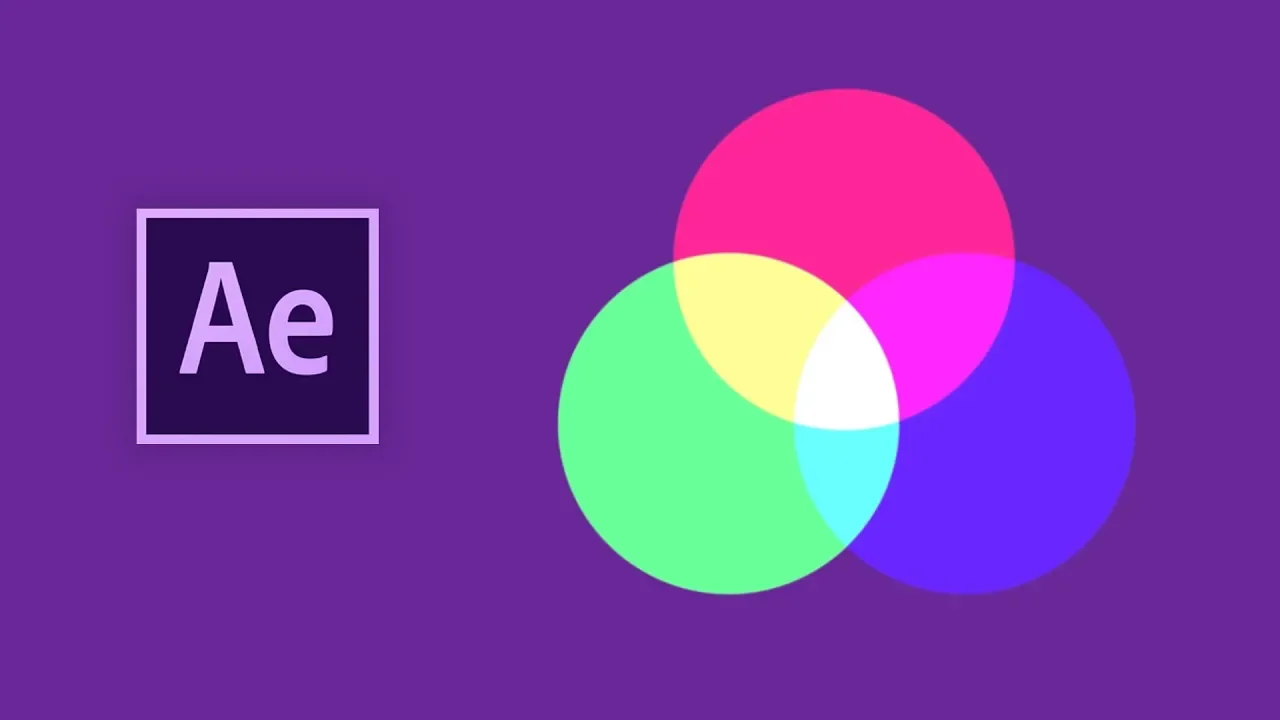
RGB Split in After Effects (No Plugins)
 Michael Tierney
May 15, 2019 06:41
Michael Tierney
May 15, 2019 06:41
Create an account to hide videos, mark them watched, or save them to Don't Miss.
Create an account to hide videos, mark them watched, or save them to Don't Miss.
Create an account to hide videos, mark them watched, or save them to Don't Miss.
▼ After Effects Beginners Course ▼
https://www.domestika.org/en/courses/2207-fundamentals-of-animation-in-after-effects/tierneytv
A quick and easy way to get that RGB split and glitch effect in After Effects using shape layers. Just like the Twitch effect without using any plugins.
A super easy tutorial for beginners to Adobe After Effects.
DON'T FORGET TO LIKE, SHARE, SUBSCRIBE!
FOR MORE TIPS, TRICKS & SHORTCUTS!
Website: http://tierney.tv
Instagram: http://instagram.tierney.tv
Behance: http://behance.tierney.tv
Youtube: http://youtube.tierney.tv
THANKS FOR WATCHING!!!
Michael Tierney
Motion Designer
www.tierney.tv
Film & Animation
#tutorial
#after effects tutorial
#after effects glitch tutorial
#after effects tutorial glitch
#after effects glitch effects
#after effects glitch
#after effects glitches
#create glitch effects
#glitch effects fast
#fast glitch effects
#glitch effects
#after effects
#adobe after effects
#after effects rgb splitting
#after effects twitch plugin
#after effects cc
#ae tutorial
#twitch effects
#rgb split
#rgb splitting effects
#red green blue splitting
#michael tierney